

Audio and text transformation
Transform recorded audio or text into a different voice using the site’s AI-driven workflow.

Voicechanger.im is a browser-based AI voice changer and speech synthesis tool for uploaded audio or text, ideal for content creation, privacy, entertainment, and voice effects.
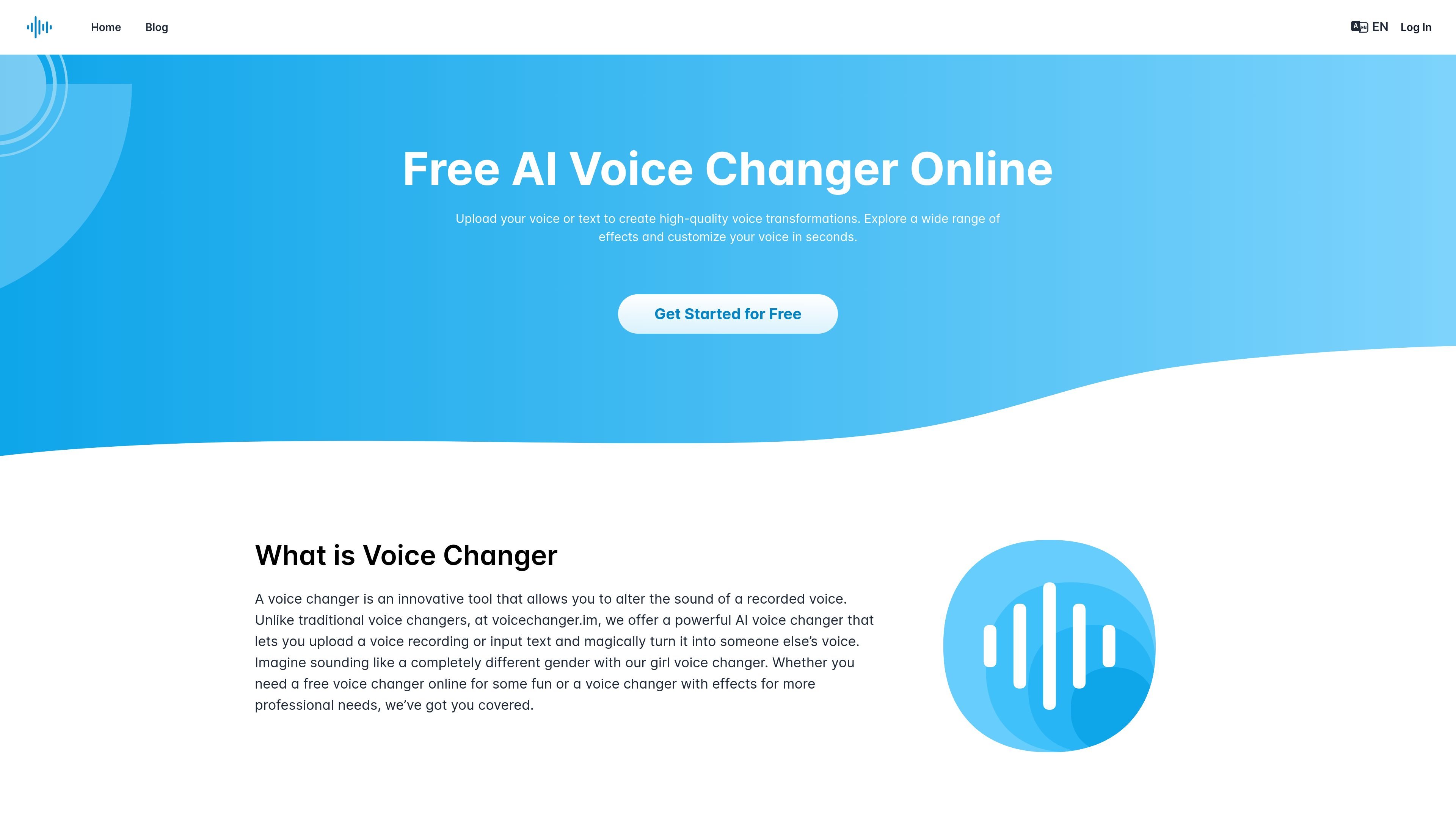
Voicechanger.im is an AI voice changer and speech synthesis web app that lets users upload recordings or enter text to create transformed voice output. The homepage positions it as a free online tool for voice effects, gender voice conversion, privacy use, entertainment, and content creation.
The app page also shows a speech synthesis workflow with voice presets, suggesting the product combines voice changing and text-to-speech style generation in one browser-based experience. The source does not confirm paid plans, integrations, or live streaming support.
Transform recorded audio or text into a different voice using the site’s AI-driven workflow.
Apply a range of voice effects, from robotic styles to more realistic voice alterations.
Switch between genders for role-play, gaming, and character-based content.
Upload audio from the app interface and work with files up to 50 MB.
Generate speech in multiple languages from the speech synthesis page.
Choose from preset voices labeled for different accents, tones, and use styles such as narration, news, social media, and characters.
Add alternate voices, character styles, or quick vocal changes to videos and podcasts without leaving the browser.
Mask a recorded voice for social posts, meetings, or other situations where anonymity matters.
Create novelty voices for jokes, pranks, or casual sharing with friends.
Use preset voices and speech synthesis for narration, character dialogue, news-style reads, or social-media clips.
The site describes the product as a voice changer that lets you upload a voice recording or enter text, then apply voice effects and generate a transformed result for download.
The homepage says uploaded recordings or text can be processed, and the app page shows an audio upload flow with a file size limit of up to 50 MB.
The product is presented as a free voice changer online on the homepage, but the pricing page returns a 404, so no confirmed paid plan details are available from the source.
The homepage says the tool is for content creation, privacy, entertainment, and professional audio work, so it appears suited to creators, casual users, and producers with character-voice needs.
The source does not describe real-time live voice changing; it states that uploaded recordings are processed and also asks whether it can be used as a real-time voice changer.

Altered is an AI voice changer and voice content creation platform for media production and live voice use. It combines voice morphing, text-to-speech, transcription, translation, cloning, and editing in one application.

MMaudio is an AI voice generation tool for turning videos into audio. Upload a video or paste a URL, use prompt controls, and choose free or paid credit-based plans.

魔音工坊 is an online text-to-speech and AI voiceover platform for short videos, audiobooks, and content creators, with script extraction and auto timing tools.

AI Jingle Maker is a browser-based tool for making branded audio jingles, DJ drops, podcast intros, and promos with text-to-audio, royalty-free sounds, and no subscription.

Voice Out is a text-to-speech browser extension that reads aloud Google Docs, PDFs, webpages, and books in multiple languages. It includes playback controls, keyboard shortcuts, and a free plan, with a Premium upgrade for additional voices and features.

Inpodcast AI is a browser-based AI podcast studio for turning documents, scripts, and text into podcast-style audio with voice cloning and text to speech.