

Natural-language spreadsheet commands
Create, fill, and transform spreadsheet content from plain-language prompts instead of writing formulas by hand.

AiAssistWorks is an AI add-on for Google Sheets, Docs, and Slides that automates spreadsheet, document, and presentation tasks with your own AI provider key.
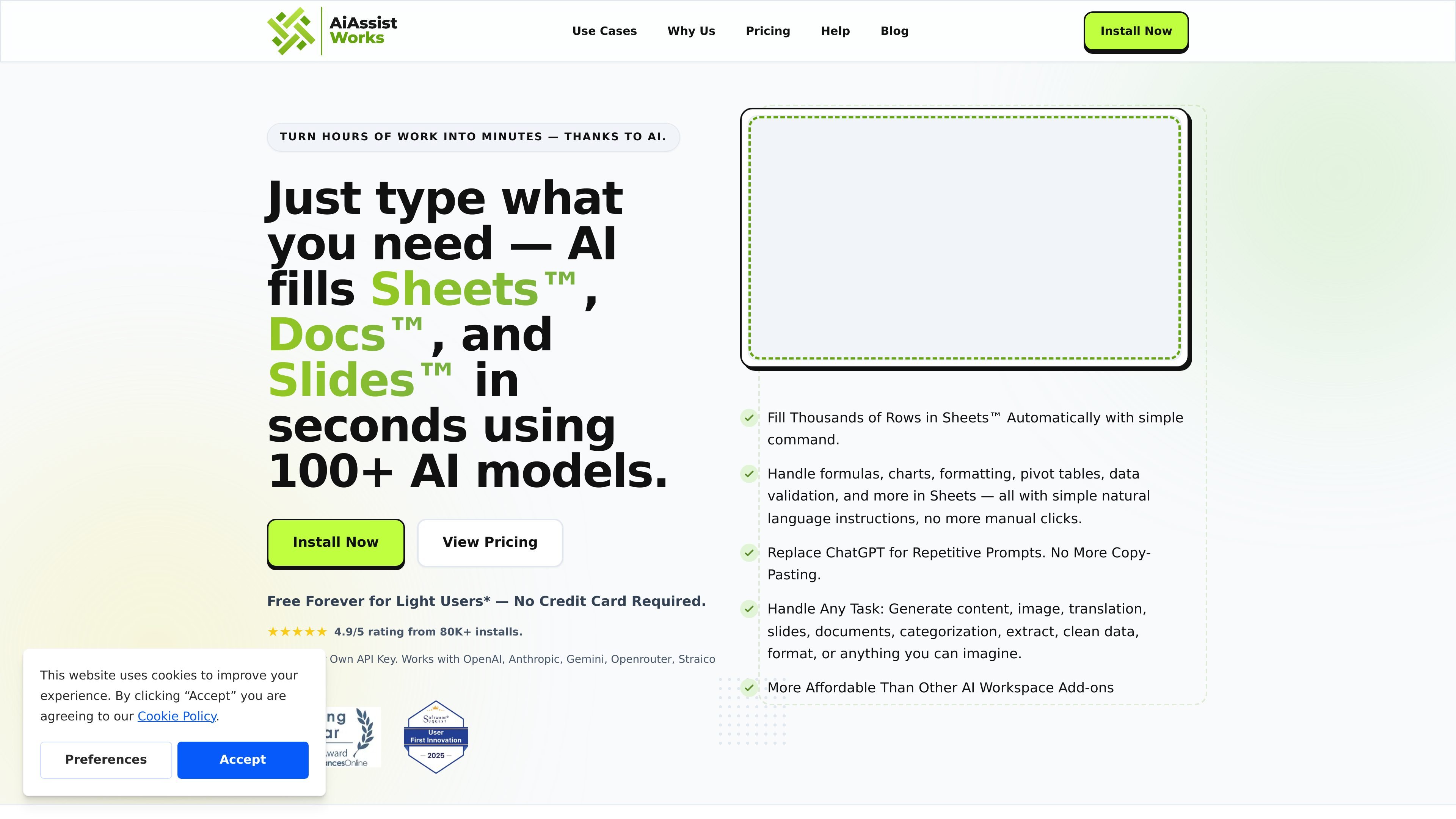
AiAssistWorks is an AI add-on for Google Sheets, Docs, and Slides that lets users describe work in plain language and have the tool generate or transform content inside Google Workspace. The site presents it as a way to replace repetitive prompting, copying, and manual spreadsheet work with AI-assisted actions.
The product is built around a bring-your-own-API-key model. The homepage and pricing page say it works with multiple AI providers, supports batch workflows in Sheets, and can be used for tasks such as filling rows, generating slide decks, rewriting text, and creating AI images.
Create, fill, and transform spreadsheet content from plain-language prompts instead of writing formulas by hand.
Handle spreadsheet tasks such as formulas, charts, pivot tables, formatting, data validation, conditional formatting, and table creation.
Process large jobs in batches, with the site saying the tool can handle thousands of rows and smart queueing for large sheets.
Generate and edit slide decks, document text, and related content directly in Google Slides and Google Docs.
Use your own API key with supported providers, including OpenAI, Anthropic, Gemini, OpenRouter, Straico, and Groq.
Create AI images inside Docs, Slides, or Sheets without switching to another tool.
Populate large spreadsheets with categorized, translated, or generated content using a prompt instead of manual copying and formula work.
Build slide decks, pitch presentations, reports, or proposal decks from a short description and then refine the output in Slides.
Rewrite, translate, or improve text directly in Google Docs without moving content into a separate AI chat tool.
Turn spreadsheet data into charts, pivot tables, and formatted tables for reporting and analysis.
Create AI-generated images for documents, slides, or sheets when a visual asset is needed inside the workflow.
AiAssistWorks provides add-ons for Google Sheets, Google Docs, and Google Slides. The site positions the product around filling spreadsheets, generating and editing documents, and creating slide content with natural-language instructions.
The site says the Lite plan is free forever for light users with up to 100 execution credits per month. Paid Plus plans are available monthly, yearly, and as a lifetime option, and all plans use your own AI provider key for usage.
The add-ons are designed to work without complex formulas or coding. Users describe the task in plain language, then the tool runs the requested AI workflow in Sheets, Docs, or Slides.
The site says the product works with providers including OpenAI, Anthropic, Gemini, OpenRouter, Straico, and Groq. It also recommends Straico or OpenRouter for users who are new to choosing an AI provider.
The pricing page states that usage is tied to your chosen AI provider and Google Sheets limits. The product does not store your API key, prompt, result, or Google Sheet content on its server, according to the FAQ text shown on the homepage.

Arcwise is an AI product for detecting meaningful metric changes and explaining them with data-grounded analysis. It turns warehouse and business-context data into decision-ready reports in app, docs, or slides.

SlideSpeak is an AI presentation maker that turns prompts and source files into editable PowerPoint decks. It also redesigns slides, translates, summarizes, and supports branding and video presentations.

讯飞写作 is an AI writing assistant for office, news, marketing and official content. Import audio, video, Word, images and PPT to draft faster.

小艺 is Huawei’s AI smart assistant for Q&A, writing, document reading, code help, image recognition, and file drag-and-drop.
ChartAI is a web-based AI tool for charts, diagrams, infographics, and visuals for presentations, papers, and projects.

LexWorkplace is a cloud-based document and email management system for law firms, helping teams organize matters, search documents and email, and manage legal workflows from Outlook.