

Career path exploration
Helps learners identify careers that fit their strengths and interests, understand industry trends, and consider internships or entrepreneurship paths.

Coach is an AI-powered career coach from CareerVillage.org for students, job seekers, and institutions. Free personal access; paid plans for guidance, reporting, and workflows.
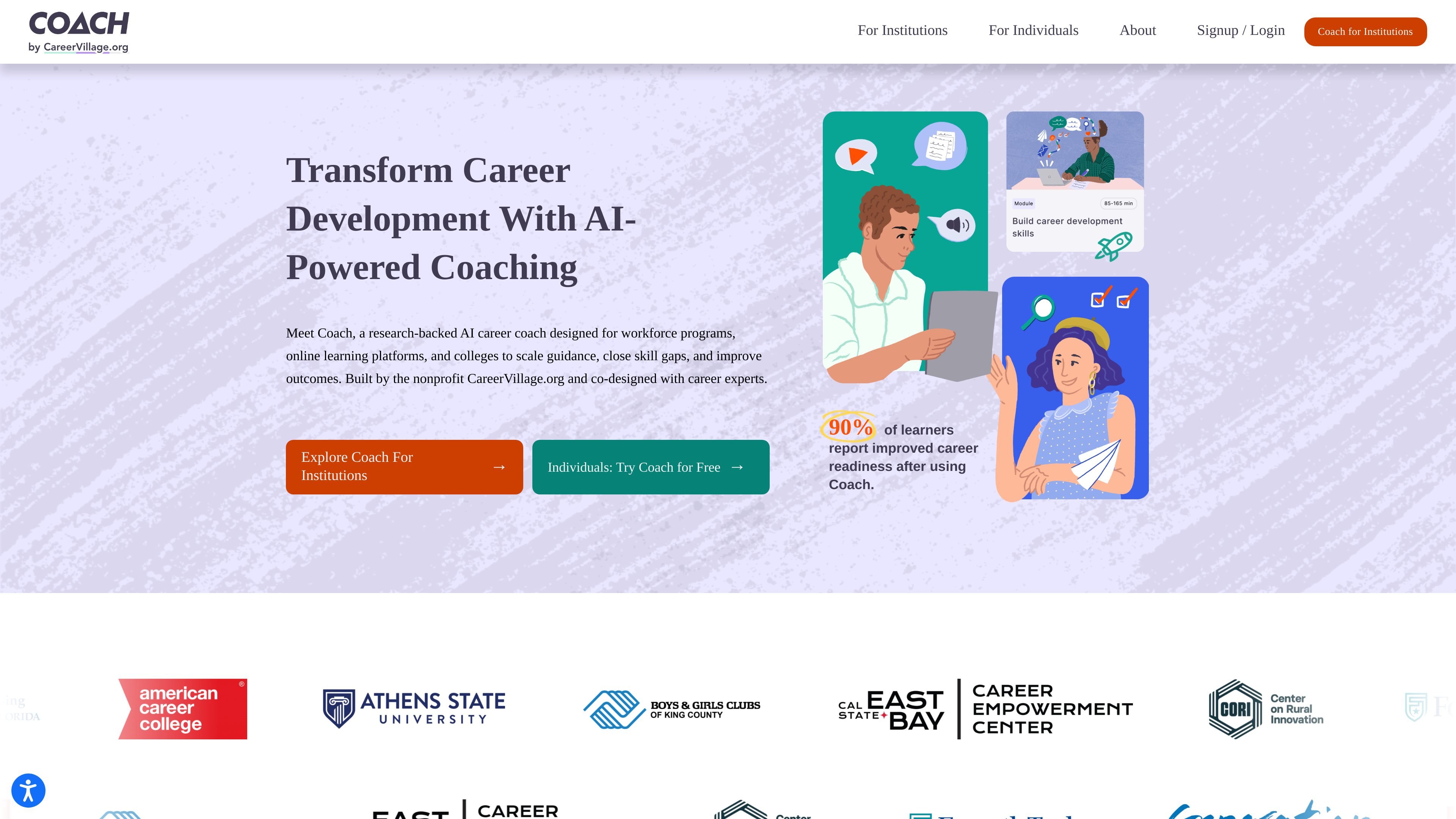
Coach is an AI-powered career coach from CareerVillage.org that provides research-backed career readiness activities for students, job seekers, and learners in workforce and online learning programs. It is designed to support people at different stages of their career journey, from exploring options to preparing for applications and interviews.
For institutions, Coach is positioned as a tool for scaling career guidance when staff time is limited. The site says it can be used by career services teams, workforce development organizations, and online learning platforms, either as a standalone licensed product or embedded through an integration plan. Individual learners can also use Coach for free.
Helps learners identify careers that fit their strengths and interests, understand industry trends, and consider internships or entrepreneurship paths.
Supports communication, networking, time management, prioritization, salary negotiation, and other workplace-ready skills.
Generates resume and cover letter guidance, explains job postings, and helps users address employment gaps and other application questions.
Provides AI-powered interview practice with feedback, including help with common questions and the STAR method.
Connects school-to-career guidance with career-specific pathways so learners can move from education into next steps more deliberately.
Offers API and widget options for platforms, plus institutional dashboards, assignments, chat review, and reporting for licensed organizations.
Students can use Coach to explore career paths, identify occupations that match their interests, and get help with resumes, job applications, and interview practice.
Career services teams can use Coach to extend advising capacity with assignments, dashboards, chat review, and reporting while keeping staff focused on higher-touch conversations.
Workforce development organizations can offer 24/7 guidance for job seekers who need help building confidence, understanding next steps, and preparing for the job search.
Online learning and EdTech platforms can embed Coach with an API or widget to add career guidance alongside course content and improve learner outcomes.
Individual learners can sign up for free when they want direct access to career readiness activities without an institutional account.
Coach offers two ways for organizations to use the product: an Integration Plan for embedding Coach into a platform or app, and an Institutional License Plan for giving users direct access with tools like SSO, assignments, and educator dashboards. Individuals can use Coach free of charge.
The pricing page says Coach can be embedded as a widget or API in the Integration Plan, and the tech page describes seamless API and widget integration for learning platforms. The standalone Institutional License Plan is available for organizations that want direct access without embedding it into another product.
Coach includes reporting and impact tracking in all plans, with institution-level reporting in the Integration Plan and reporting at institution and educator levels in the License Plan. The pricing flow also mentions dashboards, assignments, and chat review for licensed institutions.
Coach is positioned for students, job seekers, career services teams, workforce development leaders, and online learning or EdTech platforms. The homepage and pricing page describe it as useful for exploring career paths, building job-search skills, and supporting career guidance at scale.
The pricing page states that Coach is built with institutional compliance in mind and is SOC 2, FERPA, and GDPR compliant. It also says Coach meets WCAG 2.2 AA accessibility guidelines and includes TTS, speech-to-text, and screen reader compatibility.

Teacher AI is a speaking-practice app for language learners to practice real conversation with AI clones of YouTube language teachers on iOS, Android, and web.
Answers AI is an AI-powered education platform for students and educators, offering answers, study help, and assignment support across web, mobile, and Chrome tools.

小艺 is Huawei’s AI smart assistant for Q&A, writing, document reading, code help, image recognition, and file drag-and-drop.

Super Teacher is a tutoring app for elementary schools that teaches reading and math with step-by-step instruction, classroom use, home access, and progress tracking.

Flashcard Generator turns documents, notes, images, audio, video, and YouTube links into study cards. Free plan, edit and share decks.

ChordChord is a browser-based chord progression generator for music makers, with editable progressions, arrangement tools, and exports to MIDI, WAV, MP3, or PDF.