

Unified search across workplace tools
Connect Dashworks to apps, docs, websites, messaging tools, and data sources so employees can search across information that would otherwise stay siloed.

Dashworks is an AI assistant for workplace questions that unifies search across apps, docs, websites, and messaging tools for current answers in Slack or browser.
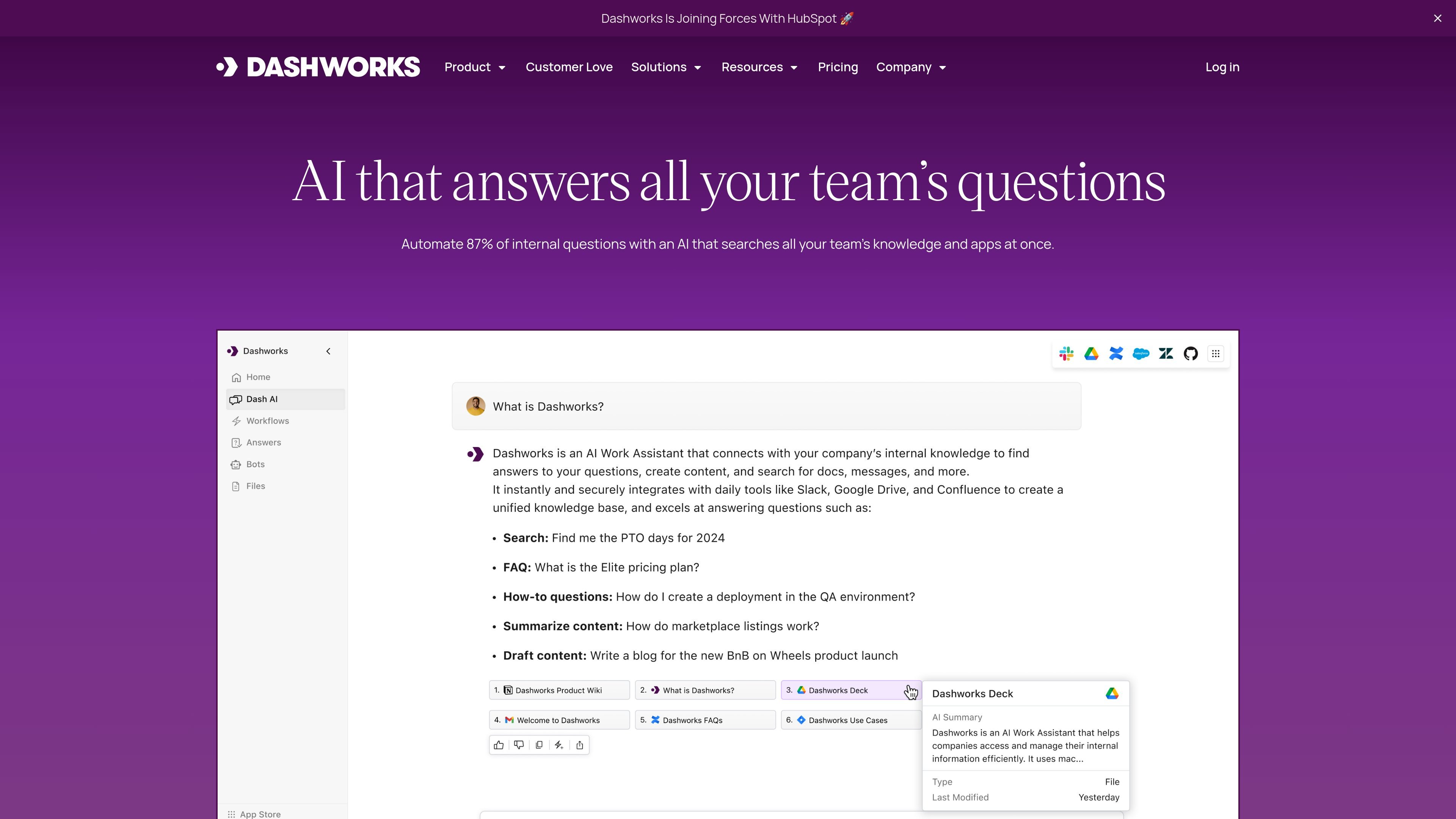
Dashworks is an AI assistant for workplace questions. It connects company apps, docs, websites, and messaging tools into a unified search experience so teams can ask questions in natural language and get answers from the information they already use.
The product is aimed at internal knowledge retrieval rather than general chat. The site describes use cases across support, sales, engineering, and product teams, and says Dashworks can be used in Slack or through a browser-based workflow while returning answers with citations.
Connect Dashworks to apps, docs, websites, messaging tools, and data sources so employees can search across information that would otherwise stay siloed.
Dashworks returns answers from live data and includes citations, which helps users verify where each answer came from and reduces reliance on stale syncs.
Create one bot or several assistants for different workflows, including onboarding, product questions, and support use cases.
Use Dashworks inside Slack or as a browser homepage, and let teams ask questions without switching to a separate search portal.
The product is positioned around a no-indexing approach, with live API calls and immediate permission updates described on the security page.
Pricing and integration pages show support for plans and connectors that scale from basic team search to business and enterprise needs, including org-wide integrations and multiple accounts for integrations.
Support teams can search historical tickets, docs, and product wikis to answer customer questions faster and reduce repeated lookup work.
Sales teams can pull answers about accounts, contacts, and customer details from connected systems to respond more quickly during deals.
Engineers can search code, issues, docs, and Slack threads when tracking down bugs, on-call context, or technical answers.
Product teams can ask questions about product data across tools to create a shared knowledge base for internal product questions.
People teams can use Dashworks in Slack or the browser to answer recurring internal questions and direct employees to the right source information.
Dashworks connects to company apps, websites, and docs, then answers questions using live search with citations from the connected sources.
The source pages show support for setup in minutes, without lengthy indexing, so teams can begin searching after connecting their apps.
Dashworks is presented as a team product for workplace questions, with use cases spanning support, sales, engineering, and product teams.
The pricing page lists Team, Business, and Enterprise plans. Team starts at $12 per seat per month on monthly billing or $10 per seat per month on yearly billing, and Business starts at $15 per seat per month on monthly billing or $12 per seat per month on yearly billing.
The security page says Dashworks uses a no-indexing approach and supports deployments as SaaS or on your own cloud infrastructure.

Crossing Minds is a retrieval platform for accurate, secure, scalable AI applications. The public site also says the team is joining OpenAI.
Twine AI Launcher is an Android launcher with AI assistant access, bringing ChatGPT-style help to your homescreen for quick answers, notes, tasks, reminders, and people memory.

书生 is a general-purpose large model suite for language, multimodal, weather, ocean, industrial design, 3D, finance, and scientific discovery tasks.

AI Magicx is a unified AI workspace for chat, image, video, voice, music, email and developer tasks, helping teams and creators manage multiple models in one place.

阶跃AI is a personal efficiency assistant from 阶跃星辰 for knowledge search, writing, coding, and daily automation. Download on desktop and mobile, and trigger web, files, and reminders by voice.

TakeCareOS is a web platform for home care, disability, and aged care agencies, with rostering, billing, compliance, and AI admin tools.