

Large-context model with native vision
Kimi K3 is presented as a 2.8T-parameter model with native vision capabilities and a 1-million-token context window, aimed at long-horizon coding, knowledge work, and reasoning.

Kimi K3 is Moonshot AI's flagship model for coding, reasoning and knowledge work, with a 1-million-token context window and native vision across Kimi.com, Kimi Work, Kimi Code and the Kimi API.
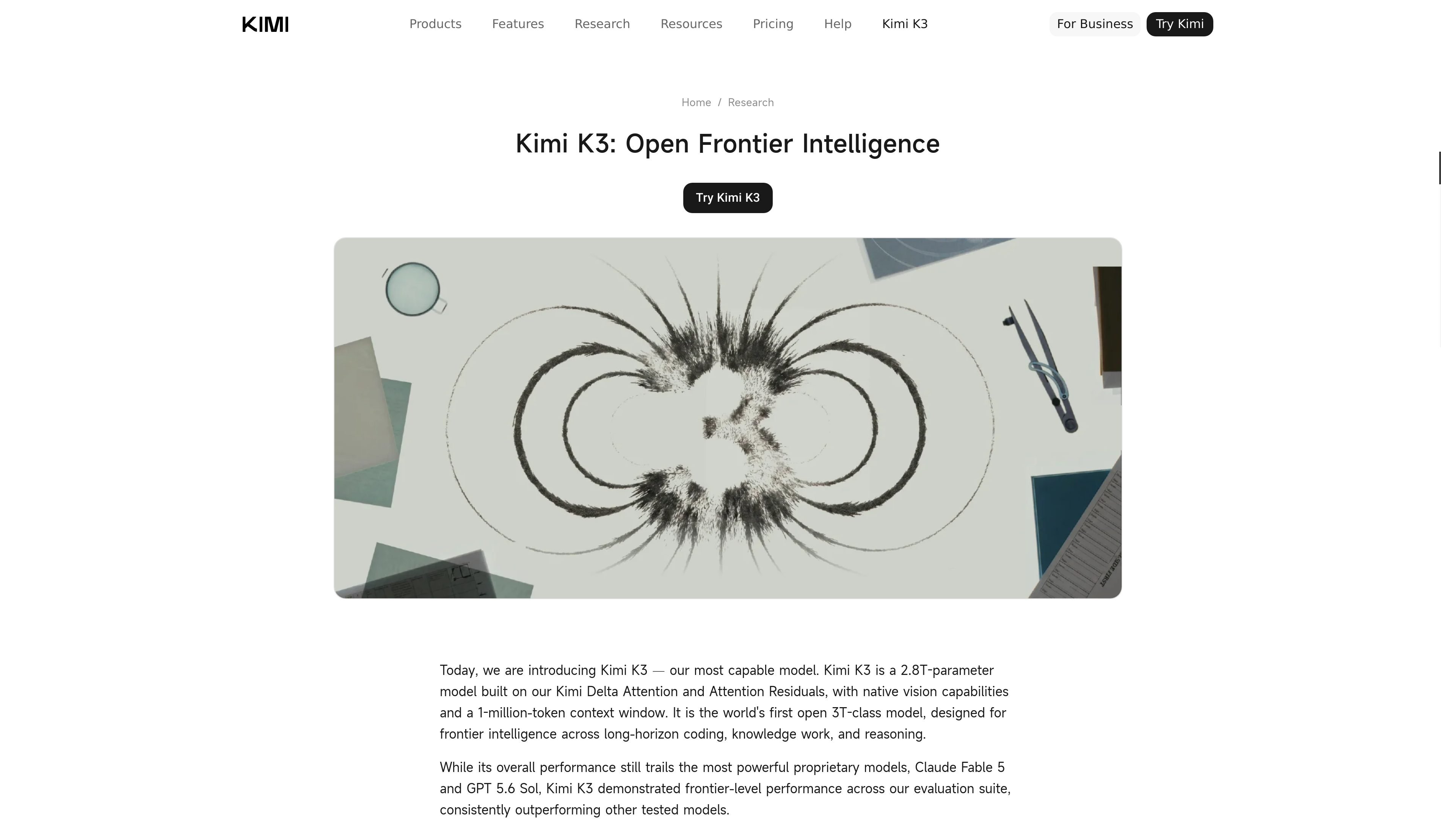
Kimi K3 is Moonshot AI's flagship model for coding, reasoning, and knowledge work. The blog describes it as a 2.8T-parameter model with native vision capabilities and a 1-million-token context window, and calls it the world's first open 3T-class model.
The surrounding product pages show Kimi K3 deployed across Kimi.com, Kimi Work, Kimi Code, and the Kimi API. Kimi Work adds desktop automation for local files, browser tasks, and scheduled execution, while Kimi Code focuses on terminal and CLI-based development workflows.
Kimi K3 is presented as a 2.8T-parameter model with native vision capabilities and a 1-million-token context window, aimed at long-horizon coding, knowledge work, and reasoning.
The blog says Kimi K3 can sustain long engineering sessions, navigate massive repositories, orchestrate terminal tools, and work with screenshots and visuals during software and game development tasks.
Kimi Work mounts local folders, runs Python code in the background, and operates as a desktop agent for workflows that involve files, browser automation, and scheduled tasks.
WebBridge lets Kimi browse across tabs, extract data, and execute multi-step web tasks while the user provides the goal and Kimi handles the interaction steps.
The product describes an agent swarm approach that coordinates multiple specialized agents and can turn research output into PowerPoint decks or Excel sheets.
The pricing page and blog indicate Kimi K3 is available across Kimi.com, Kimi Work, Kimi Code, and the Kimi API, with Kimi Code exposing CLI-based developer workflows.
Use Kimi K3 for large codebases, long engineering sessions, terminal orchestration, and tasks that benefit from reading screenshots or visuals while iterating on software.
Use Kimi Work when a task spans local folders, browser research, Python execution, and scheduled runs, such as collecting files, summarizing them, and producing a report.
Use the browser automation workflow to collect information from websites, navigate tabs, and summarize or export the results without manually handling each page.
Use the multi-agent workflow to split complex research into parallel sub-tasks and convert the outcome into presentation or spreadsheet deliverables.
Use the Kimi Code CLI for terminal-oriented development tasks where an agent needs to fit into an existing developer workflow and support code generation or debugging.
Kimi Work is a desktop local agent for deeper workflows, while the web app is described as better for quick chat and queries. Kimi Work mounts local folders, navigates the web autonomously with WebBridge, runs Python code in the background, and executes scheduled tasks.
The product says it uses an Ask before acting safeguard. Kimi will prompt for explicit authorization before it modifies, overwrites, or runs code within local directories.
WebBridge is described as browser automation that can use a browser like a human: it can click, scroll, browse across tabs, extract data, and carry out multi-step web tasks from a prompt.
Scheduled Tasks are handled by a built-in Cron scheduler that supports LLM Agent calls, Python/Shell executions, and more. Tasks can run daily, hourly, or conditionally, and the product notes a Keep Computer Awake option for overnight execution.
The page states that Kimi K3 is available today on Kimi.com, Kimi Work, Kimi Code, and the Kimi API. The browser-selected pages also show Windows and macOS download options for Kimi Work, with macOS labeled for Apple silicon.
Данные о трафике приведены только для справки.

Orca is an Agent Development Environment for shipping with coding agents, running multiple CLI agents in parallel across isolated worktrees, with desktop and mobile workflows.

Firebase Studio is a web-based workspace for full-stack app development with Gemini-assisted coding, app previews, cloud emulators, collaboration, and browser deployment.
OpenAI offers ChatGPT, API, Platform tools, and Codex for conversational AI, model building, and research and product updates.

AakarDev AI helps teams manage AI provider access, project setups, logs, and analytics in one dashboard with BYOK support.

JetBrains makes developer tools for individuals and teams, including IntelliJ IDEA, PyCharm, DataGrip, WebStorm, Rider, and CLion, with built-in run/debug/test workflows.

书生 is a general-purpose large model suite for language, multimodal, weather, ocean, industrial design, 3D, finance, and scientific discovery tasks.