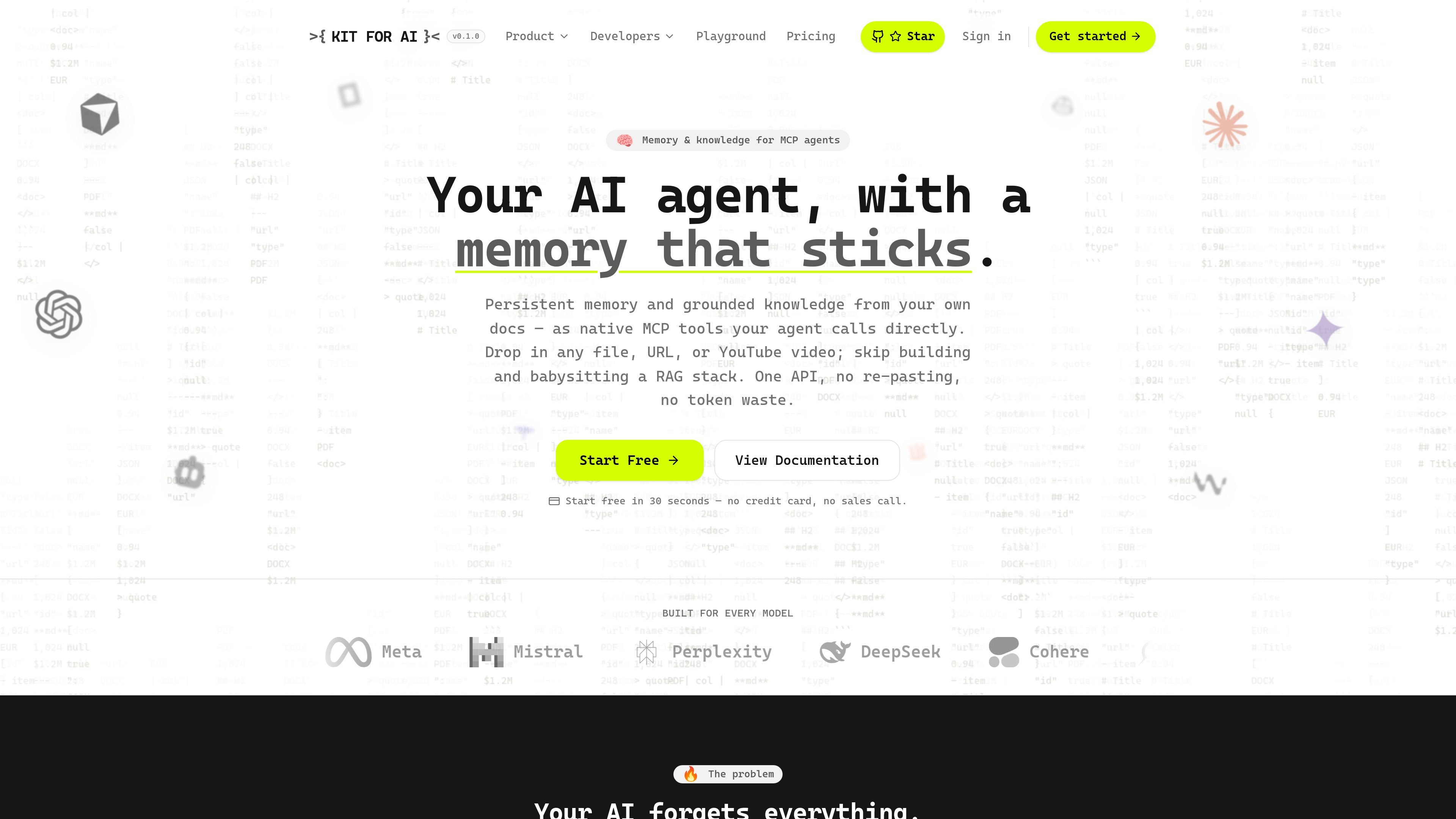
What Kit for AI is

Kit for AI is an API and agent layer for persistent memory, document conversion, and grounded retrieval. It is designed to help AI agents keep track of facts across sessions while also turning files, URLs, and videos into searchable knowledge that the agent can use in conversation.

The product combines memory tools, conversion endpoints, and knowledge-base chat in one system. According to the site, agents can call its tools directly over MCP or REST, and the same API key works across both paths. That lets builders avoid wiring together a separate RAG stack, parser pipeline, and memory service when they only need a single retrieval and memory layer.

The documentation shows a focus on practical workflows: ingest content, convert it to Markdown or JSON, attach it to a knowledge base, and retrieve cited answers later. The pricing page also shows a free tier, invite-only Pro and Business plans, and custom Enterprise pricing for larger deployments.

Core capabilities

Persistent memory

Store facts, preferences, and decisions as durable memories that can be recalled later through MCP tools or REST endpoints. Near-duplicates are skipped server-side, and whole conversations can be processed to extract durable facts automatically.

Document and URL conversion

Convert files or URLs into clean Markdown or structured JSON for LLMs and agents. The documentation lists support for PDF, Word, Excel, PowerPoint, CSV, HTML, images, and web pages.

Automatic OCR

Turn scanned pages and image inputs into text automatically through OCR, with optional deeper extraction for complex layouts on Pro plans.

Knowledge bases with cited chat

Group converted content into named knowledge bases and query them with cited answers. The product also supports hybrid retrieval with vector and full-text search plus reranking.

MCP-native and API access

Expose the same capabilities through MCP and REST so agents in tools such as Claude Code or other MCP clients can use the platform directly.

Batch conversion and attachment

Process up to 25 files or URLs per batch request and attach results to a knowledge base in the same workflow.

Common ways teams use it

  • Persist context for AI agents

    Use remember and recall to keep user preferences, project facts, and decisions available across sessions, rather than re-asking for the same context in every conversation.

  • Build document-backed chat

    Feed files or URLs into the conversion API and attach the output to a knowledge base so an assistant can answer questions from grounded source material.

  • Extract structured fields

    Convert invoices, forms, or other structured content into typed JSON using a schema when the goal is extraction instead of summarization.

  • Connect agents through MCP

    Point an MCP-capable client such as Claude Code at the HTTP MCP endpoint so the agent can use memory, search, and conversion tools without a separate integration layer.

  • Maintain searchable source collections

    Use batch conversion and scheduled URL refresh to keep a library of reference material current for retrieval workflows and internal knowledge bases.

Pros and Cons

Pros

  • Combines memory, document conversion, and retrieval in one API instead of splitting them across separate tools.
  • Supports both MCP and REST, which makes it usable in agent clients and custom applications.
  • Works with many common content types, including files, web pages, images, and YouTube videos.
  • Can return grounded answers with citations from knowledge bases rather than uncited responses.
  • Offers a free tier for getting started without a credit card.
  • Includes multi-tenant support through end_user_id for isolating end-user memory namespaces.

Cons

  • Some higher-capacity plans are invite-only, so access to Pro and Business is not open self-serve.
  • The public sources do not provide detailed rate limits, team permissions, or implementation constraints for every workflow.

FAQ

How do I connect Kit for AI to an agent or app?

Kit for AI can be used through either MCP or REST with the same API key. The setup page shows an HTTP MCP endpoint and a REST base URL, and the documentation also mentions an official SDK.

What kinds of content can Kit for AI convert or ingest?

The documentation says it supports documents such as PDF, Word, Excel, PowerPoint, CSV, HTML, and images, plus URLs and YouTube videos. OCR is applied automatically for scanned pages and image inputs.

What output formats does Kit for AI support?

It can return either clean Markdown or structured JSON. JSON output is driven by a user-supplied schema, which makes it suitable for tasks like invoice or form extraction.

Is there a free plan or paid usage only?

The pricing page shows a free tier and invite-only paid tiers. Pro and Business plans are invite-only, while Enterprise uses custom pricing and includes options such as SLAs, dedicated infrastructure, SSO, custom integrations, and white-glove onboarding.

Can Kit for AI separate memory per end user?

The setup page says it supports an optional end_user_id so each end user can have an isolated memory namespace, which is useful for multi-tenant apps. The account also has its own memory namespace if end_user_id is omitted.

Quick Facts

Category
Developer Tool
Primary use
Agent memory, document conversion, and grounded retrieval
Interfaces
MCP and REST
Inputs
Files, URLs, images, and YouTube videos
Outputs
Markdown or structured JSON
Pricing
Free tier available; Pro, Business, and Enterprise options on the pricing page