

Text-to-song generation
Generate complete songs from a text prompt, with support for lyrics, style, and title inputs on the main creation flow.

MakeBestMusic is a web-based AI music generator for royalty-free songs, instrumentals, and voice covers from text. Quick creation and custom workflows available.
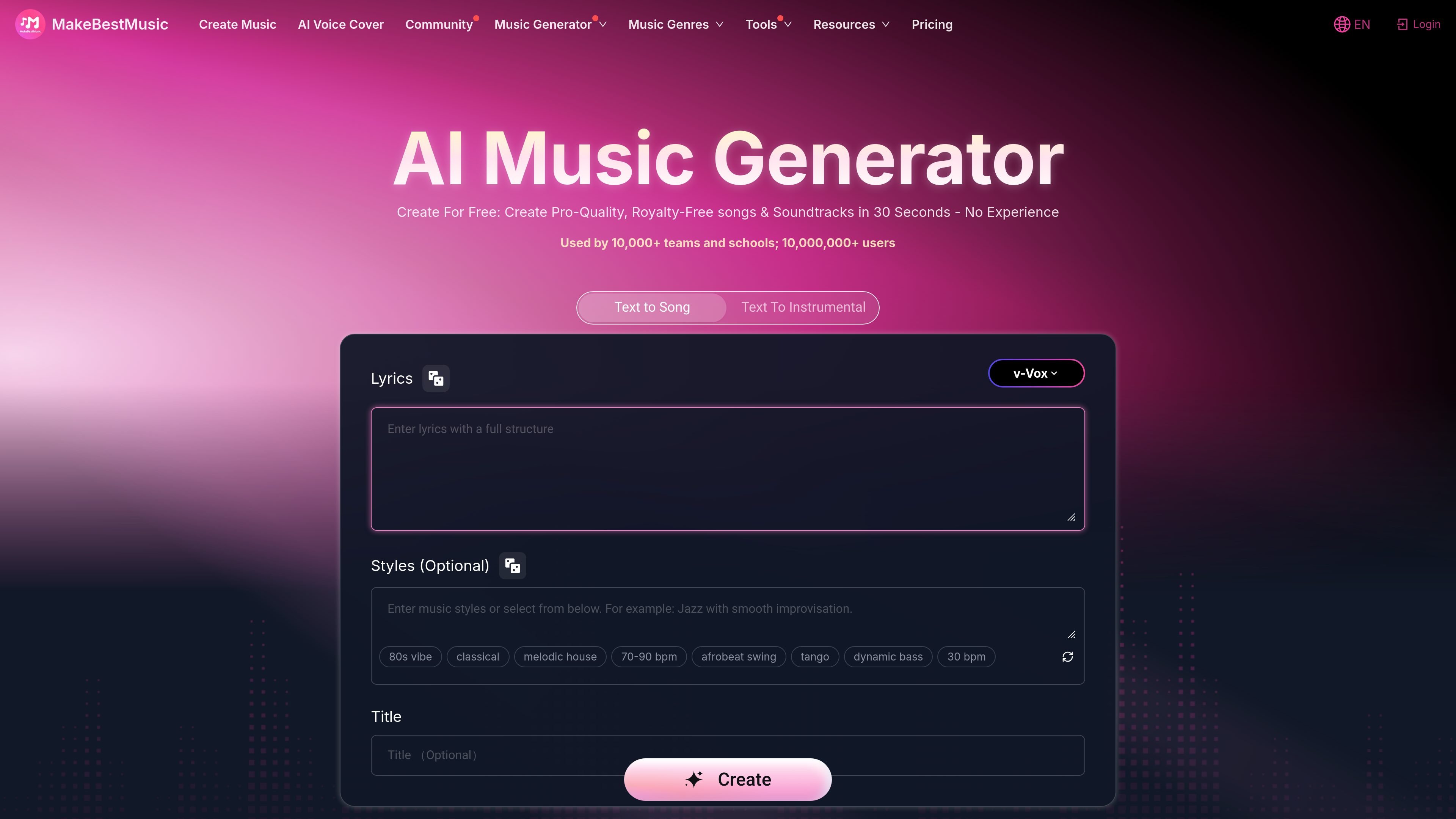
MakeBestMusic is an AI music generator that creates full songs and soundtracks from text descriptions. The site positions it as a tool for making royalty-free music with vocals, instrumental tracks, remixes, splits, and voice covers.
The product is aimed at people who want to create music without traditional production experience, as well as users who want more control through a custom workflow. The main creation page offers Simple Mode for quick generation and Custom Pro Mode for structured lyrics, detailed style inputs, and advanced options.
Generate complete songs from a text prompt, with support for lyrics, style, and title inputs on the main creation flow.
Create songs in Simple Mode for quick, one-click generation or switch to Custom Pro Mode for structured lyrics and more detailed style control.
Create instrumental tracks when you want wordless background music or a mood-based composition rather than a vocal song.
Use advanced options in Custom Mode to control elements such as unwanted genres, song weirdness, and mixing.
Transform vocals into another voice with the AI Voice Cover tool, which the site presents as a way to sing any song in a different voice.
Split music separately from full-song creation when you need stems such as drums or vocals, rather than a complete mix only.
Use Simple Mode when you want a fast song idea from a short description and do not need detailed production controls.
Use Custom Pro Mode when you need structured lyrics, style specifications, and finer control over the generated result.
Use the instrumental workflow to create background music or mood-based tracks without vocals.
Use the AI voice cover tool to transform an existing vocal performance into another voice style.
Use the split music function when you need separate parts instead of a finished full mix.
The site says you can start creating from a simple text description. The create-music page also offers a Simple Mode for one-click song creation and a Custom Pro Mode for more detailed control.
The pricing page states that paid subscribers own the copyright to the songs they create and can use them on platforms such as YouTube and Spotify.
The create-music page says full-song generation does not include splitting. If you want to separate drums or vocals, use the Split Music function.
The pricing page lists download options for MP3 and WAV on paid plans. It also shows high-quality audio exports.
The create-music page presents both vocal song generation and instrumental music creation. It also includes an AI voice cover tool for transforming vocals into different voices.
Данные о трафике приведены только для справки.

Musicfy AI is a web-based AI music generator for songs, covers, and voice tracks with AI voices or custom voice models. Free to try, with Starter, Professional, and Studio plans.

Vocs AI is an AI voice-to-voice generator that turns recorded vocals into the sound of a selected AI artist for singers, podcasters and creators.

SongR turns a few keywords into a custom song with lyrics and vocals, built for easy sharing on social media without musical experience.

Voice-Swap is an AI voice transformation tool for musicians, creators, artists, and creative teams with voiceover, singing, custom voice models, and credit-based plans.

AIMusixer is a browser-based AI music generator that turns text prompts into songs, with separate support for singer videos and paid plans.

Altered is an AI voice changer and voice content creation platform for media production and live voice use. It combines voice morphing, text-to-speech, transcription, translation, cloning, and editing in one application.