

Voice chat
Chat with AI using voice for hands-free interaction and faster back-and-forth communication.

OpenCat is a native AI chat client for Mac, iOS and iPad with voice chat, image generation, translation and Siri Shortcuts access.
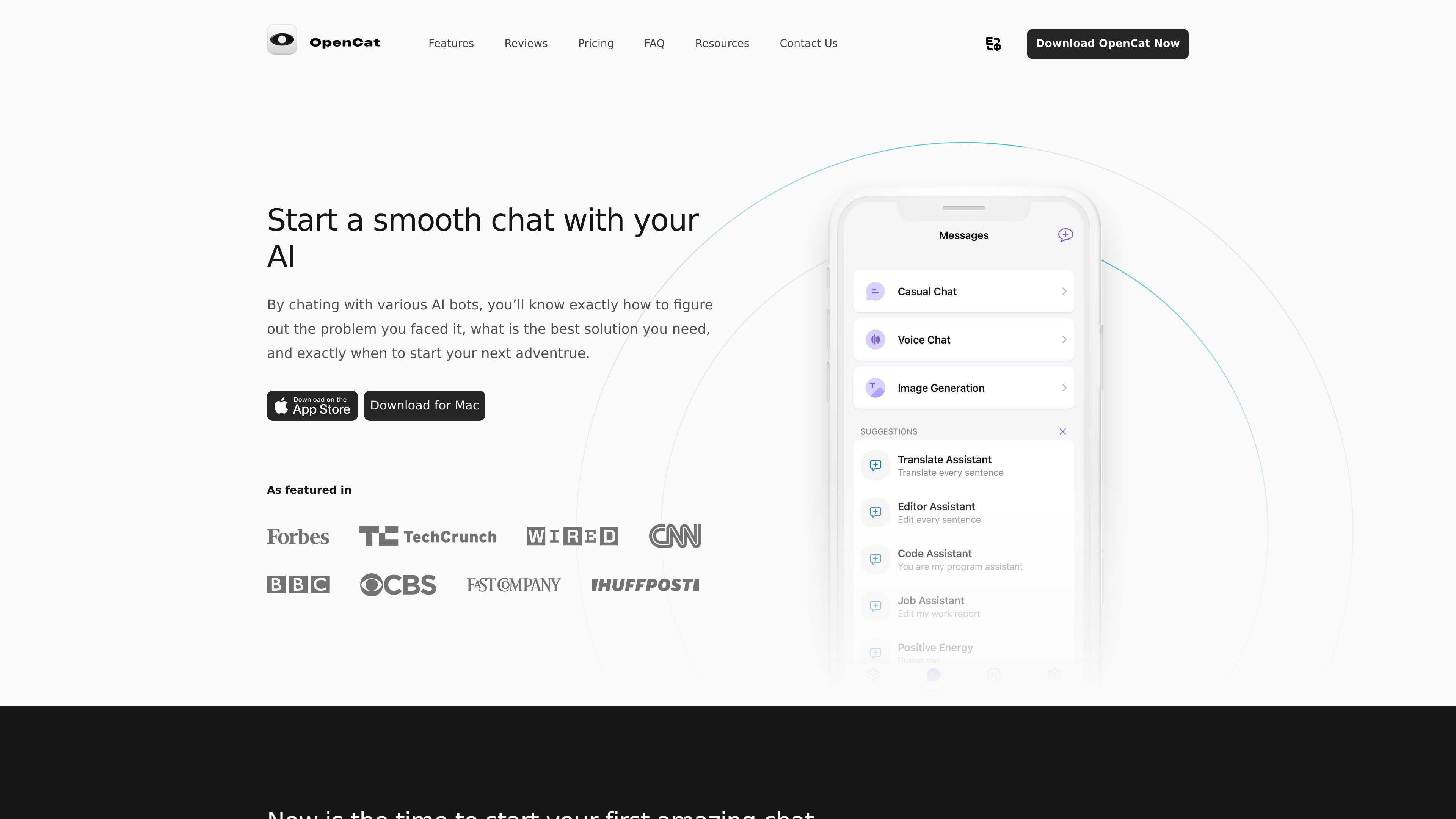
OpenCat is a native AI chat client for Mac, iOS, and iPad. The site describes it as a smoother and faster chat experience than the web, with an emphasis on running chat through platform-native features instead of a browser-only interface.
Its main workflow is AI conversation, but the app also adds voice chat, image generation, translation, Markdown rendering, a prompt library, Siri Shortcuts access, keyboard input in other apps, and iCloud sync. The site also says OpenCat supports team use and multiple AI models.
Chat with AI using voice for hands-free interaction and faster back-and-forth communication.
Turn text prompts into images using the app’s image-generation workflow.
Use images and emojis in chat conversations to support more visual exchanges.
Translate text between languages inside the app to help with cross-language communication.
Use AI in other apps such as Messages, Notes, and Mail through keyboard input or extension features.
Access chat from Siri Shortcuts, keep conversations synced with iCloud, and switch between multiple AI models.
For users who want a dedicated AI client on Apple devices, OpenCat provides chat through a native app instead of a web interface.
For people who need to work while switching apps, keyboard input and Siri Shortcuts let them access AI without leaving their current workflow.
For users who prefer richer conversation modes, the app supports voice chat, image chat, and text-to-image generation.
For people managing repeated prompts or shared workflows, the prompt library, iCloud sync, and team feature support organized reuse and sharing.
For users in supported storefronts and regions, OpenCat’s FAQ explains that available models can vary by App Store storefront and regional rules.
Yes. The source states that OpenCat is available for both iOS and macOS devices, with the iOS version available from the App Store and the macOS version downloadable from the website.
The source says OpenCat is free to download and use, but some premium features require a subscription. It also mentions a 3-day free trial for OpenCat Pro.
OpenCat’s FAQ says it can be used for both personal and business purposes, and that it can be integrated with various apps to support communication and productivity.
OpenCat lists native features such as keyboard extension, Siri integration, iCloud sync, voice chat, image generation, and support for multiple AI models. It is described as a native AI client rather than a browser-based chat interface.
The FAQ says conversations and settings can sync across devices through iCloud, and that using the same iCloud account on multiple devices enables that workflow.

书生 is a general-purpose large model suite for language, multimodal, weather, ocean, industrial design, 3D, finance, and scientific discovery tasks.

小艺 is Huawei’s AI smart assistant for Q&A, writing, document reading, code help, image recognition, and file drag-and-drop.

AI Magicx is a unified AI workspace for chat, image, video, voice, music, email and developer tasks, helping teams and creators manage multiple models in one place.

Altered is an AI voice changer and voice content creation platform for media production and live voice use. It combines voice morphing, text-to-speech, transcription, translation, cloning, and editing in one application.

Subtitle Translate AI is a browser-based subtitle translation tool for SRT and related files. Translate subtitles into 100+ languages while preserving timing, formatting, and context.

Bible.ai is a Christian AI app for scripture-based conversations, faith questions, and biblical guidance through voice or text. It is positioned for believers and the Christian community rather than general-purpose AI use.