

Fast local editor startup
Opens and renders Markdown files quickly enough that the app window appears before a heavier editor’s loading screens. The homepage positions speed as a core part of the workflow rather than a separate mode.

OpenMarkdown is a local-first Markdown editor for macOS that keeps notes as .md files and supports agent collaboration via CLI, MCP server, and Claude Code plugin.
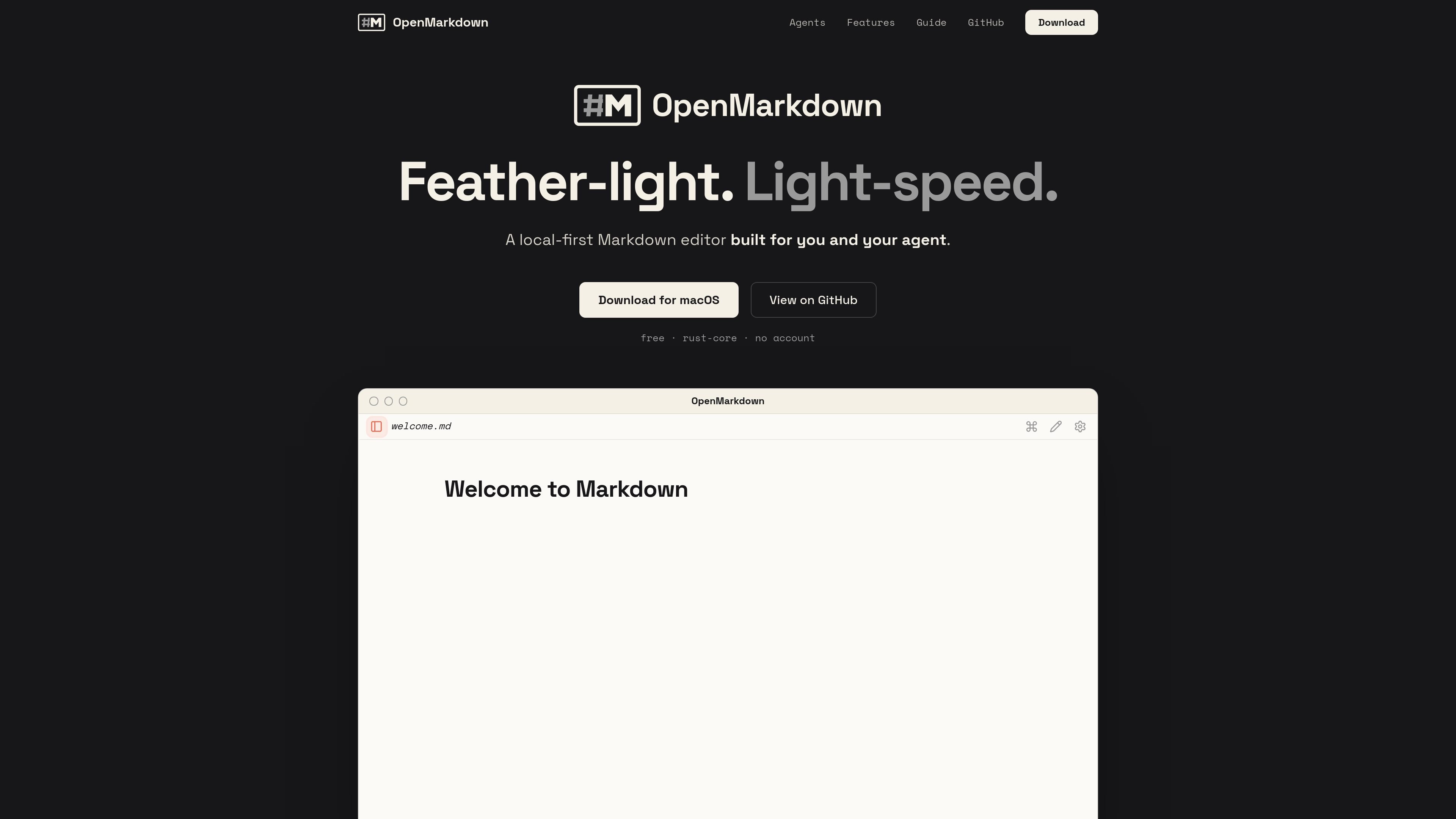
OpenMarkdown is a local-first Markdown editor for macOS that keeps your notes as plain .md files on disk. The product is designed around quick startup, keyboard-driven editing, and a file-based workflow that does not rely on a database or cloud account.
It also adds agent-friendly collaboration through an openmd CLI, an MCP server, and a Claude Code plugin. That lets an external agent open the same file, jump to headings, read sections, and write content in place while the app stays on the user's machine and renders the file directly.
Opens and renders Markdown files quickly enough that the app window appears before a heavier editor’s loading screens. The homepage positions speed as a core part of the workflow rather than a separate mode.
Keeps notes as plain .md files on disk with no database or file lock-in. The site says open and close leave the file unchanged, with autosave after pauses and crash recovery for tabs, folders, and cursor position.
Works with an external agent rather than embedding AI inside the app. The guide and install page describe MCP connectivity plus a Claude Code plugin, with tools for opening files, revealing headings, reading sections, writing sections, waiting for changes, and running commands.
Lets the agent work in the same file the user is viewing, including opening the right note, jumping to a heading, and editing selected text or sections in place. The install runbook is built around co-editing a live note with the agent.
Offers three views for the same Markdown file: live preview, source, and reading. The guide says a single control cycles between them, and source mode keeps markers visible for prompts and commit messages.
Includes a command palette and keyboard-driven navigation. The guide documents standard Mac shortcuts, ⌘P for commands and files, heading jumps, find-and-replace, tab switching, and zoom controls.
Write and save notes in plain Markdown without moving content into a database or hosted workspace. This fits users who want files they can keep, back up, and open elsewhere.
Collaborate with an agent on the same document, with the agent opening files, reading sections, and writing changes directly into the note. The install flow is built around that shared-file model.
Use the editor from the terminal through openmd to open files, reveal headings, check what is already open, or wait for a file change. The guide treats the CLI as part of the normal workflow, not a separate integration.
Draft prompts, commit messages, or other plain-text content in source mode, where Markdown markers stay visible and text is not reformatted. The guide calls out source mode as useful for prompts and commit messages.
Open a document in live preview or reading mode when you want a rendered view rather than raw Markdown. The product cycles between the three views for the same file.
OpenMarkdown is a local desktop Markdown editor, and the guide and install page describe support for Claude Code, Codex, Gemini CLI, opencode, and any MCP client through the openmd MCP server.
The install page says you first install the desktop app, then turn on the openmd command line tool in Settings. After that, you connect your agent by pointing it at the openmd MCP server or by using the Claude Code plugin flow.
No. The site says OpenMarkdown uses plain .md files on disk, and the file stays the source of truth while the app renders and edits it.
The site says OpenMarkdown can open files from the terminal with the openmd CLI, and the guide documents commands such as openmd notes.md, openmd reveal, openmd status, and openmd mcp.
The homepage says Windows and Linux are coming soon, while the current download section lists macOS with Apple Silicon and Intel support.
Answers AI is an AI-powered education platform for students and educators, offering answers, study help, and assignment support across web, mobile, and Chrome tools.
Twine AI Launcher is an Android launcher with AI assistant access, bringing ChatGPT-style help to your homescreen for quick answers, notes, tasks, reminders, and people memory.

AI Magicx is a unified AI workspace for chat, image, video, voice, music, email and developer tasks, helping teams and creators manage multiple models in one place.

阶跃AI is a personal efficiency assistant from 阶跃星辰 for knowledge search, writing, coding, and daily automation. Download on desktop and mobile, and trigger web, files, and reminders by voice.

TakeCareOS is a web platform for home care, disability, and aged care agencies, with rostering, billing, compliance, and AI admin tools.

Speakflow online teleprompter for writing and organizing scripts, voice scrolling, team collaboration, and cross-device syncing. Free and paid plans available.