

Plain-language task setup
Tell Strawberry what you need in plain language instead of learning special commands. The companion asks clarifying questions when needed and adapts to your workflow over time.

Strawberry is an AI-powered browser with built-in companions that automate research, data extraction, and prospecting on macOS and Windows. Free and paid plans.
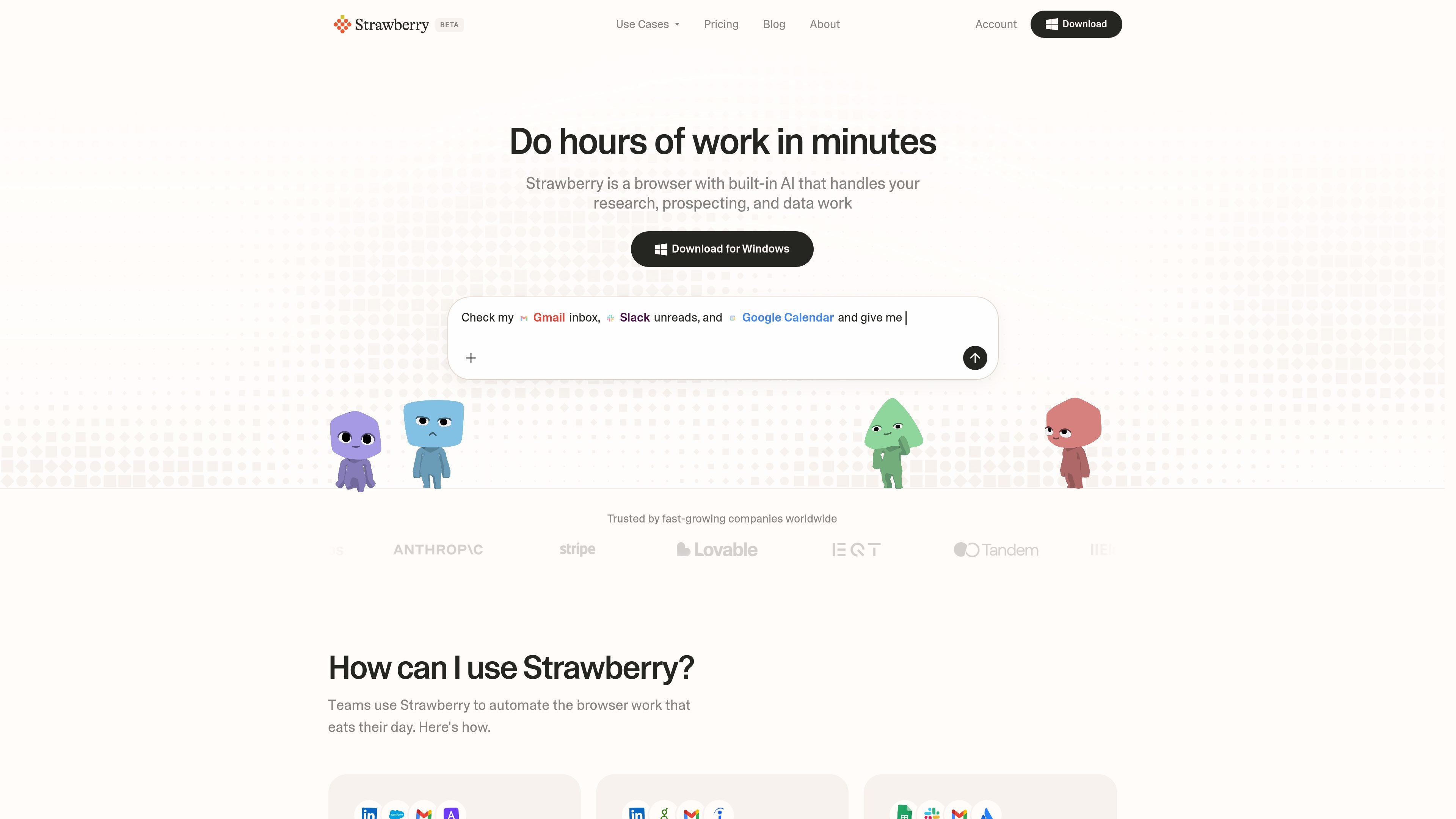
Strawberry is an AI-powered browser with built-in companions that help automate browser work. It is designed for tasks such as research, prospecting, data extraction, and follow-up work that normally involve many tabs, repeated clicks, and copy-pasting between tools.
The product positions itself as a browser you can use like a normal browser, while letting an AI companion handle parts of the workflow in plain language. The site says the companion can browse websites on your behalf, work with connected apps, and learn your preferences over time so it can support recurring tasks more efficiently.
Tell Strawberry what you need in plain language instead of learning special commands. The companion asks clarifying questions when needed and adapts to your workflow over time.
The browser can browse websites on your behalf, handle pagination, click through detail pages, and gather information that would otherwise require repetitive manual work.
Strawberry is positioned for research, prospecting, and data work, including competitive analysis, company deep dives, and structured extraction from websites.
The research page says outputs include sources linked and dated, with interpretation alongside facts so you can verify the result and review how conclusions were reached.
The getting-started page says Strawberry integrates directly with Google Workspace, Microsoft 365, Slack, Notion, CRM platforms, and more so data can move between tools without copy-pasting.
Companions learn from your docs, chats, preferences, and repeated workflows, so recurring tasks can be saved and reused instead of rebuilt from scratch.
Use Strawberry to compare competitors, review pricing and positioning, and pull together linked sources and dated notes into a side-by-side view. The research page says it can run one agent per competitor in parallel and surface patterns, not just facts.
Use the browser for company research when you need team, funding, traction, review, and contact information collected from multiple public sources. The site describes this as work that would normally take an afternoon but can be completed in minutes.
Point Strawberry at a website and ask for structured output instead of manually copying fields into a spreadsheet. The home page frames this as a no-code way to get clean data back from websites.
Use Strawberry to source leads, update a CRM, and draft outreach from within the browser. The home page specifically calls out sales teams, and the getting-started page says it integrates with CRM platforms and other connected apps.
Use it for recruiting tasks such as finding candidates, logging information into an ATS, and writing outreach that fits your voice. The home page highlights talent teams that need to move between LinkedIn and their hiring tools.
Strawberry is available for macOS and Windows.
The free plan includes 2,000 credits per month. Paid plans start at $20 per month for Intern, with higher tiers for heavier use and team needs.
Regular browsing does not use credits. Credits are used when you chat with companions or when companions browse on your behalf, and they refill monthly.
Strawberry stores passwords, chats, browsing history, and cookies locally on your device. Chats are not saved on Strawberry’s servers, and passwords are never exposed to Strawberry or LLM providers.
The home and getting-started pages say Strawberry connects directly with tools such as Google Workspace, Microsoft 365, Slack, Notion, and CRM platforms, while the research page highlights browsing on your behalf and source-linked outputs.
Twine AI Launcher is an Android launcher with AI assistant access, bringing ChatGPT-style help to your homescreen for quick answers, notes, tasks, reminders, and people memory.

Predictice is a legal research and analysis platform for legal professionals, with jurisprudence search, litigation analysis, assistant tools and document audit workflows.

GetESP analyzes CSV email lists to identify recipient ESPs and spam protection tools, helping segment lists and choose the right provider for better deliverability.

AI Magicx is a unified AI workspace for chat, image, video, voice, music, email and developer tasks, helping teams and creators manage multiple models in one place.

阶跃AI is a personal efficiency assistant from 阶跃星辰 for knowledge search, writing, coding, and daily automation. Download on desktop and mobile, and trigger web, files, and reminders by voice.

TakeCareOS is a web platform for home care, disability, and aged care agencies, with rostering, billing, compliance, and AI admin tools.