

AI-assisted design creation
Create designs from natural-language prompts, with the product describing this as turning what you want into designs instantly.

Superdesign is an AI-powered design platform for prompts, screenshots, site imports, and IDE-based design workflows.
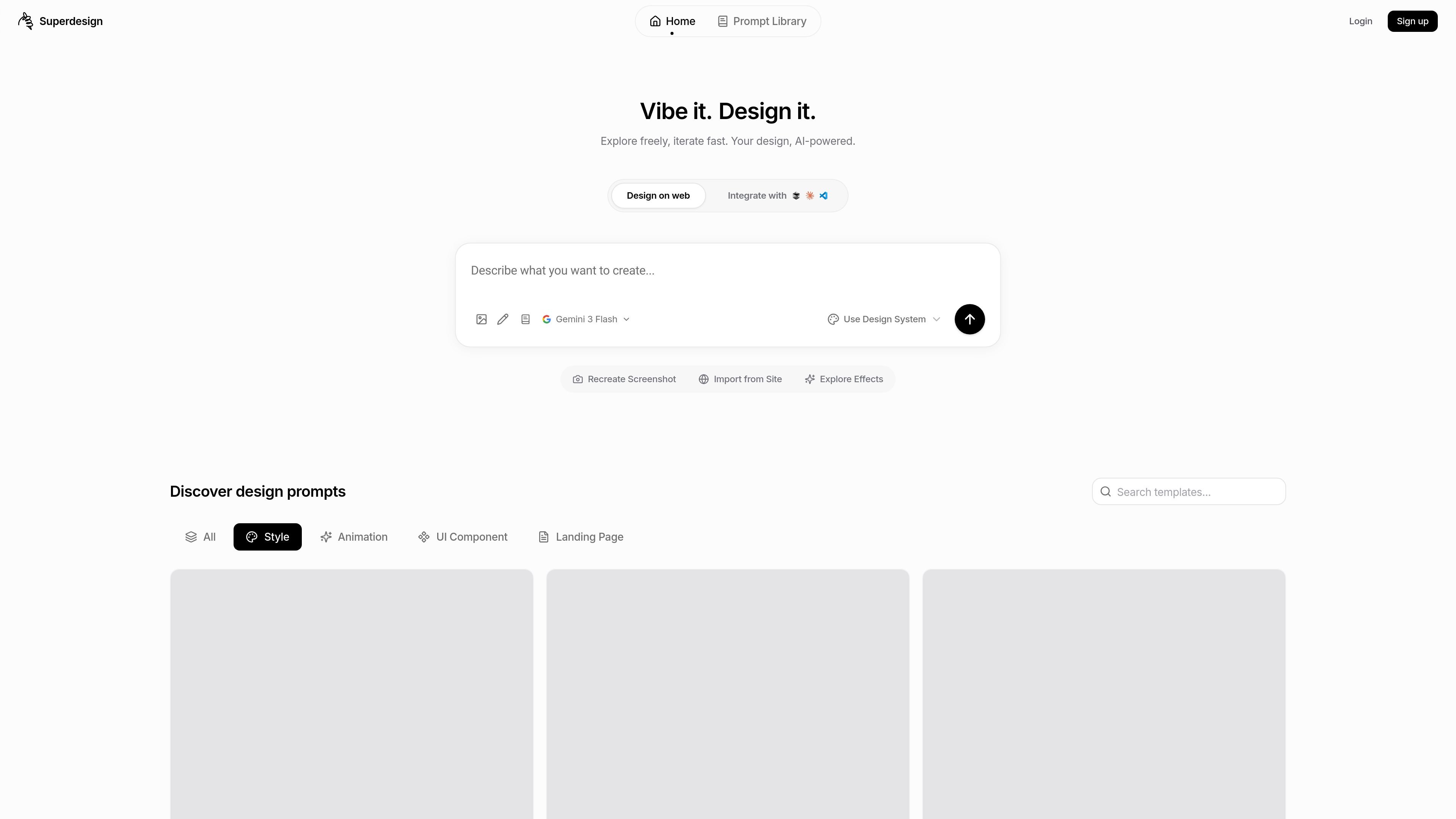
Superdesign is an AI-powered design platform for creating interfaces and experiences. Its home page positions it as a way to design on the web, use a design system, recreate screenshots, import from a site, and explore prompts and effects.
The product also extends into an IDE-based design agent experience. The extension page describes Superdesign as a design agent that lives inside editors such as Cursor, Windsurf, VS Code, and Claude Code, where it can generate design mocks, wireframes, UI components, and variations in parallel.
Create designs from natural-language prompts, with the product describing this as turning what you want into designs instantly.
Refine designs through natural-language feedback instead of restarting from scratch.
Export production-ready code for the designs you create, according to the home page copy.
Work from multiple starting points, including design systems, screenshots, site imports, effects, and prompt discovery in the library.
Run the design agent in IDE-centric workflows and integrate with editors such as Cursor, Windsurf, VS Code, and Claude Code.
Generate multiple design options in parallel, including product mocks, wireframes, UI components, and design variations.
Start from a prompt, then iterate on the result with natural-language feedback until the layout or interaction matches the intended direction.
Recreate an existing screen from a screenshot or an imported site when you want a reference-driven starting point.
Explore multiple UI directions in parallel for product mocks, wireframes, or components when one concept is not enough.
Use the design agent inside an IDE to bridge design work and implementation-oriented editing workflows.
Browse the prompt library to find a reusable prompt for styles such as animation, UI components, or landing pages.
The source does not show a detailed setup flow, but it does indicate an installable Chrome extension and an IDE-based design agent experience. The extension page also invites users to install for free.
Superdesign is presented as an AI-powered design platform for creating interfaces and experiences, with a prompt library and tools for design work inside the browser and inside IDEs.
The extension page says the agent integrates with Cursor, Windsurf, VS Code, and Claude Code, so it appears aimed at developers and product teams working in those environments.
The source mentions design system use, screenshot recreation, site import, effects, prompt discovery, wireframes, UI components, and landing pages, but it does not provide detailed output or file-format specifications.
The pricing page is not available in the provided source and returns a page-not-found message, so pricing details are not confirmed.

Framer is an AI website builder for professional sites. It helps teams design, manage CMS content, optimize SEO, collaborate, and publish from a single no-code workflow.

Paper is a design tool that connects canvas, code, and AI agents so teams can create, share, and ship work in one workflow. Includes desktop app and MCP access.

Superside is an AI-powered creative service for enterprise and in-house teams, with global talent, AI-first workflows, and subscription-based support.

Dropmagic is an AI Shopify store builder that creates branded storefronts from source products with AI copy, images and design. Launch faster without coding.

Topline Pro is an AI-powered platform for home service businesses with a managed website, marketing tools, lead response, and back-office operations.

Pineapple Builder is an AI website builder for businesses to create, host, and publish sites with pages, forms, analytics, SEO tools, custom domains, and SSL.