

Private text generation
Chat, write, reason, and build with language models from providers including OpenAI, Anthropic, Google, Mistral, Meta, DeepSeek, and others, while keeping the product focused on private or anonymized use.

Venice is a private AI platform for chat, images, video, audio, code, search, and agent workflows, with free plans, paid tiers, and an OpenAI-compatible API.
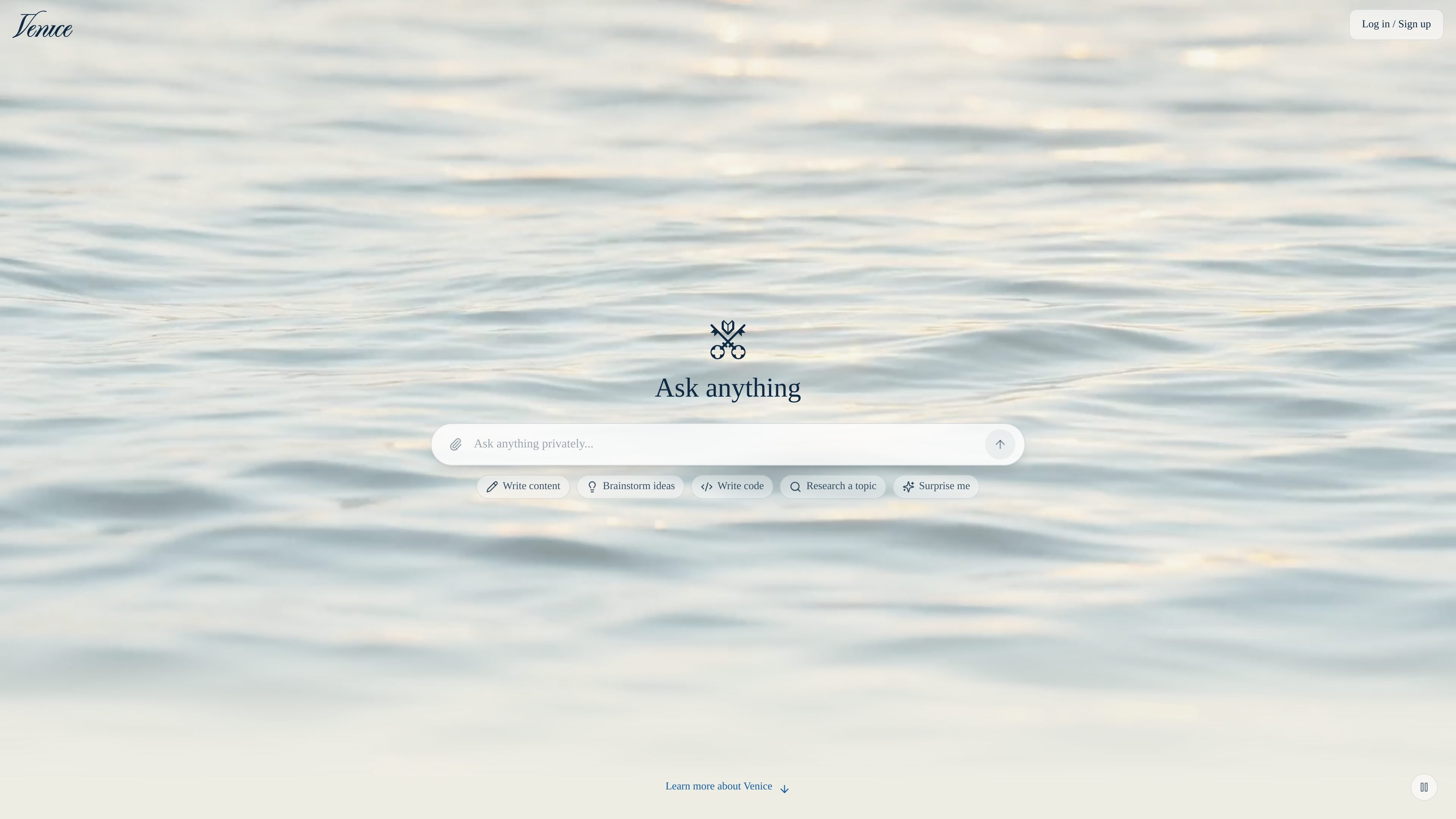
Venice is a private AI platform for text, image, video, audio, code, search, and agent workflows. It combines chat and content generation tools in one product and emphasizes privacy through anonymized models, local-only storage in private mode, and additional protection options such as TEE and end-to-end encryption.
The site positions Venice as an alternative to mainstream AI services for people who want creative freedom with fewer restrictions. It offers a free tier, paid plans with higher limits and credits, and an OpenAI-compatible API for developers and teams that want to connect Venice to existing toolchains.
Chat, write, reason, and build with language models from providers including OpenAI, Anthropic, Google, Mistral, Meta, DeepSeek, and others, while keeping the product focused on private or anonymized use.
Generate, edit, upscale, and remove backgrounds from images, including styles ranging from photorealistic to abstract. The pricing page also lists variant creation and generative image editing.
Create video from text or images using models such as Sora, Kling, Runway, Veo, and other listed providers. Higher tiers use credits for video generation.
Produce text-to-speech, music, and sound effects for audio-oriented workflows. The pricing and home pages both include audio features as part of the product.
Use an OpenAI-compatible API with function calling, web search, multimodal generation, and support for agents and developer tools like OpenAI SDK, LangChain, Vercel AI, CrewAI, and Codex CLI.
Choose between privacy modes that include anonymized processing, zero data retention, trusted execution environments, and end-to-end encryption, depending on the model and workflow.
Use Venice for private conversations, drafting, reasoning, and general assistant work when you want a browser-based chat experience with privacy controls.
Generate or edit images, remove backgrounds, upscale outputs, and create variations for visual concepts, content production, or lightweight design tasks.
Turn prompts or reference images into video, then use credit-based access for higher-end models and longer creative production workflows.
Connect the OpenAI-compatible API to agent stacks or custom apps when you need function calling, web search, and multimodal generation in one backend.
Use Venice’s speech, music, and sound-effect tools when you need audio content alongside text and visual generation in the same environment.
Venice is designed for private AI chat, image generation, video generation, audio workflows, and developer use through an OpenAI-compatible API. The source also describes it as useful for agents and search-enabled workflows.
The source says Venice offers private or anonymized models, local-only conversation storage in some modes, zero data retention for private mode, and stronger privacy options including TEE and end-to-end encryption.
Yes. The pricing page shows a free tier, and the home page says you can try Venice for free. Paid plans add higher limits, more credits, and access to additional capabilities.
The source presents Venice as a web product with an API, and the FAQs mention mobile app support. The collected pages also reference browser-based chat and local browser storage.
The pricing page says Venice uses credits for premium features such as video generation, image upscaling, API access, and other advanced model usage. Paid plans include different monthly credit allotments.

小艺 is Huawei’s AI smart assistant for Q&A, writing, document reading, code help, image recognition, and file drag-and-drop.

Claude Overlay is a Windows floating app that reads your screen and lets you chat with Claude Code using your existing Claude subscription.

书生 is a general-purpose large model suite for language, multimodal, weather, ocean, industrial design, 3D, finance, and scientific discovery tasks.

Orca is an Agent Development Environment for shipping with coding agents, running multiple CLI agents in parallel across isolated worktrees, with desktop and mobile workflows.

Firebase Studio is a web-based workspace for full-stack app development with Gemini-assisted coding, app previews, cloud emulators, collaboration, and browser deployment.

AI Magicx is a unified AI workspace for chat, image, video, voice, music, email and developer tasks, helping teams and creators manage multiple models in one place.