

Photo face swap workflow
Upload an original photo, choose a target face or demo, then generate a swapped image and download it. The home page describes the flow as three steps: upload, select a face, and swap/preview/download.

Beauty AI is a web-based face swap tool for photos, videos, and GIFs. It supports single and multiple-face swapping, free previews, and a credit-based workflow for some outputs.
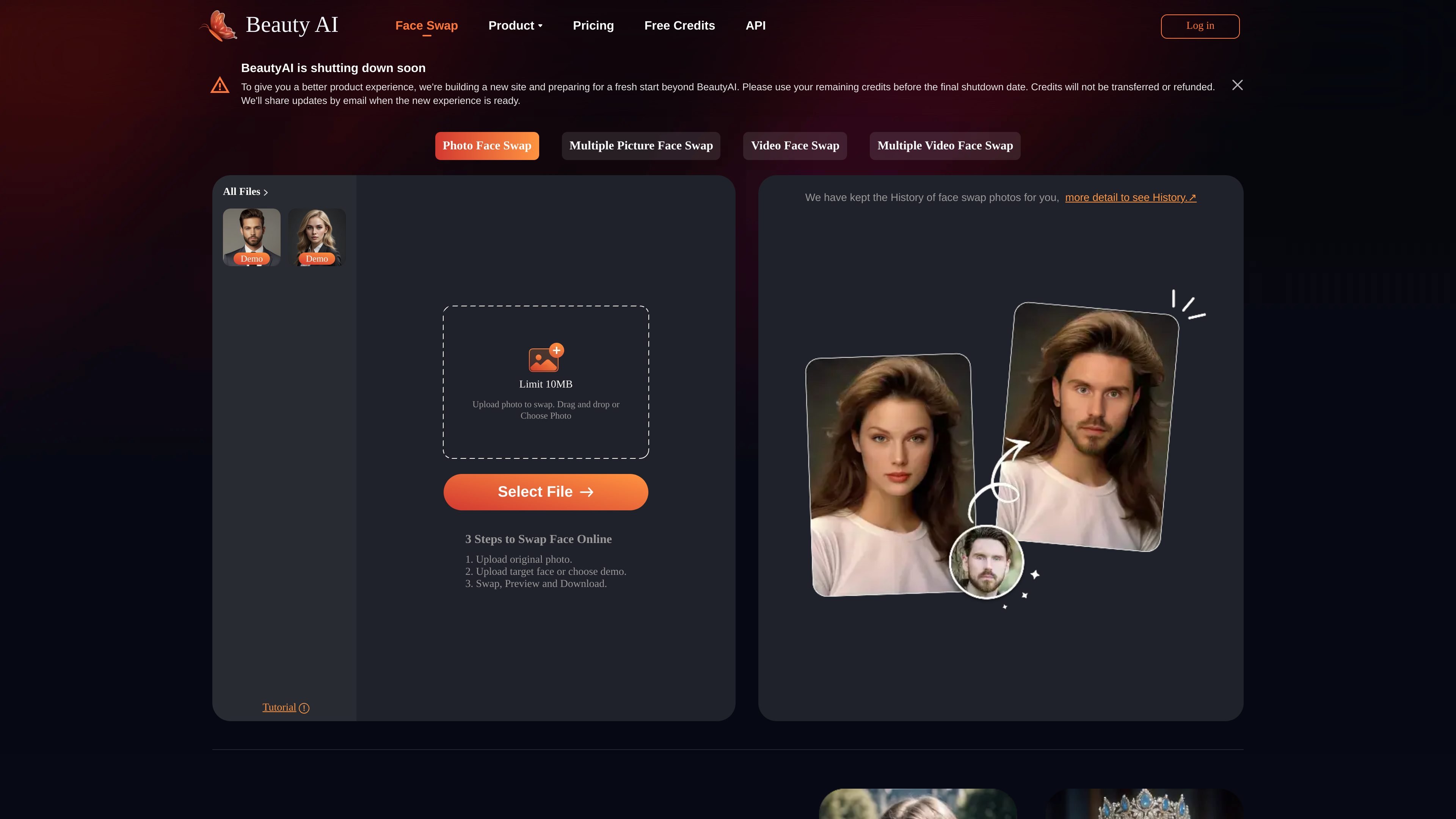
Beauty AI is an online face swap tool for photos, videos, and GIFs. The site presents it as a browser-based way to upload media, choose a face to replace or insert, and generate swapped results without a complex setup.
The product is organized around several face-swap modes, including single-photo swapping, multiple-picture swapping, video face swap, and multiple video face swap. It also includes free preview access, temporary file storage, and account credits for processing, with a separate paid option to remove watermarks forever.
Upload an original photo, choose a target face or demo, then generate a swapped image and download it. The home page describes the flow as three steps: upload, select a face, and swap/preview/download.
The site presents multiple picture face swap as a separate mode for changing more than one face in a single image. It is positioned for group shots, memes, and other multi-face edits.
A dedicated video face swap page indicates support for swapping faces in video clips. The pricing page also references high-quality AI video face swap.
The FAQ says GIF face swap is supported, letting users work with animated content as well as still images and video.
The pricing page states that free previews are available, files are stored temporarily, and the platform offers a watermark removal option through a one-time payment.
Create one-off face swaps for portraits, profile images, or other still photos by uploading a source image and replacing the target face.
Change multiple faces in a group image or make meme-style edits where several people need to be swapped at once.
Replace faces in clips for social posts, short-form edits, or experimental content where motion matters.
Work with animated GIFs when a static image is not enough and you want a lightweight moving-face effect.
Use the free preview and credit-based flow to test results before deciding whether to continue with paid watermark removal.
The source says users can upload an original image, choose or upload a target face, then swap, preview, and download the result. The same site also describes a similar flow for video face swap.
The home page says photos are stored only for 7 days, and the FAQ states that uploaded files are stored temporarily and deleted shortly after processing.
The site says you can sign up for free credits, and the pricing page mentions free previews forever plus 10 free credits for new signups. It also says video uses credits and there is a one-time payment option to remove the watermark forever.
The site says it supports multiple face swap in photos and also video face swap. It also mentions GIF face swap in the FAQ.
The FAQ says celebrity and animal face swap are prohibited and users should use the product ethically and for fun photo edits only.

Upsampler 是一站式在线 AI 平台,可在同一工作区内生成、编辑并放大图片和视频。按点数计费,所有套餐均含完整 API 访问和商业使用许可。

Rizzle 是面向出版商的视频平台,可将文章转为编辑级视频,并分发到主流渠道变现。适合需要 AI 辅助且有人审校的管理式工作流的出版商和企业。

Photoroom 是面向电商的 AI 视觉编辑平台,可在手机、网页应用或 API 工作流中去除背景、创建商品图片并高效准备商品列表。

豆绘AI是面向电商与设计的在线AI出图与编辑平台,支持白底图、场景图、室内效果图及常见图片后期处理,适合快速生成商品图、营销图与空间效果图。

AnyClip 是面向视频的视觉智能平台,帮助企业自动丰富内容、提升检索发现能力,并支持互动参与与变现,适用于媒体、出版、体育及内部视频流程。

AI HomeDesign is a web-based photo editing toolbox for real estate listings, with AI staging, item removal, day-to-dusk rendering, enhancement, and renovation tools. It is built for agents and other listing workflows that need editable, listing-ready images quickly.