


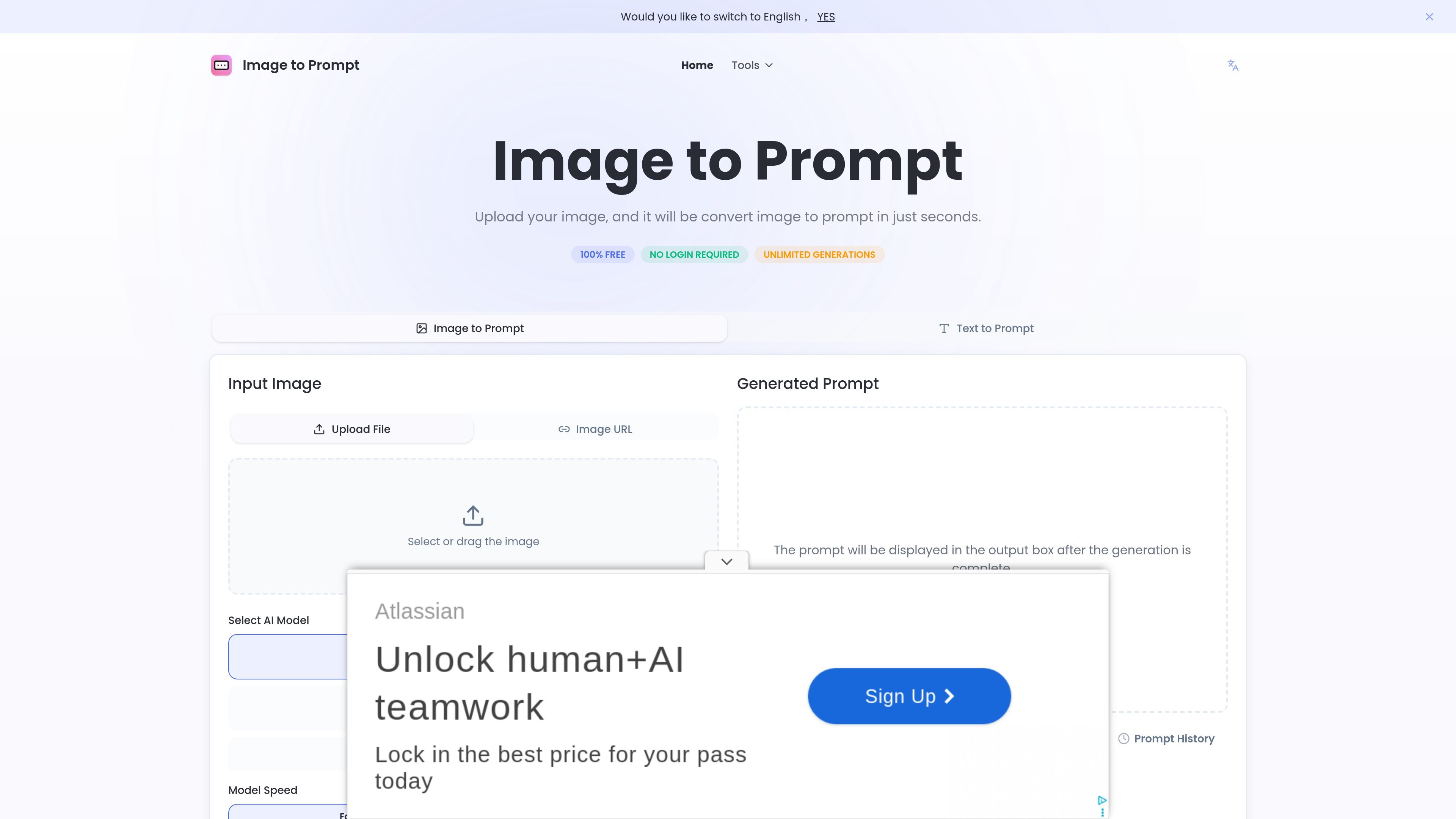
Image input options
Upload a file or provide an image URL, then generate a text prompt from the source image.
Image to Prompt is a web tool that turns an uploaded image into a text prompt. The homepage positions it as a way to describe images in words and generate prompts that can be reused in other AI image tools.
The workflow is simple: upload an image or use an image URL, choose a prompt mode and model target, and generate a result in seconds. The site presents the service as free, with no login required and unlimited generations stated on the homepage.
Upload a file or provide an image URL, then generate a text prompt from the source image.
Choose from General Prompt, Nano Banana, Flux, Midjourney, or Stable Diffusion to shape the output for different generation targets.
Switch between Fast and Advance modes to trade speed against more detailed output.
Select English as the output language; the page notes that the major models currently offer the most friendly support for English prompts.
Copy the generated prompt from the output box after generation completes, and review prompt history on the page.
Turn a reference image into a prompt that can be reused in another AI image model, especially when you want a text description before generating variations.
Create model-specific prompts for platforms such as Midjourney, Flux, or Stable Diffusion using the page’s dedicated prompt modes.
Work from a shared image link instead of uploading a local file when the source image is already hosted online.
Generate a quick text description for a design sketch or visual concept when you need a readable prompt for discussion or iteration.
Generate prompts without signing in when you want a low-friction, browser-based workflow for one-off conversions.
It is an AI tool that converts an uploaded image into a text prompt. The generated prompt can then be used with other image-generation tools.
The site says it supports clear images with well-defined subjects. It also mentions JPEG and PNG as supported formats.
The generated prompts can be used on AI platforms and tools such as Flux1, Stable Diffusion, and Midjourney.
According to the site, uploaded images are not stored. They are deleted immediately after the prompt is generated.
The service is described as free to use, with no login or registration required, and no limits on the number of generations are stated on the site.

小艺是华为自主研发的 AI 智慧助手,支持知识问答、AI 写作、文档阅读、代码辅助与识图,适合日常查询、内容处理和鸿蒙开发场景,并支持文件拖放输入。

Paper 是一款设计工具,连接画布、代码和 AI agent,让团队在一个工作流中完成创建、协作与交付。支持桌面应用、基于 MCP 的 agent 访问,以及真实内容和设计 token 工作流。

Superside 为企业和内部团队提供 AI 驱动的创意服务,融合全球人才、AI 优先流程与项目管理工具,支持订阅式创意生产、品牌一致性和活动执行。

SupPixel AI 是一款基于网页的图像增强和放大工具,可提升照片及其他视觉素材的分辨率、清晰度和细节,支持后台处理、积分使用和订阅方案。

Framer is an AI website builder for professional sites. It helps teams design, manage CMS content, optimize SEO, collaborate, and publish from a single no-code workflow.

PixelPrompt is a browser-based AI image and video workspace for prompt optimization, text-to-image, and text-to-video generation. It supports ecommerce visuals, ad creatives, and short-form UGC-style content without requiring a local GPU.