


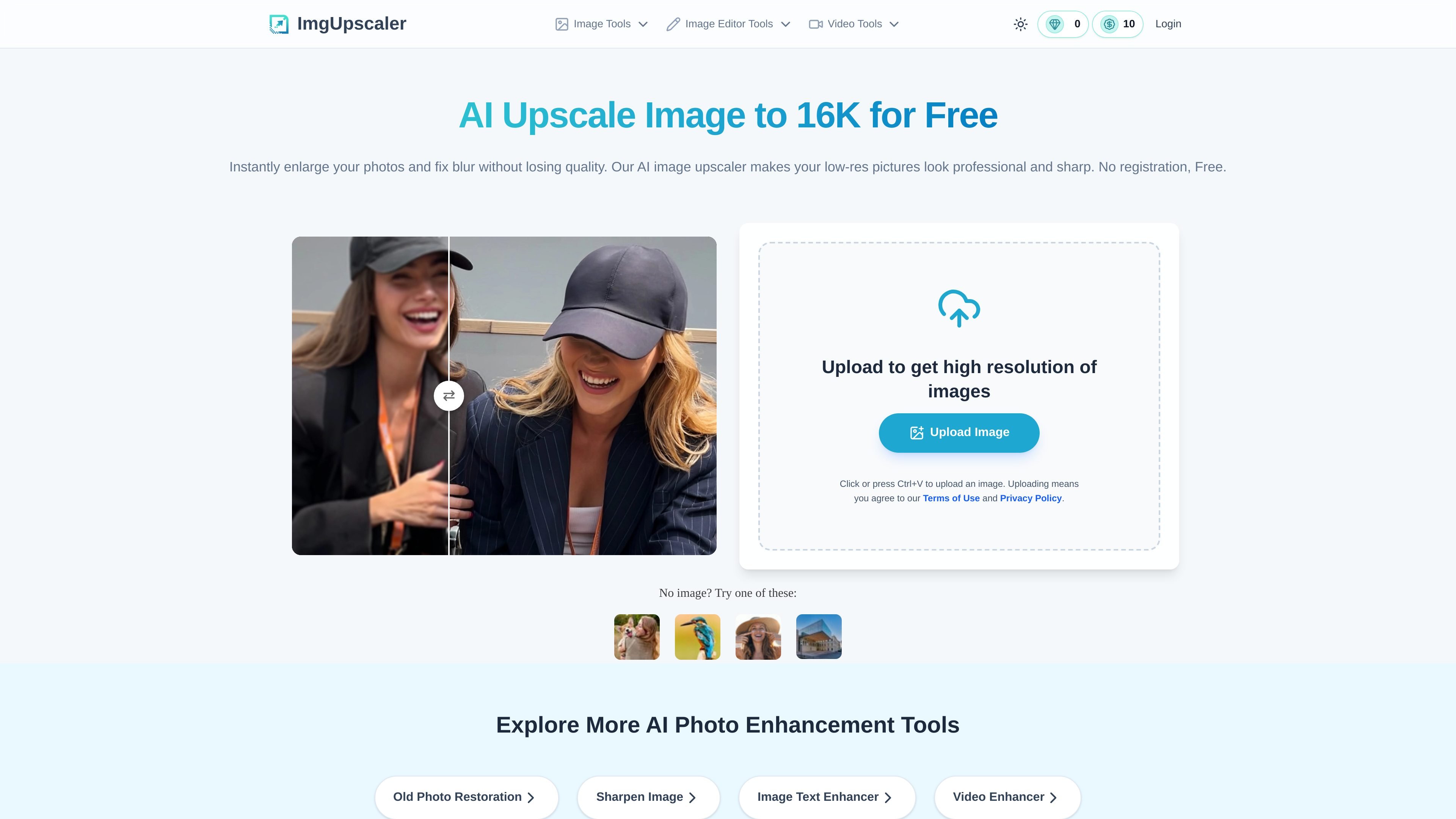
AI image upscaling to 16K
Upscales photos to higher resolution, with the homepage stating support up to 16K for users who need large, detailed outputs.
Imgupscaler.ai is an AI image upscaling and enhancement tool that runs in the browser. Its main job is to increase image resolution, reduce blur, and keep photos looking natural rather than stretched or overprocessed.
The homepage positions the product for people who need clearer images for printing, presentations, e-commerce listings, social posts, wallpapers, family photos, and screenshots. It also offers related workflows for old photo restoration, sharpening, and image text enhancement, with pricing that includes a free plan and paid credit options.
Upscales photos to higher resolution, with the homepage stating support up to 16K for users who need large, detailed outputs.
Targets blur, grain, and pixelation by using AI processing to recover clarity instead of simply stretching pixels.
Supports sharper faces, fine textures, and edges, which is useful for portraits and detail-sensitive images.
Processes JPG, PNG, and WebP uploads in the browser, with drag-and-drop and clipboard paste supported on the homepage.
Offers related enhancement workflows on separate pages, including old photo restoration, image sharpening, and image text enhancement.
Provides a free entry flow plus paid credit options, including subscriptions and one-time credit packs on the pricing page.
Increase resolution for prints that need clean edges and more detail, such as posters, posters-sized graphics, or other large-format output.
Improve product photos so small details are easier to see in online storefronts and marketplace listings.
Restore clarity in old, faded, scratched, or blurry family photos while keeping the image close to the original look.
Sharpen low-quality screenshots, scans, or text-heavy images so words and interface details are easier to read.
Enlarge AI-generated art or wallpapers for higher-resolution display use without relying on simple resizing.
Yes. The homepage states that Imgupscaler.ai is free to use and does not require a login, and the pricing page includes a free plan with periodically refreshing credits.
The homepage says you can upload an image and choose 16K output for ultra-high-resolution results. The tool automatically processes the image and then lets you download the enhanced file.
Yes. The site says the upscaler can fix blurry, pixelated, and grainy images, and the sharpening page describes AI sharpening for soft or out-of-focus photos.
The homepage says the tool is designed to preserve natural colors and textures, while the sharpening page emphasizes avoiding over-sharpening and distortion.
The homepage says the tool works in the browser on Windows, Mac, and mobile devices. The site also provides separate pages for old photo restoration, sharpening, and image text enhancement.

SupPixel AI 是一款基于网页的图像增强和放大工具,可提升照片及其他视觉素材的分辨率、清晰度和细节,支持后台处理、积分使用和订阅方案。

简单AI是搜狐旗下的在线AI工具,支持AI绘图、AI写作和在线图片处理,适合快速生成图片、文案和基础修图

Image UpScaler 是一款基于网页的 AI 图片放大工具,支持通用放大、面部修复和部分模式下的透明图像处理,提供每日免费额度,无需注册即可小规模使用,并配有独立的浏览器格式转换器。

iFoto 是一款基于网页的 AI 照片编辑器,支持去背景、图片增强、清理、修复和电商产品摄影,并提供 PDF 工具与免费在线图片处理功能。

Image Upscaler is a web-based AI photo editing tool for enlarging images, removing blur, and cleaning up backgrounds. It supports free credits to start, with paid plans and business API options available on the pricing page.

Upsampler 是一站式在线 AI 平台,可在同一工作区内生成、编辑并放大图片和视频。按点数计费,所有套餐均含完整 API 访问和商业使用许可。