


Pre-meeting prep and note capture
Generate pre-meeting briefings, capture structured notes, and leave a usable record after the call so advisors spend less time assembling context by hand.
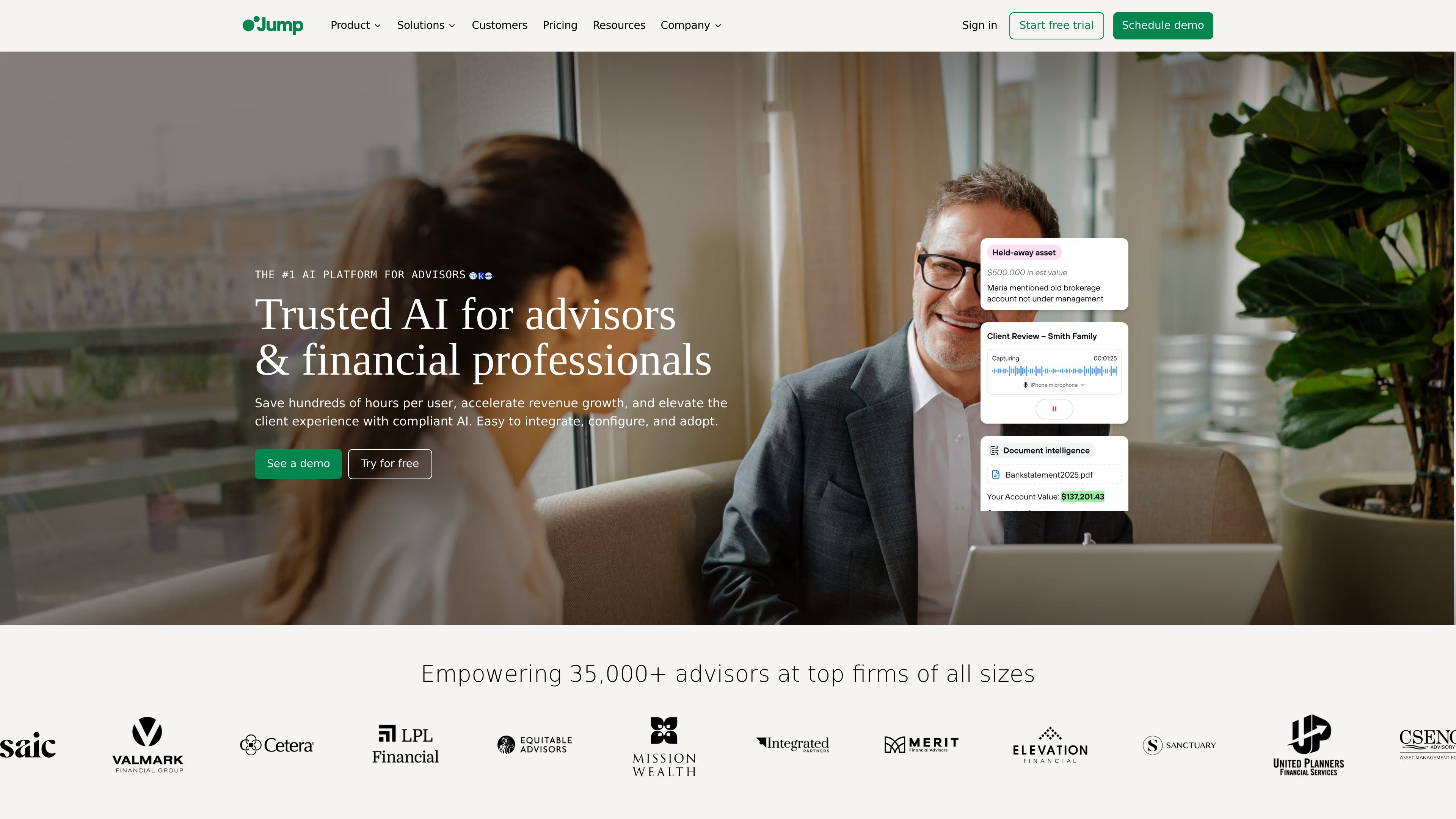
Jump is an AI software platform for financial advisors that combines meeting assistance, onboarding automation, and firm workflow tools. The product family shown on the site includes Meet for client meetings, Onboard for client onboarding, and Grow for insights and revenue workflows.
Across the site, Jump is positioned as a configurable system that turns meetings, emails, documents, and client interactions into notes, tasks, workflows, and audit-ready records. The company says it supports optional recording modes, human review of AI output, and integrations with more than 40 tools commonly used in advisory firms.
Generate pre-meeting briefings, capture structured notes, and leave a usable record after the call so advisors spend less time assembling context by hand.
Turn meeting conversations into follow-up tasks and emails that can sync into the firm's workflow, helping teams keep next steps from slipping.
Schedule meetings, handle calendar conflicts, generate meeting links, and send reminders to reduce no-shows and coordination overhead.
Connect with CRMs, planning tools, conferencing apps, calendars, VoIP, and related systems so data can move between the meeting and the firm's stack.
Create account-opening, document-intake, and onboarding workflows that reduce manual data entry and keep client records current.
Surface insights, playbooks, coaching cues, and trend monitoring for firms that want to review conversations beyond a single meeting record.
Use Jump Meet to prepare for client conversations, capture notes during the meeting, and send follow-ups or tasks into the firm's workflow afterward.
Use Jump Onboard to collect client information, process documents, and support account opening without repeated manual data entry.
Use Jump Grow to review conversation trends, identify opportunities, and support advisor coaching with structured meeting insights.
Use Jump with calendars, CRMs, planning software, and meeting platforms to keep records synchronized across the firm's tech stack.
Use Jump's recording and documentation controls to align meeting records with supervision and record-keeping policies.
Jump is designed for financial advisors and financial services firms that want a single AI assistant across meetings, onboarding, and firm workflows. The source materials position Meet for meetings, Onboard for client onboarding, and Grow for revenue and coaching workflows.
Jump Meet can generate pre-meeting briefings, capture structured notes, create follow-ups and tasks, and sync updates to connected systems. The integration pages also show support for calendars, CRMs, meeting platforms, and VoIP systems.
The pricing page lists Meet as the core plan, with Onboard and Grow available as add-ons. It also shows 40+ integrations, AI Associate, automations, an email assistant, and task features included across plans.
Jump supports meeting-recording choices such as transcript-only, summary-only, or full audio and video recording, and says configuration can be adjusted to match a firm's policies. The home page also notes optional recording and enterprise-grade audit trails.
The integrations page shows connections for CRMs, financial planning tools, conferencing platforms, calendars, VoIP, document management, and workflow automation tools. Specific examples include Salesforce, Wealthbox, eMoney, Redtail, HubSpot, Zoom, Teams, Google Meet, Google Calendar, Microsoft Calendar, Intulse, Vonage, and Webex.

讯飞会议是科大讯飞旗下云视频会议协作平台,支持视频会议、AI转写翻译和自动生成会议记录,适合企业协作、远程办公与多方会议,支持多端接入及公有云、私有云部署。
Answers AI 是一款 AI 教育平台,支持学生和教师通过网页、移动端和 Chrome 工具获取答案、学习资料与作业辅导,并提供评分、课程内容生成和学习进度追踪功能。

TakeCareOS 是面向居家护理、残障与养老机构的网页平台,整合排班、沟通、计费与合规流程,并提供 AI 辅助管理工具,支持班次处理、笔记审核和表单转换。

Speakflow 在线提词器,支持脚本撰写、整理与录制/演示时提示。具备语音滚动、团队协作与跨设备同步,提供免费和付费方案。

Botsplash 是一体化客户互动平台,用于管理短信、聊天、语音和预约流程中的线索与客户对话。集成 AI 辅助、CRM 对接和合规控制于单一仪表板。

CREAO 是一个 AI agent 平台,可将重复性业务工作转化为可复用工作流。支持对接现有工具、定时运行和审批关卡,适合团队自动处理日常任务。