


Text-to-song generation
Generate complete songs from a text prompt, including vocals, lyrics, instrumentation, and production.
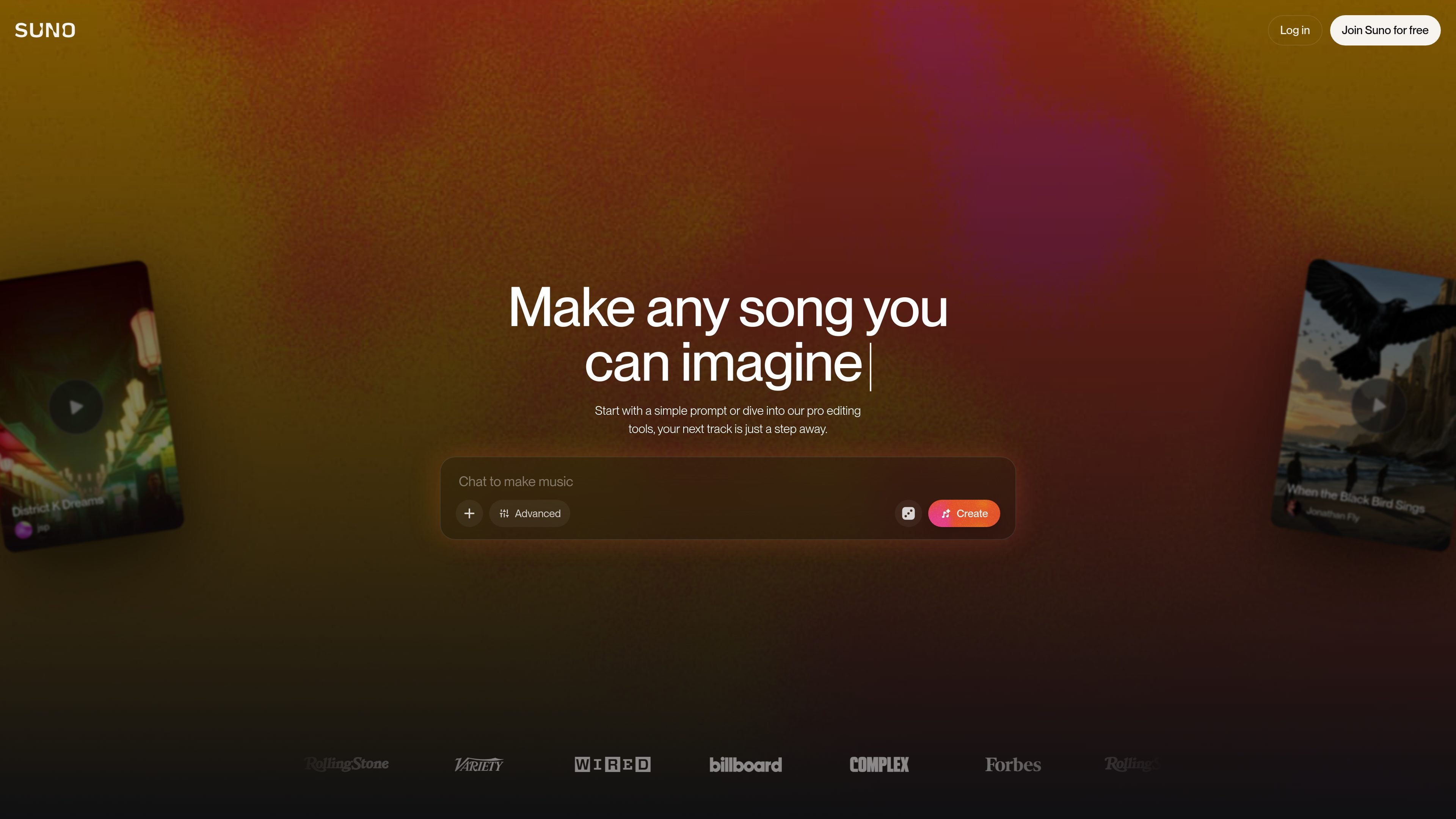
Suno is an AI music generator that lets people create original songs from a simple prompt or from their own lyrics and ideas. The site presents it as a browser-based music creation platform with mobile apps, built for both casual experimentation and more advanced songwriting.
The product focuses on turning text into full tracks with vocals, instrumentation, and production in under a minute, while also offering editing controls for users who want to shape the result. Paid plans expand the workflow with stronger creation limits, stem export, a song editor, and Suno Studio for more structured music production.
Generate complete songs from a text prompt, including vocals, lyrics, instrumentation, and production.
Shape output with Voices, Inspo, exclusions, vocal gender, and style-related sliders for more controlled results.
Start with generated music, then upload or record audio, rewrite lyrics, reorder sections, regenerate, extend, or refine tracks.
Export up to 12 time-aligned WAV stems and use them in DAWs such as Ableton or Logic.
Paid subscribers can create songs with commercial use rights; the source also mentions royalty-free music on Pro.
The web-based Suno Studio combines traditional DAW-style tools with AI music creation, and the Premier plan adds multitrack editing, MIDI export, and persona voices.
Draft a song from a genre, mood, topic, or lyric idea, then refine the result with regeneration and extension tools.
Build background music or music for videos, podcasts, ads, or similar projects on a paid plan with commercial use rights.
Upload or record audio, rewrite lyrics, and reorder sections when you want to iterate on an existing idea rather than start from scratch.
Export stems into Ableton, Logic, or another DAW when you need to continue production in a more traditional music workflow.
Use the browser workspace and mobile apps to discover, create, and share songs from different devices.
Suno works in a web browser and also offers iPhone and Android apps. The source page says it is a top 10 music app on both platforms.
The source describes a free tier that allows up to 10 songs per day with no credit card required. Paid plans add higher monthly limits and advanced editing features.
According to the FAQ, you can describe a song with a genre, mood, theme, or your own lyrics, then hit Create. From there, you can regenerate, extend, or refine the result.
The source says the Pro plan includes commercial use rights for songs created by a paid subscriber, plus the Song Editor, stem separation, and audio uploads of up to 8 minutes. The Premier plan adds Suno Studio, multitrack editing, MIDI export, persona voices, and early access to new features.
Suno is positioned for users without music experience as well as experienced creators. The source specifically says it is built for first-time creators and chart-topping pros alike.

SongR 是一款文本转歌曲网页应用,可根据少量关键词生成定制歌曲,适合想轻松制作可分享歌曲、无需音乐经验的用户。

Musicfy AI 是一款网页版 AI 音乐生成器,可用 AI 声音或自定义声音模型创作歌曲、翻唱和以人声驱动的曲目。支持免费试用,并提供 Starter、Professional 和 Studio 付费方案。

MakeBestMusic 是一款基于网页的 AI 音乐生成器,可根据文本快速生成免版税歌曲、伴奏和人声翻唱,提供快速模式与自定义工作流,并支持商用权限付费方案。

FreeMusic AI is a web-based AI music generator that creates royalty-free songs from prompts, lyrics, and text-to-music inputs. It also includes vocal removal, stem splitting, mastering, and music video tools for creators who need original audio for content, games, podcasts, and branded projects.

AIMusixer 是一款基于浏览器的 AI 音乐生成器,可根据文本提示和风格设置创作歌曲,并支持单独制作歌手视频。提供不同额度的付费方案,涵盖歌曲、视频时长、下载、存储和并发任务限制。

ChordChord 是一款基于浏览器的和弦进行生成器,适合音乐创作人快速生成、编辑并导出 MIDI、WAV、MP3 或 PDF,也支持学校多席位教育方案。