


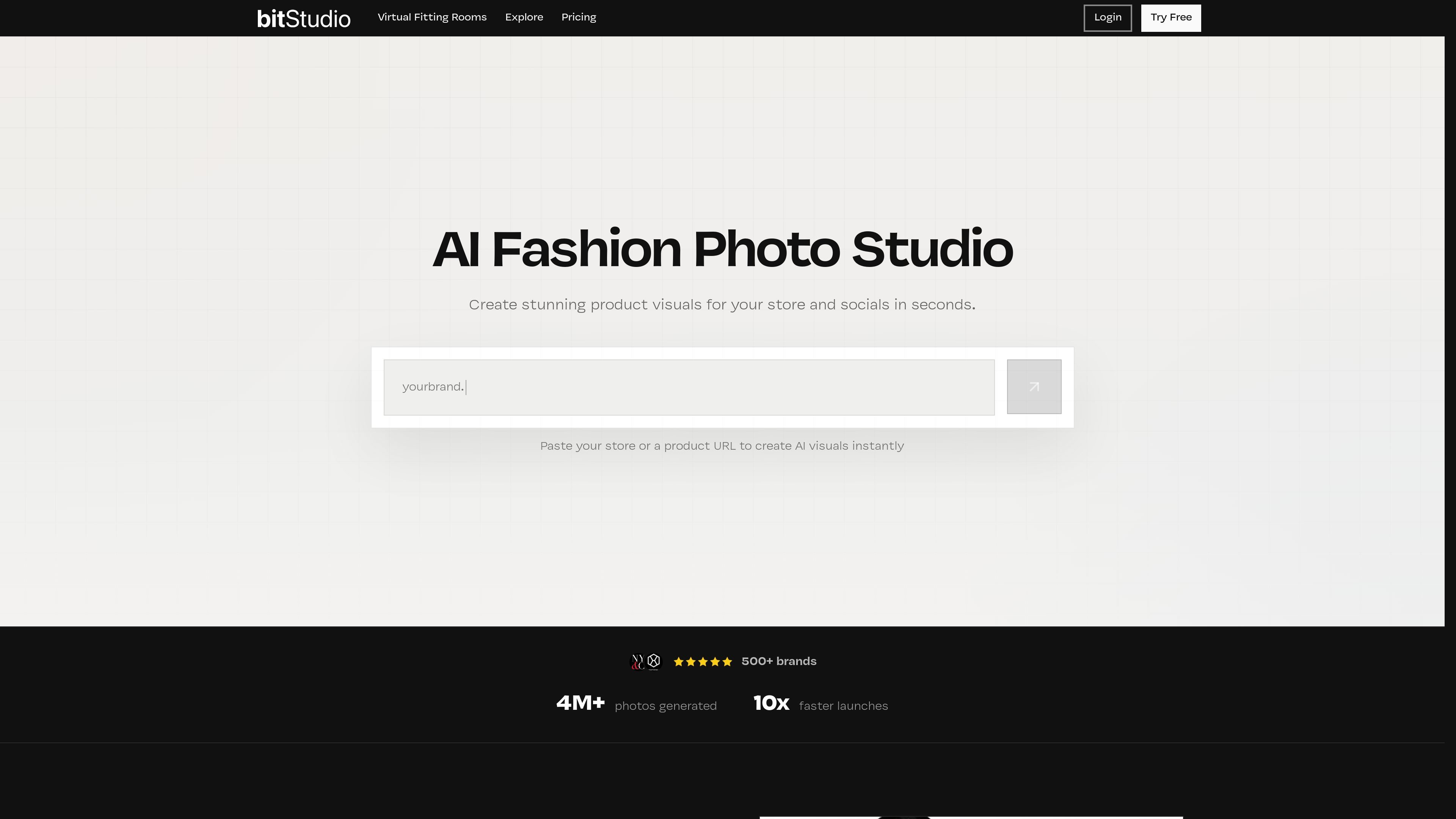
Store- or product-URL input
Paste a store or product URL to start generating AI fashion visuals for ecommerce and social content.
bitStudio is an AI fashion photo studio for turning clothing photos, flat lays, mannequin shots, or product URLs into on-model visuals. It is designed for ecommerce teams that need product imagery for stores, social content, and campaign assets without running a traditional photoshoot.
The site also includes a virtual fitting room product for Shopify and other storefronts. That experience lets shoppers try items on from the product page, while merchants can set usage limits, review analytics, and launch with either a Shopify app install or a JavaScript integration.
Paste a store or product URL to start generating AI fashion visuals for ecommerce and social content.
Use flat lays, mannequin shots, or existing model photos as source material for generated on-model content.
Pick or create a model, then combine it with outfit photos to build the scene you want.
Upload reference images or describe the setting to keep scenes consistent across generated shots.
Use curated presets to start from a proven look and adapt it to your products and avatar.
Add a virtual fitting room to Shopify or another storefront with either a 1-click app install or JavaScript integration.
Create on-model product imagery from clothing photos or flat-lay assets for product pages, paid ads, and social posts.
Launch a fitting room on product pages so shoppers can preview how an item may look before they buy.
Test a look or scene quickly using presets and reference images before committing to a full production shoot.
Let merchants control which products have try-on enabled and set usage limits to manage costs and rollout.
Use generated images and try-on analytics to support merchandising decisions and identify products shoppers interact with most.
bitStudio is a fashion-focused AI image generation platform for creating on-model product visuals and virtual try-on experiences. The site also offers a Shopify virtual fitting room product for ecommerce stores.
The website shows a workflow where you choose or create a model, upload outfit or product photos, set the scene or style, and generate images to use on your store, social channels, or campaigns.
The pricing page shows a Free plan, paid Basic, Pro, and Ultra subscriptions, plus additional credit packs. The virtual fitting room product also has a free Shopify option and a paid medium plan, with larger deployments handled by contact sales.
Yes. The virtual fitting rooms page says merchants can use a 1-click Shopify install or a simple JavaScript integration for other storefronts.
The pricing page states that users retain full ownership of images created on the platform and can use them commercially without attribution.

豆繪AI是面向電商與設計的線上AI出圖與編輯平台,支援白底圖、場景圖、室內效果圖與常見圖片後製處理,快速產出可交付商品圖與行銷圖。

Creativio AI 是一款 AI 商品攝影工具,能將基本圖片快速轉換為精緻行銷視覺,適合電商賣家、行銷人員、創作者與小型企業,提升商品素材製作效率,免手動修圖。

簡單AI是搜狐旗下的線上 AI 工具,提供 AI 繪圖、AI 寫作與線上圖片處理,適合需要快速生成圖片、文案或進行基礎修圖的使用者。

Photoroom 是專為電商打造的 AI 視覺編輯平台,可快速去背、建立商品圖片,並透過手機、Web 應用程式或 API 工作流程完成商品上架準備。

Upsampler 是一站式 AI 圖像與影片平台,可在同一工作區生成、編輯與放大影像。採點數計費,所有方案皆含完整 API 與商業使用授權。

AI HomeDesign is a web-based photo editing toolbox for real estate listings, with AI staging, item removal, day-to-dusk rendering, enhancement, and renovation tools. It is built for agents and other listing workflows that need editable, listing-ready images quickly.