


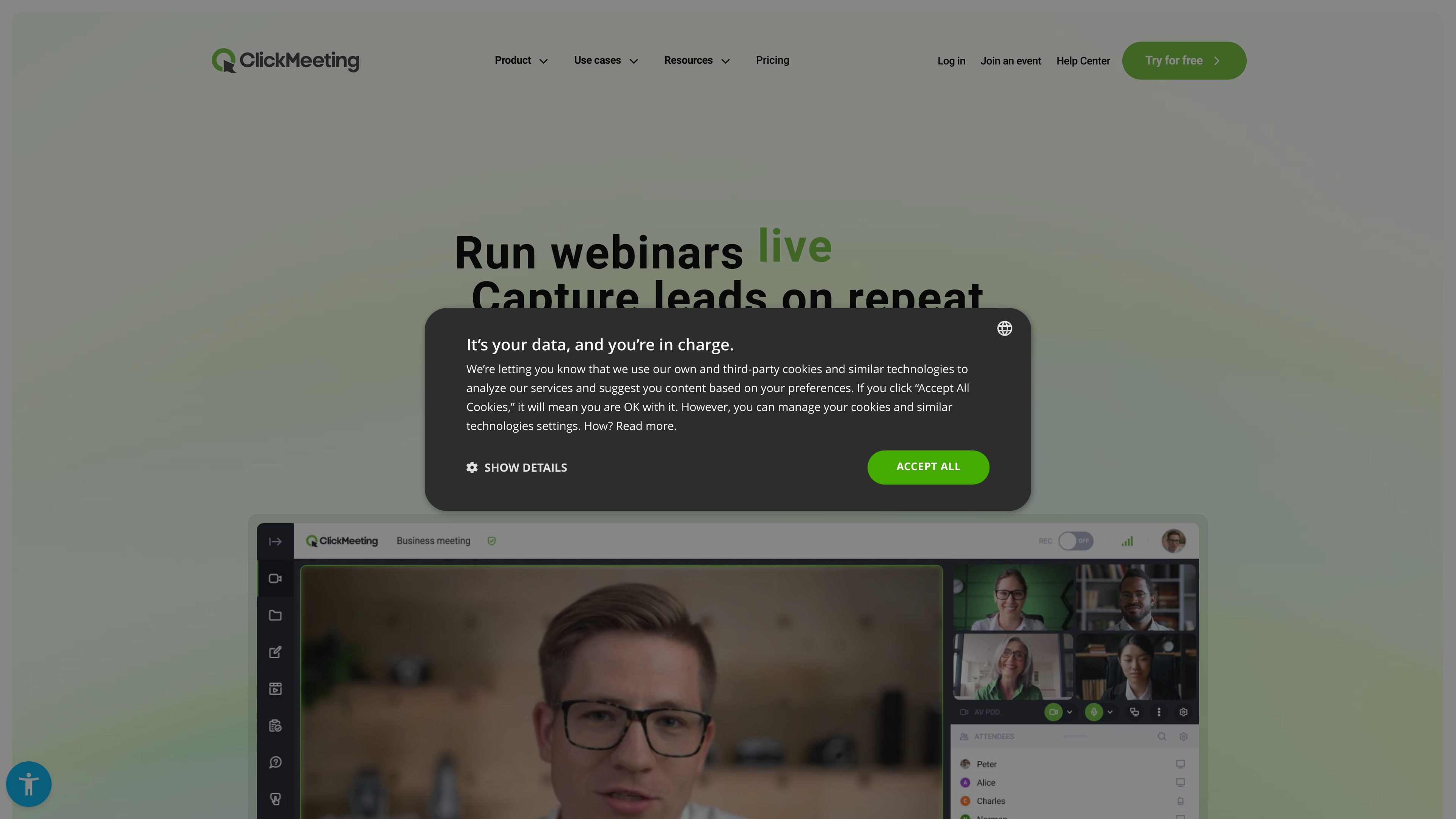
Browser-based events
Run live meetings and webinars without requiring attendees to install software. The browser-based format is positioned as suitable for live events, classes, demos, and meetings.
ClickMeeting is a browser-based webinar and online meeting platform for running live, automated, and on-demand events. The site presents it as software for webinars, online meetings, and virtual classrooms, with no installation required for hosts or participants.
The product is positioned for educators, marketers, sales teams, consultants, creators, NGOs, and trainers who need to present, teach, generate leads, or sell tickets online. Its core workflow combines registration, live interaction, replay or automation options, and tools for promotion and monetization.
Run live meetings and webinars without requiring attendees to install software. The browser-based format is positioned as suitable for live events, classes, demos, and meetings.
Support automated and on-demand webinars, including reminders, follow-up messages, and publishing recorded events for later viewing.
Use interactive tools such as polls, Q&A, whiteboard, and CTAs to structure sessions and collect responses during the event.
Broadcast events to YouTube, Facebook, or LinkedIn from the platform, extending distribution beyond the webinar room.
Monetize events with paid webinars, virtual tickets, discount codes, secure payments, and donations where supported by the product pages.
Customize the platform appearance and landing pages, and use add-ons for more presenters or larger events on higher plans.
Run classes, lectures, onboarding, and workshops in a browser-based virtual classroom, with interactive tools to keep participants engaged.
Host product demos, lead-generation webinars, and sales events with registration forms, promotional tools, and follow-up automation.
Use webinars to sell tickets, accept donations, and monetize recorded sessions or live expertise.
Run meetings, mentoring sessions, and confidential business events, including workflows that mention E2EE encryption on the site.
Use webinars for NGOs or public-sector communication to promote ideas, build an audience, and collect support or donations.
Yes. The pricing page states that you can create a free trial account for 14 days to test webinars and meetings, and no payment details are required for the trial.
The source says ClickMeeting is browser-based and does not require installation for hosts or participants.
The host is the account owner with access to billing, account settings, and add-ons. Presenters are invited into an event room and can help run webinars or meetings, but they do not access the account panel.
The pricing page says the platform supports live meetings and webinars, automated and on-demand webinars, breakout rooms, polls, Q&A, whiteboard tools, CTAs, statistics, and streaming to YouTube, Facebook, or LinkedIn.
The source explicitly says you can create free trial accounts without payment details, and that paid subscriptions are billed up front monthly or yearly if you choose a subscription package.
Answers AI 是一個 AI 教育平台,協助學生與教育者透過網頁、手機與 Chrome 工具取得答案、學習素材、作業支援,並提供批改、課程內容生成與學生進度追蹤功能。

小藝是華為自主研發的 AI 智慧助手,支援知識問答、寫作、文檔閱讀、程式碼輔助與識圖,適用日常查詢、內容處理與鴻蒙開發,並支援檔案拖放輸入。

Super Teacher 是專為小學設計的家教式學習 App,透過對話與逐步引導教學閱讀與數學,支援課堂使用、在家學習與學校進度追蹤。

Flashcard Generator 是一款網頁版 AI 單字卡製作工具,可將文件、筆記、圖片、影片、音訊與 YouTube 連結快速轉成學習卡片。提供免費方案,支援卡組編輯與分享,適合學生與各類學習者加速備考。

ChordChord 是一款瀏覽器版和弦進行產生器,適合音樂創作者快速發想、即時試聽與編曲,支援 MIDI、WAV、MP3、PDF 匯出,並提供學校優惠多座方案。

訊飛會議是科大訊飛旗下的雲端視訊會議協作平台,支援視訊會議、AI轉寫翻譯與自動生成會議紀錄,適合企業協作、遠端辦公及多方會議,並提供多端接入與公有雲、私有雲部署選擇。