


Checkout support at online stores
Kudos can pick the best card for a purchase, autofill checkout details including CVV, apply available credits and offers, and stack partner cashback automatically at participating stores.
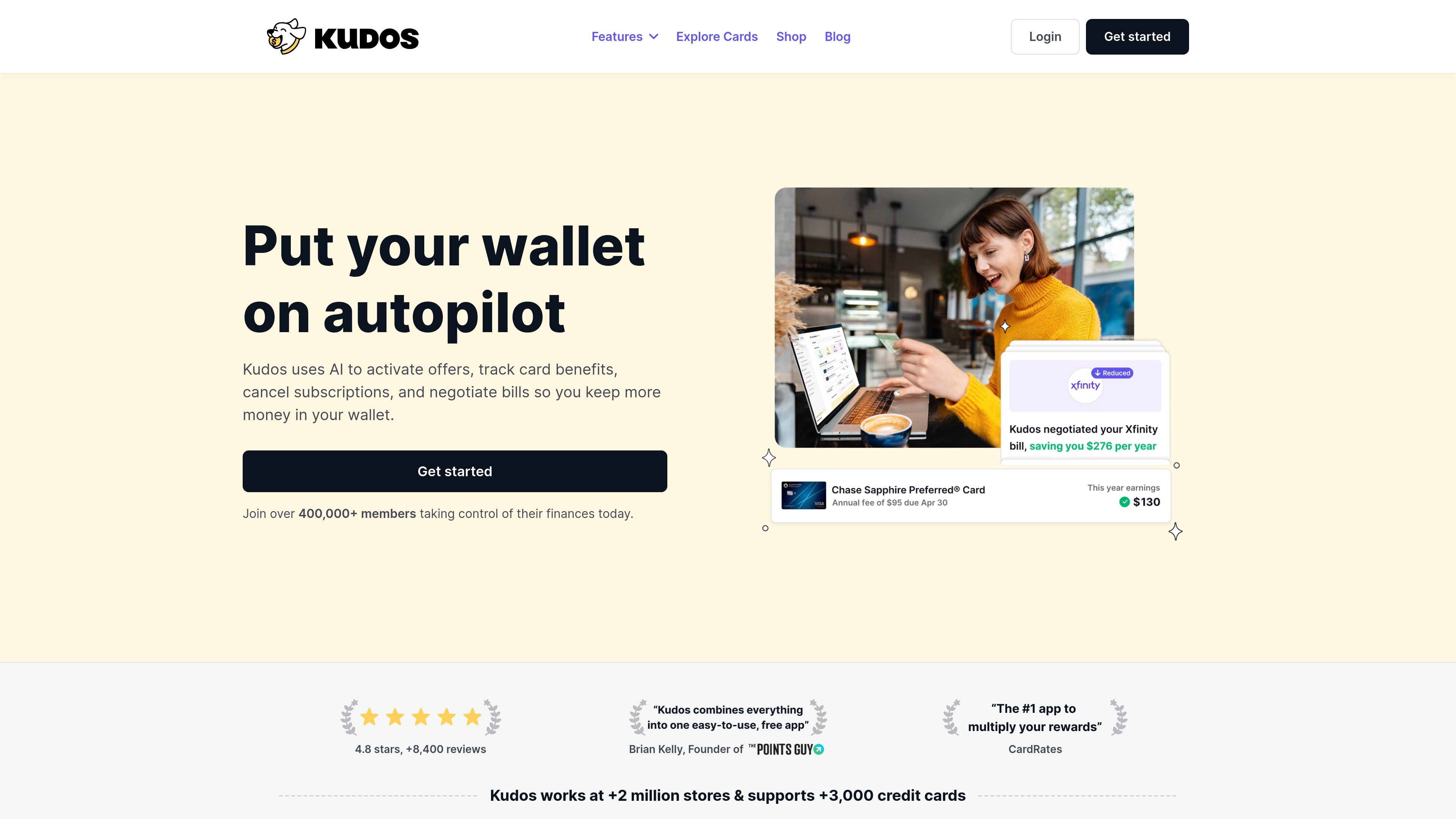
Kudos is a free financial companion that helps people earn more value from the cards they already use. It works across shopping, card offers, benefits, and recurring expenses by combining checkout support, reward tracking, and automated money-saving actions.
The site describes Kudos as a web and iOS app plus browser extension. Users connect their cards once, then Kudos can recommend the best card at checkout, activate eligible offers, surface card benefits, track spending patterns, and, in Premium, handle tasks such as subscription cancellation and bill negotiation.
Kudos can pick the best card for a purchase, autofill checkout details including CVV, apply available credits and offers, and stack partner cashback automatically at participating stores.
The product says it automatically activates card-linked offers from issuers such as Amex, Chase, BofA, Wells Fargo, and Citi, then reminds you when to use them.
Kudos tracks card benefits across your cards and aims to prevent unused perks from expiring before you claim them.
Its AI analyzes transaction history to surface spending insights and suggest ways to earn or save more.
Premium includes background automations that can cancel subscriptions and negotiate bills on your behalf.
The Explore Cards area recommends cards based on where you shop and shows approval odds before you apply; the Cheatsheet surfaces the best card to use at physical retailers.
A shopper can install Kudos, connect cards, and let it recommend the best payment card while auto-filling checkout fields and applying available rewards at participating stores.
Someone who forgets about card perks can use Kudos to track benefits across cards and get reminders before they expire.
A user comparing new cards can browse Explore Cards to see options matched to shopping habits and view approval odds before applying.
A frequent shopper can use the Cheatsheet to check the best card for a physical retailer without opening issuer apps or memorizing reward rules.
Premium users can delegate repetitive tasks such as subscription cancellation and bill negotiation to the product's background automations.
Kudos is designed to work as a free web and iOS app, and the site also describes it as a browser extension for checkout and card management tasks. The blog page says members can download the Kudos iOS app, while the home and pricing pages emphasize the browser-based workflow.
The source says free users get seamless checkout with best-card recommendations and autofill at 2M+ stores, Kudos Boost Cash Back at 15,000 stores, rewards tracking, personalized card discovery tools, and offline card recommendations. Premium adds background automations such as advanced AI insights, unlimited offer activation, subscription cancellation, bill negotiation, transaction history, and early access to new features.
For shopping, Kudos connects to your cards, picks the best card at checkout, autofills details including CVV, applies available credits and offers, and can stack partner cashback automatically. It also shows a Cheatsheet for in-store card recommendations and can surface offers when you shop online.
The source does not describe a team plan. The pages are written for individual members managing their own cards, offers, subscriptions, and shopping rewards.
Kudos focuses on card-linked offers, rewards tracking, card recommendations, subscription cancellation, and bill negotiation. The provided sources do not show bank account budgeting, investment tracking, or full personal finance planning features.
Twine AI Launcher 是 Android 啟動器與 AI 助理,將 ChatGPT 風格幫助帶到主畫面,支援快速解答、筆記、任務、提醒與人物記憶。

CaptivateIQ 是銷售佣金與銷售規劃軟體,可管理激勵薪酬、配額與區域規劃、報表及撥款流程,並以 SmartGrid 即時建模與計算佣金。

JustPaid 是 AI 收入營運平台,提供帳單、發票、催收與應收帳款管理,協助財務團隊自動化發票流程、付款追蹤與跨系統對帳。

Quanta provides SaaS accounting services backed by software that keeps financial work traceable and current. It helps finance teams close faster, explain changes, and monitor key metrics in real time.

階躍AI是階躍星辰推出的個人效率助手,支援知識查詢、寫作、編程與日常自動化,提供桌面端與行動端下載入口,並可透過語言觸發網頁、檔案與提醒操作。

Gemma AI is a phone call reminder app that calls you with scheduled reminders instead of push notifications. It helps people who want a more direct way to stay on schedule, with Google Calendar sync and conversational call interactions.