


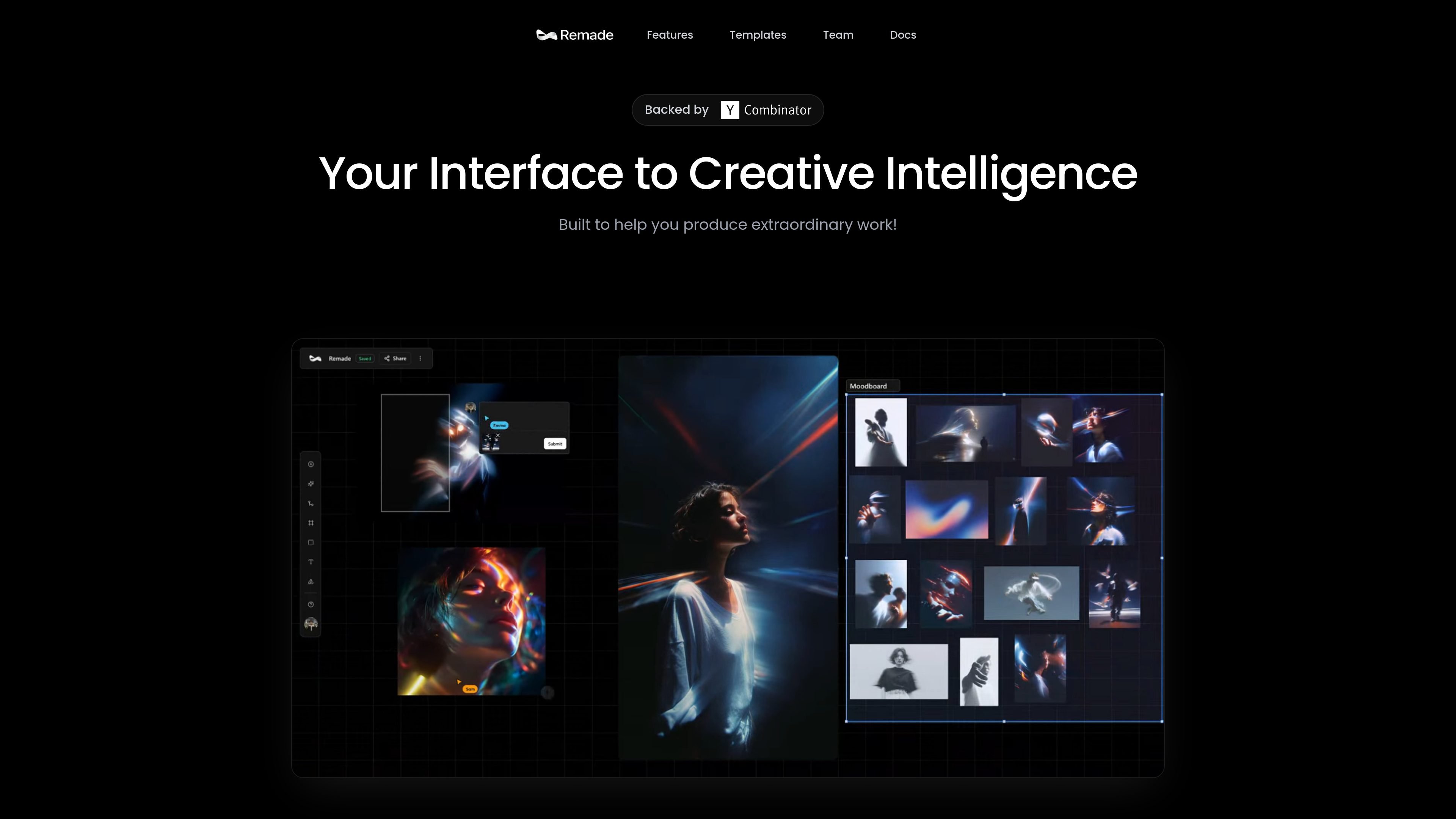
Context-Aware Generation
Remade uses the full canvas and project goals to guide new elements so additions match the existing style, composition, and context.
Remade is an AI-native canvas for creative workflows. It brings image, video, and language models into a single workspace so teams and individual creators can plan, generate, edit, and refine work without moving between separate tools.
The product emphasizes context-aware generation, consistent characters, inpainting, expansion, and upscaling. It also includes templates and real-time collaboration, with support for up to 50 users on the same canvas and permission controls.
Remade uses the full canvas and project goals to guide new elements so additions match the existing style, composition, and context.
Generate characters that keep a consistent appearance and style across multiple images.
Edit or remove parts of an image with pixel-level precision.
Expand images in any direction to adapt them for different formats and placements.
Upscale images to 4K resolution without losing detail, based on the site’s description.
Work with image, video, and language models in one unified canvas.
Build social posts, campaigns, and other visual assets in a workspace that keeps style and context aligned as you add new elements.
Create recurring characters or scenes and keep their appearance consistent across multiple generated images.
Clean up source images by removing objects, editing sections, or extending compositions for new layouts.
Work with teammates on the same canvas when approvals, shared direction, or permission control matter.
Start from templates for common outputs such as logo design, product photography, or cinematic drone-style content.
Remade is an AI-native canvas for creative workflows. It lets you work in a single workspace with image, video, and language models, rather than switching between separate tools.
The homepage says Remade supports collaborative work on the same canvas with full permission control and up to 50 users.
The site highlights templates for use cases such as social media, consistent scenes and characters, logo design, AI product photography, and cinematic drone shots.
The public pricing URL currently returns a 404 page, so the site does not expose plan details on the pages provided.
The legal pages indicate that users must be at least 18, and content generated through the service is subject to moderation.

Hurree 是一個 AI 驅動的報表與分析平台,可集中公司數據、建立共享儀表板,並透過 Riva 生成摘要、建議與預測,適合想要免技術設定的一站式報表團隊。

Photoroom 是專為電商打造的 AI 視覺編輯平台,可快速去背、建立商品圖片,並透過手機、Web 應用程式或 API 工作流程完成商品上架準備。

Firebase Studio 是一個以瀏覽器為基礎的全端應用開發工作區,提供 Gemini 輔助編碼、應用預覽、雲端模擬器,可匯入既有專案、原型設計、協作與瀏覽器部署。

Paper 是一款設計工具,串連畫布、程式碼與 AI agent,讓團隊可在同一工作流程中建立、分享並交付作品。支援桌面應用程式、MCP agent 存取,以及真實內容與設計 token 工作流。

豆繪AI是面向電商與設計的線上AI出圖與編輯平台,支援白底圖、場景圖、室內效果圖與常見圖片後製處理,快速產出可交付商品圖與行銷圖。

TakeCareOS 是一個居家照護、身心障礙與長照機構用的網頁平台,整合排班、溝通、帳單與合規流程,並提供 AI 輔助管理工具,可處理班次、筆記審閱與表單轉換。