


Cross-platform device management
Manage Windows, macOS, Linux, iOS, iPadOS, and Android devices from one platform. The site positions Swif.ai around unified device management and MDM across major operating systems.
Swif.ai is an MDM and unified endpoint management platform focused on device compliance, Shadow IT visibility, and endpoint control. It is presented for Windows, macOS, Linux, iOS, iPadOS, and Android, with additional product pages for unified endpoint management and a compliance dashboard.
The product centers on keeping managed devices compliant, surfacing compliance status in real time, and helping teams automate policy enforcement and reporting. The site also highlights workflows for smart groups, zero-touch onboarding and offboarding, app and software visibility, and integrations with identity and compliance tools.
Manage Windows, macOS, Linux, iOS, iPadOS, and Android devices from one platform. The site positions Swif.ai around unified device management and MDM across major operating systems.
Create smart groups from device attributes and apply security and compliance policies automatically across endpoints. The site says this helps teams onboard faster and enforce policies consistently.
Use the compliance dashboard to see compliant and non-compliant devices, control completion status, and missing controls. The product page describes real-time visibility across managed endpoints.
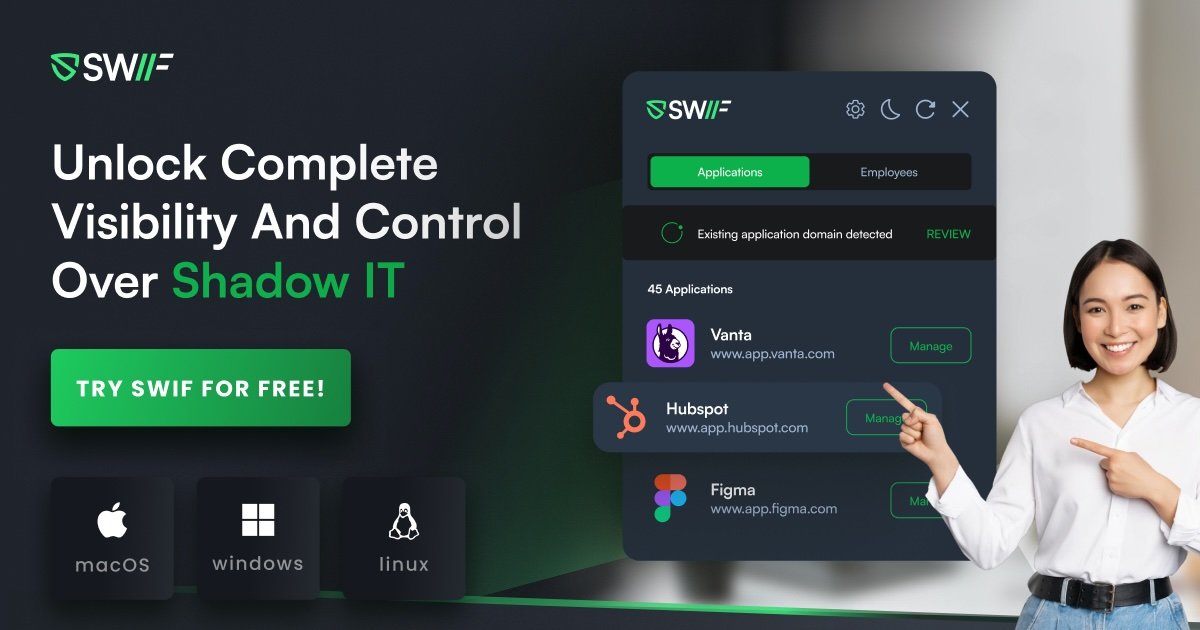
Track Shadow IT and app usage, with reporting and visibility into unmanaged software. The homepage and pricing pages both reference Shadow IT dashboards and app usage reporting.
Support onboarding and offboarding with HRIS sync, purchase requests, and device retrieval checklists. The pricing page lists employee management and zero-touch onboarding workflows.
Connect to identity, HR, and compliance tools such as Okta, Azure AD, Google Workspace, Slack, Vanta, Drata, Thoropass, and SecureFrame. The source also mentions SSO, SCIM, and API/webhook support in some plans.
Use Swif.ai to standardize device setup and policy enforcement across mixed fleets. Smart groups and automated policies help teams apply consistent controls as devices come online.
Track which devices are compliant, which controls are missing, and where remediation is needed. The dashboard is designed to show compliance status at a glance and drill into control-level details.
Use Shadow IT dashboards and app usage reporting to identify unsanctioned tools and understand software activity across the organization. This supports visibility without depending on manual audits.
Connect HRIS, identity, and compliance tools to support onboarding, offboarding, and evidence collection. The pricing and product pages reference integrations with Okta, Azure AD, Google Workspace, Vanta, Drata, Thoropass, and SecureFrame.
Use the platform to manage employee device lifecycles, including remote actions such as locking or wiping devices and handling retrieval during offboarding. The site also references remote terminal and desktop tools in higher plans.
Swif.ai is set up as an MDM and compliance platform with a 14-day free trial. The pricing page also shows plan tiers ranging from Free to Education, Standard, Growth, and Enterprise, with higher tiers adding more devices, policies, integrations, and support options.
The source shows support for Windows, macOS, Linux, iOS, iPadOS, and Android. The product pages also describe compliance visibility across macOS, Windows, and Linux in particular.
Swif.ai centralizes device compliance insights, shows compliant versus non-compliant devices, highlights missing controls, and lets teams focus on the controls that need attention next.
The homepage and pricing pages show out-of-the-box integrations with tools such as Okta, Azure AD, Google Workspace, Slack, Vanta, Drata, Thoropass, Sprinto, Delve, ComplyJet, and SecureFrame. The pricing page also mentions SSO and SCIM integrations.
The source points to IT teams, cybersecurity leaders, HR managers, MSPs, and education teams as intended users. Pricing and product pages suggest it can support onboarding, offboarding, compliance management, device management, and Shadow IT visibility.

Codesphere 是一個虛擬雲平台,整合開發、部署與維運,支援地端、雲端與混合基礎架構,適合重視可攜性、安全性並降低對單一雲供應商依賴的企業與公部門。

AppVision 是一家精品 app 工作室,專注為 iOS 與 Android 設計、開發並成長行動產品。主打小團隊全權負責、每週更新與數據驅動迭代。
Intract 是專為企業打造的跨境支付平台,支援即時結算、多幣別收付與透明匯率,適用於付款與收款流程,並自動處理合規。

Newfront 是商業保險經紀與軟體平台,協助企業配置保障、管理理賠並以數據工具檢視保單。聚焦商業保險、員工福利與退休服務。

Fullstory 是一個數位體驗平台,可擷取行為脈絡、支援分析與引導工作流程,並為產品、員工與數據啟用團隊提供 AI 輔助洞察。

Trunk 是一個 CI 可靠性平台,可協助團隊偵測不穩定測試、隔離失敗,並管理 GitHub 工作流程中的合併佇列。提供免費方案、按用量付費方案,以及含 SSO 與內部部署的企業選項。