

Natural-language automation
Describe what you want in plain English and the agent extracts data or performs actions without requiring CSS selectors or XPath.

rtrvr.ai is an AI web automation and data extraction platform for browser tasks, scraping, enrichment, monitoring, and form workflows via extension, cloud, WhatsApp, API.
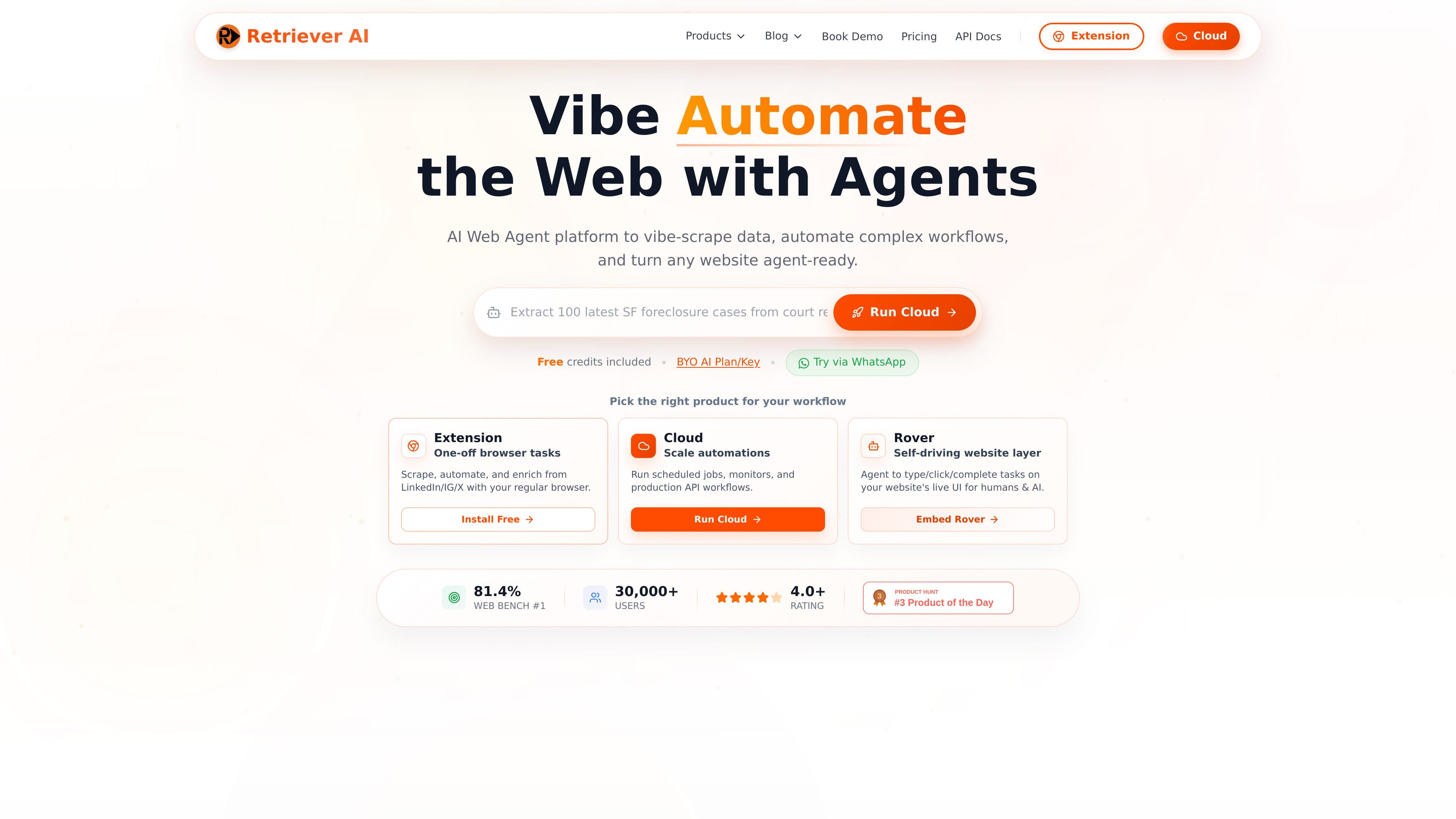
rtrvr.ai is an AI web automation and data extraction platform built to retrieve information, research across pages, and robotize repetitive browser work. It combines a Chrome extension, cloud automation, an embeddable Rover layer, WhatsApp access, and API/MCP integrations so users can work from the interface that fits their workflow.
The product is aimed at tasks such as extracting structured data, enriching spreadsheets, monitoring sites, filling forms, and running multi-step browser actions. The site emphasizes natural-language prompting, support for authenticated pages, and outputs that can be delivered as JSON, CSV, or Google Sheets updates.
Describe what you want in plain English and the agent extracts data or performs actions without requiring CSS selectors or XPath.
Use the Chrome extension for logged-in browser tasks, or move to cloud runs for parallel execution, scheduling, and API workflows.
Receive structured JSON or CSV, with support for API, webhook, and Google Sheets delivery when you need downstream processing.
Run jobs on a schedule, monitor sites continuously, and append results to Google Sheets for recurring research or data collection.
Embed Rover as a live website layer so users can interact with forms, onboarding, and guided tasks inside your site.
Connect through MCP or remote browser triggers to let other apps, bots, or scripts act on the web without manual steps.
Pull product details, pricing, ratings, or article metadata from pages and receive structured output instead of brittle selector-based scraping.
Run scheduled checks on competitor prices, job postings, inventory changes, or content updates and append results to Sheets.
Enrich a spreadsheet of URLs with contacts, pricing, or other page data using the cloud platform and sheet-oriented workflows.
Automate login-protected browser tasks such as posting, form filling, uploading PDFs, or handling recurring multi-step workflows in your own session.
Embed Rover on a website to guide visitors through onboarding, support, demos, or other live UI tasks inside the page.
It supports browser extension workflows for one-off tasks, cloud workflows for scheduled or high-volume runs, an embeddable Rover agent, WhatsApp-triggered tasks, and API or MCP-based integrations. The source also shows a Chrome extension and cloud dashboard as the main product surfaces.
The pricing page lists a free tier with 250 welcome credits and paid plans for Basic, Pro, Enterprise, and Scale. It also says users can bring their own AI key or use supported AI providers and local endpoints for some workflows.
The site says it can return structured JSON or CSV via API, webhook, or Google Sheets. It also mentions validated output for extractions and sheets-based enrichment workflows.
The use-case page says the platform can extract data from authenticated sites, follow natural language instructions, handle dynamic content, and adapt to layout changes without selectors. It also supports monitoring and multi-page aggregation.
The pricing page includes subscriber plans and separate enterprise-scale options, while the site also offers free credits and BYO AI key options. The exact best fit depends on whether you need browser tasks, cloud automation, embeddings, or business-facing deployments.

TakeCareOS is a web platform for home care, disability, and aged care agencies, with rostering, billing, compliance, and AI admin tools.

CREAO is an AI agent platform for turning recurring business work into reusable workflows, with schedules, approvals, and tool integrations.

Exalate is a bidirectional integration platform for syncing work items in real time across teams, systems and companies with controlled data flow.
Twine AI Launcher is an Android launcher with AI assistant access, bringing ChatGPT-style help to your homescreen for quick answers, notes, tasks, reminders, and people memory.

AI Magicx is a unified AI workspace for chat, image, video, voice, music, email and developer tasks, helping teams and creators manage multiple models in one place.

阶跃AI is a personal efficiency assistant from 阶跃星辰 for knowledge search, writing, coding, and daily automation. Download on desktop and mobile, and trigger web, files, and reminders by voice.