

Chapter editor
Write chapters in a distraction-free editor designed for long-form drafting and story organization.

StoryCanvas is a web-based writing platform for authors to draft, organize, revise, and export stories with planning tools, beta-reader feedback, and AI editing.
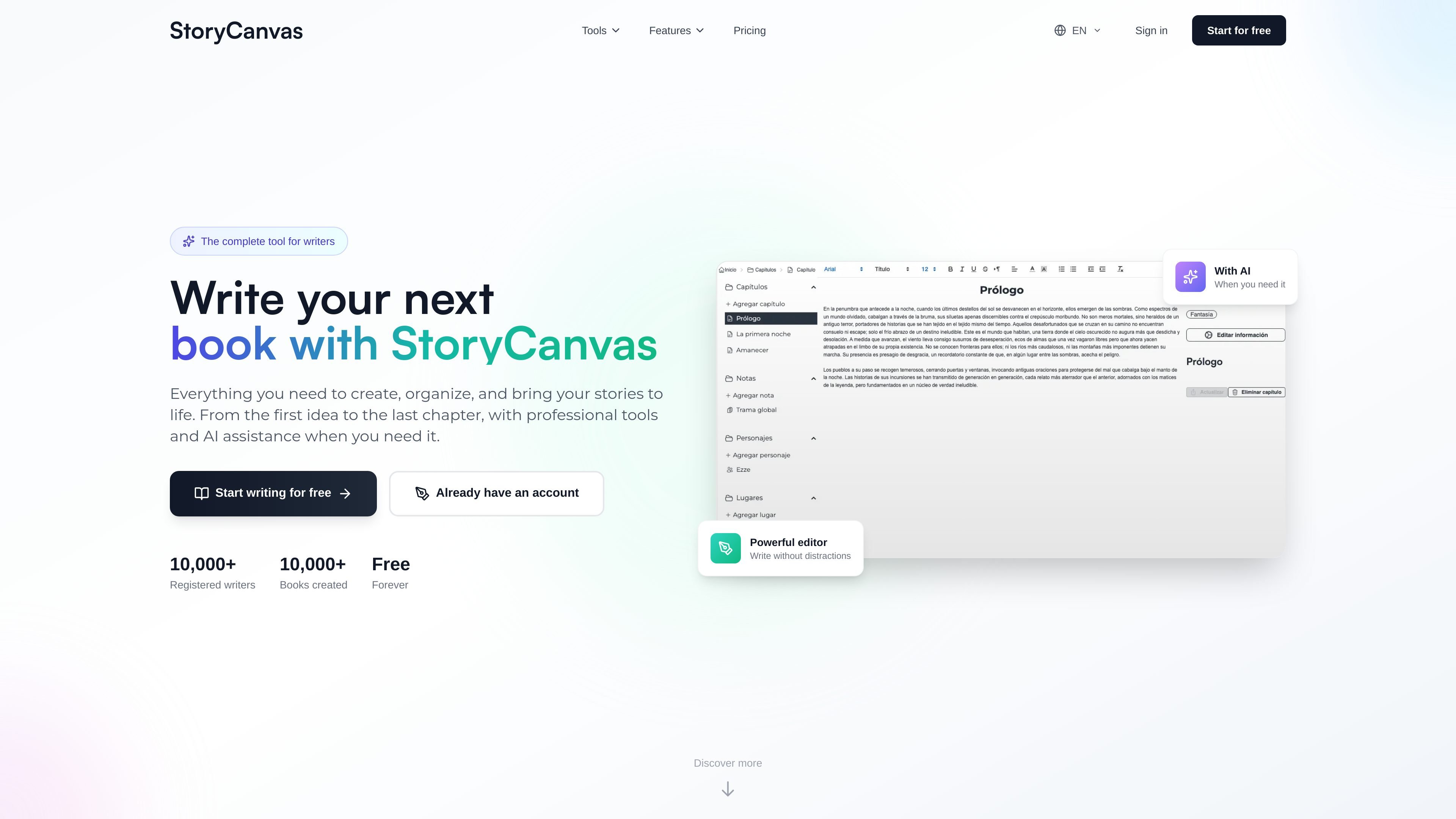
StoryCanvas is a web-based writing platform for authors who want to draft, organize, and publish stories in one workspace. The site presents it as a complete tool for writers, with chapter writing, story planning, AI assistance, and publishing-oriented outputs such as exports and book pages.
Its core workflow centers on building a manuscript from the first idea to the last chapter. Writers can create chapters, notes, characters, locations, maps, timelines, and visual boards, then use the editor, beta reader comments, and export tools to refine and share the work.
Write chapters in a distraction-free editor designed for long-form drafting and story organization.
Keep research, ideas, and references in a Notion-style editor for notes, characters, locations, maps, and covers.
Plan plot structure with boards, mind maps, and detailed timelines to track relationships and sequence.
Save chapter versions, compare progress, and recover earlier text through snapshots.
Export work in DOCX, PDF, EPUB, TXT, Markdown, and Kindle formats when a manuscript is ready to leave the app.
Use AI for chapter correction, cover generation, a book assistant, text summarization, image generation, translation, and WhatsApp-based tools.
Draft chapters in a distraction-free editor while keeping notes, character profiles, and location details alongside the manuscript.
Build story structure with timelines, boards, and mind maps when managing multiple plot threads or complex worldbuilding.
Collect chapter feedback from beta readers and use contextual comments to revise before publication.
Prepare a manuscript for distribution by exporting it to DOCX, PDF, EPUB, TXT, Markdown, or Kindle.
Use AI correction, summarization, translation, or assistant prompts when you need help polishing or reshaping text.
StoryCanvas is built for writers who want to draft, organize, and revise long-form stories in one place. It combines chapter writing, notes, characters, locations, maps, timelines, and AI-assisted editing.
The source shows a free forever plan and paid plans with additional AI and planning limits. The pricing page is partially available on the site, but the full plan list and limits are not completely visible in the provided text.
StoryCanvas supports exporting books and chapters in DOCX, PDF, EPUB, TXT, Markdown, and Kindle formats.
The site shows a login flow, a sign-up flow, and a terms/privacy acceptance step. It also indicates that beta readers can comment on chapters and that some features, such as AI tools, depend on the selected plan.

迅捷AI写作 is an online AI writing tool for papers, novels, office docs and content creation, with scenario templates, online document writing and multi-format export.

Nily AI is a browser-based AI assistant platform with 20+ models and tools for chat, writing, PDFs, email, images, and web page analysis. 7-day free trial.

PerfectEssayWriter.ai is a web-based AI essay writing tool that creates structured, cited drafts from topics, prompts, or rubrics, with tools for outlines, citations, grammar, plagiarism, and AI checks.

Prosed turns creator content into a publish-ready non-fiction book, with manuscript assembly, chapter review, editorial review, and PDF, ePub, or DOCX export.

Conch AI is a browser-based writing and study assistant for students, researchers, and academic writers, with drafting, rewriting, notes, flashcards, mind maps, and citation help.

Vetta X is an AI growth workspace for X that drafts replies and posts in your voice, tracks creators, and enables one-tap publishing after approval.