

Story Bible planning
Start from an idea, then move through outlining, chapter planning, and drafting. The Story Bible module is presented as a step-by-step path from concept to outline to chapters and longer draft sections.

Sudowrite is a web-based AI writing assistant for fiction writers that helps with brainstorming, outlining, drafting, revision, and feedback. It is designed to support long-form creative writing without taking ownership of the author’s work.
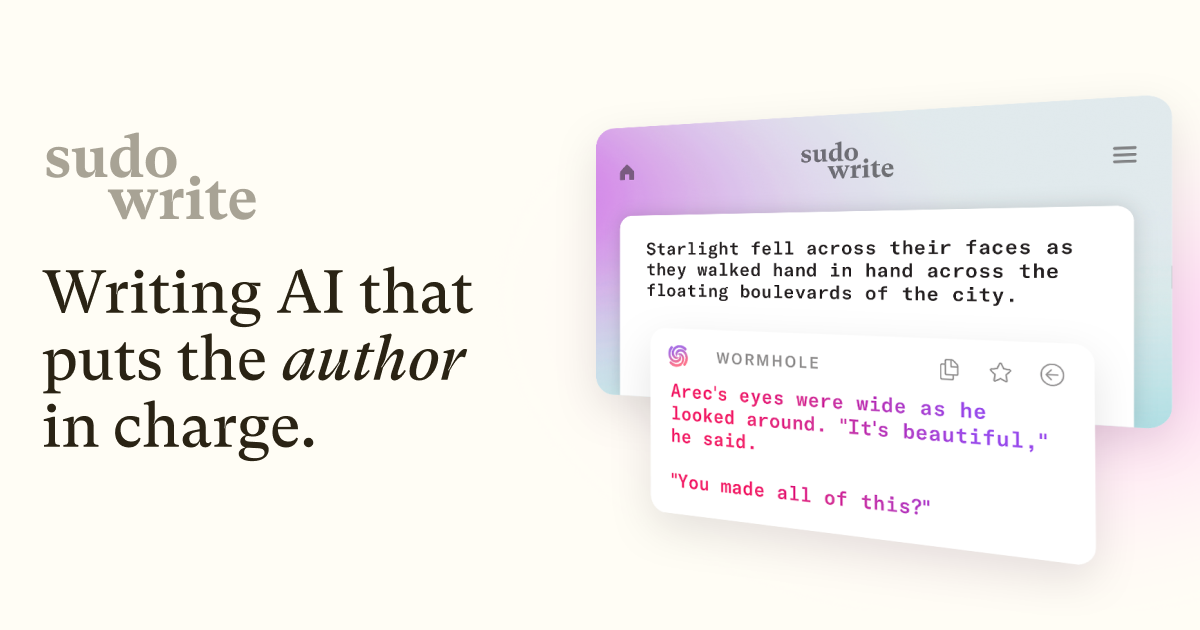
Sudowrite is an AI writing partner built for fiction writers. Across its home, pricing, and FAQ pages, it presents itself as a tool for drafting, revising, and planning long-form stories, with features aimed at novels, screenplays, and other creative writing workflows.
The product centers on helping writers move from idea to draft without replacing the author’s voice. Its features include brainstorming, outlining, scene expansion, rewriting, feedback, and story organization, plus a fiction-specific model called Muse and optional plugins for specialized tasks.
Start from an idea, then move through outlining, chapter planning, and drafting. The Story Bible module is presented as a step-by-step path from concept to outline to chapters and longer draft sections.
Generate and extend prose in your own voice. The Write feature analyzes characters, tone, and plot arc to suggest the next words, while Expand adds more scene detail when pacing feels too fast.
Revise passages with a dedicated rewriting workflow. Rewrite is positioned as a flexible revision helper, and Feedback provides five actionable areas to improve a draft.
Build richer scenes and settings with descriptive assistance. Describe is designed to help add sensory detail so action-heavy writing feels less flat and more immersive.
Organize story materials and explore ideas visually. Canvas helps map plot points, character arcs, and themes, while Brainstorm generates names, titles, magic items, plot points, and twists.
Create supporting imagery and extensions through add-ons. Visualize turns character sheets and worldbuilding notes into art, and Plugins add more ways to write, simulate readers, or convert a novel to a screenplay.
Use Story Bible, Brainstorm, and Canvas to move from a vague premise to a structured novel plan. This fits writers who want help organizing plot points, character arcs, and themes before drafting.
Use Write to continue a draft in a matching voice when the next sentence or paragraph is hard to produce. The feature is described as analyzing characters, tone, and plot arc to suggest the next words.
Use Expand and Describe to slow down rushed sections and add more sensory detail. These tools are aimed at turning thin passages into fuller scenes without starting over.
Use Rewrite and Feedback to refine prose after a draft is complete. The FAQ and product pages position Sudowrite as a revision partner that can surface actionable improvements and help rework awkward lines.
Use Visualize and Plugins when you want support beyond plain text generation, such as turning worldbuilding notes into art, simulating readers, or converting a novel to a screenplay.
Sudowrite is an AI writing partner for fiction. Its FAQ and product pages describe it as a tool that can help writers brainstorm, draft, expand scenes, revise text, and get feedback while keeping the writer in control.
You can write in almost any language. When you use Write, Sudowrite will try to match the language of your text; for some other features, it may fall back to English when it is unsure.
Sudowrite says it claims no rights over what you put into the product or what it generates for you. It also says it does not use your writing to train its AI models.
Sudowrite says it will not plagiarize unless you explicitly force it to do so, which is against its terms of service. The FAQ also notes that the system generates text word by word rather than copying and pasting chunks.
Yes. The FAQ says you can go to your subscription page and cancel there, with no phone calls or extra steps.

迅捷AI写作 is an online AI writing tool for papers, novels, office docs and content creation, with scenario templates, online document writing and multi-format export.

StoryGenerate is a free AI story generator that turns ideas into fiction by choosing language, tone, length, and genre for brainstorming and drafts.

Nily AI is a browser-based AI assistant platform with 20+ models and tools for chat, writing, PDFs, email, images, and web page analysis. 7-day free trial.

PerfectEssayWriter.ai is a web-based AI essay writing tool that creates structured, cited drafts from topics, prompts, or rubrics, with tools for outlines, citations, grammar, plagiarism, and AI checks.

Prosed turns creator content into a publish-ready non-fiction book, with manuscript assembly, chapter review, editorial review, and PDF, ePub, or DOCX export.

Conch AI is a browser-based writing and study assistant for students, researchers, and academic writers, with drafting, rewriting, notes, flashcards, mind maps, and citation help.