

Text-first assistant
Bo accepts messages by text and returns replies in iMessage, so the main workflow stays in a familiar messaging interface.

Bo AI is a text-based personal assistant for organization, health tracking, reminders, and quick info lookup via iMessage and the Bo app.
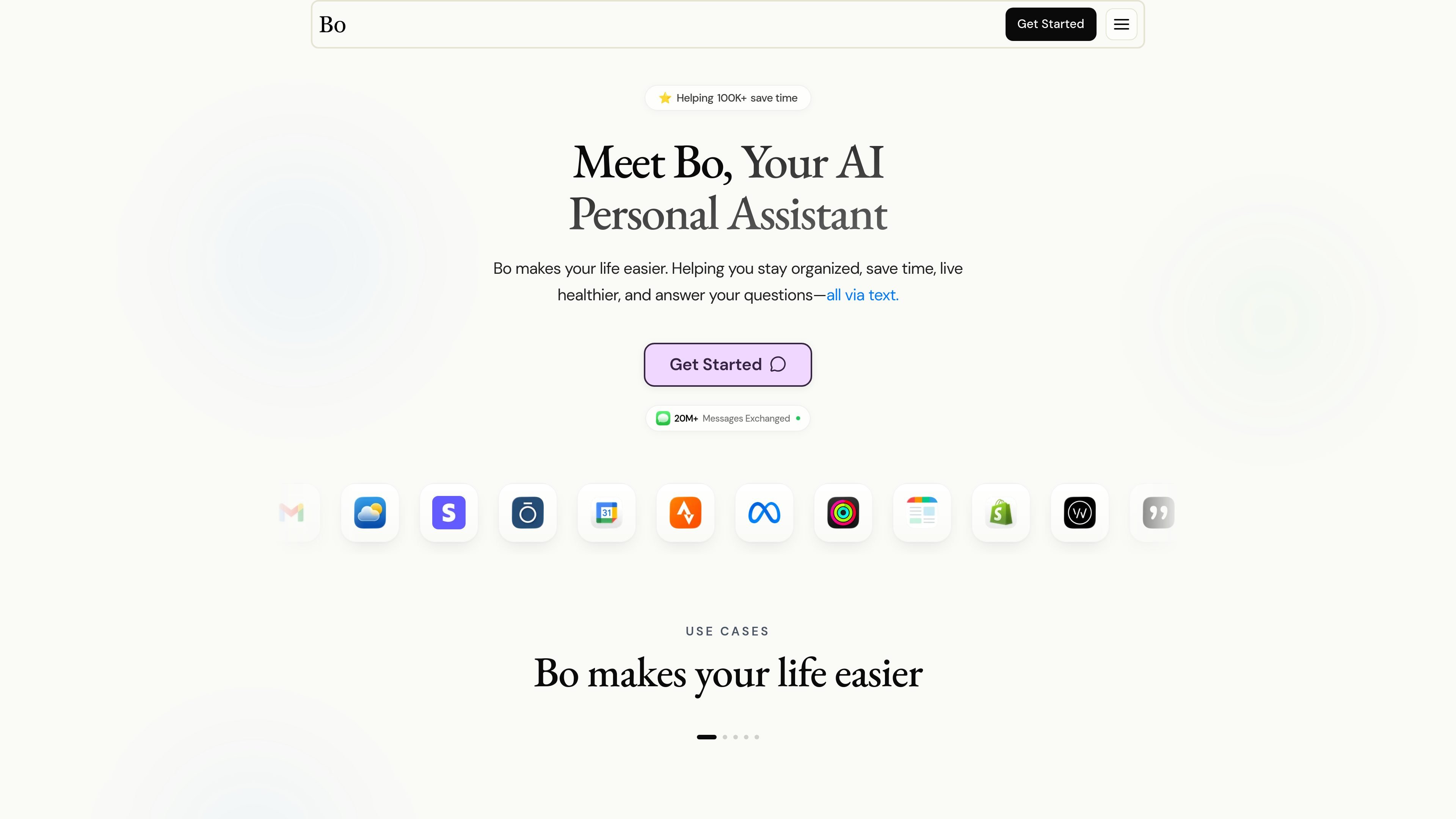
Bo AI is a personal assistant that works through text. The homepage positions it as a way to stay organized, save time, live healthier, and get answers without switching between separate apps.
The product is built around a messaging workflow in iMessage and supported by app connections inside the Bo app. The homepage examples show Bo handling nutrition, fitness, sleep, productivity, general questions, and routine reminders from a single conversation thread.
Bo accepts messages by text and returns replies in iMessage, so the main workflow stays in a familiar messaging interface.
The homepage shows Bo helping with calories, macros, meal suggestions, grocery scoring, and restaurant choices based on health goals.
Bo can track steps, activity, workouts, supplements, sleep summaries, readiness, calendar events, and reminders from connected sources or user messages.
The product can send calendar summaries, call reminders, schedule events, and set daily task reminders to support planning and follow-through.
The homepage describes utility functions such as Google search, weather reports, sports and business news, label and photo breakdowns, and language translation.
Bo supports recurring nudges for meditation, breathing exercises, Bible verses, mood tracking, and accountability check-ins.
Use Bo to log meals, estimate calories and macros, compare food options, or get a healthier recommendation from a restaurant menu or grocery item photo.
Use Bo to watch daily steps, review activity summaries, follow workout plans, and keep track of supplements or peptide reminders.
Use Bo to get sleep summaries, ask for sleep-related guidance, and receive wind-down reminders that help keep a consistent bedtime.
Use Bo to schedule events, move meetings, get reminders before calls, and receive calendar previews in text.
Use Bo for quick questions, weather, news, translation, and other small lookups that are convenient to handle in a message thread.
Bo is designed to be used by text. The homepage says you can text Bo 24/7 and that it replies in iMessage, with no app required for the core messaging workflow.
The site says Bo can help with nutrition, fitness, sleep, productivity, utility tasks, and mindset prompts. Examples on the homepage include tracking calories, steps, sleep summaries, calendar reminders, web search, weather, and motivational check-ins.
The homepage says Bo connects with favorite apps through the Bo app, and examples shown include Strava, Oura, and Calendar. The source does not provide a full integrations list.
The support page lists account, coaching, billing, and privacy-related requests and directs users to [email protected]. The login page also shows phone-based access code sign-in.
The pricing page returned a 404, so the source does not confirm plan names, prices, trial terms, or billing structure. The support page does include a Manage billing link, which suggests billing is handled through the site.

TakeCareOS is a web platform for home care, disability, and aged care agencies, with rostering, billing, compliance, and AI admin tools.
Twine AI Launcher is an Android launcher with AI assistant access, bringing ChatGPT-style help to your homescreen for quick answers, notes, tasks, reminders, and people memory.

阶跃AI is a personal efficiency assistant from 阶跃星辰 for knowledge search, writing, coding, and daily automation. Download on desktop and mobile, and trigger web, files, and reminders by voice.

Gemma AI is a phone call reminder app that calls you with scheduled reminders instead of push notifications. It helps people who want a more direct way to stay on schedule, with Google Calendar sync and conversational call interactions.

Termo is an AI agent platform with dedicated VMs for browsing, code execution, memory, and scheduled automation for research and build tasks.

AI Magicx is a unified AI workspace for chat, image, video, voice, music, email and developer tasks, helping teams and creators manage multiple models in one place.