

Plain-English automation
Quaso turns plain-English instructions into web automations, so users can describe a job instead of wiring up every step manually.

Quaso is an AI automation agent that turns plain-English instructions into browser workflows and app-connected tasks for reporting, triage, monitoring, research, and admin work.
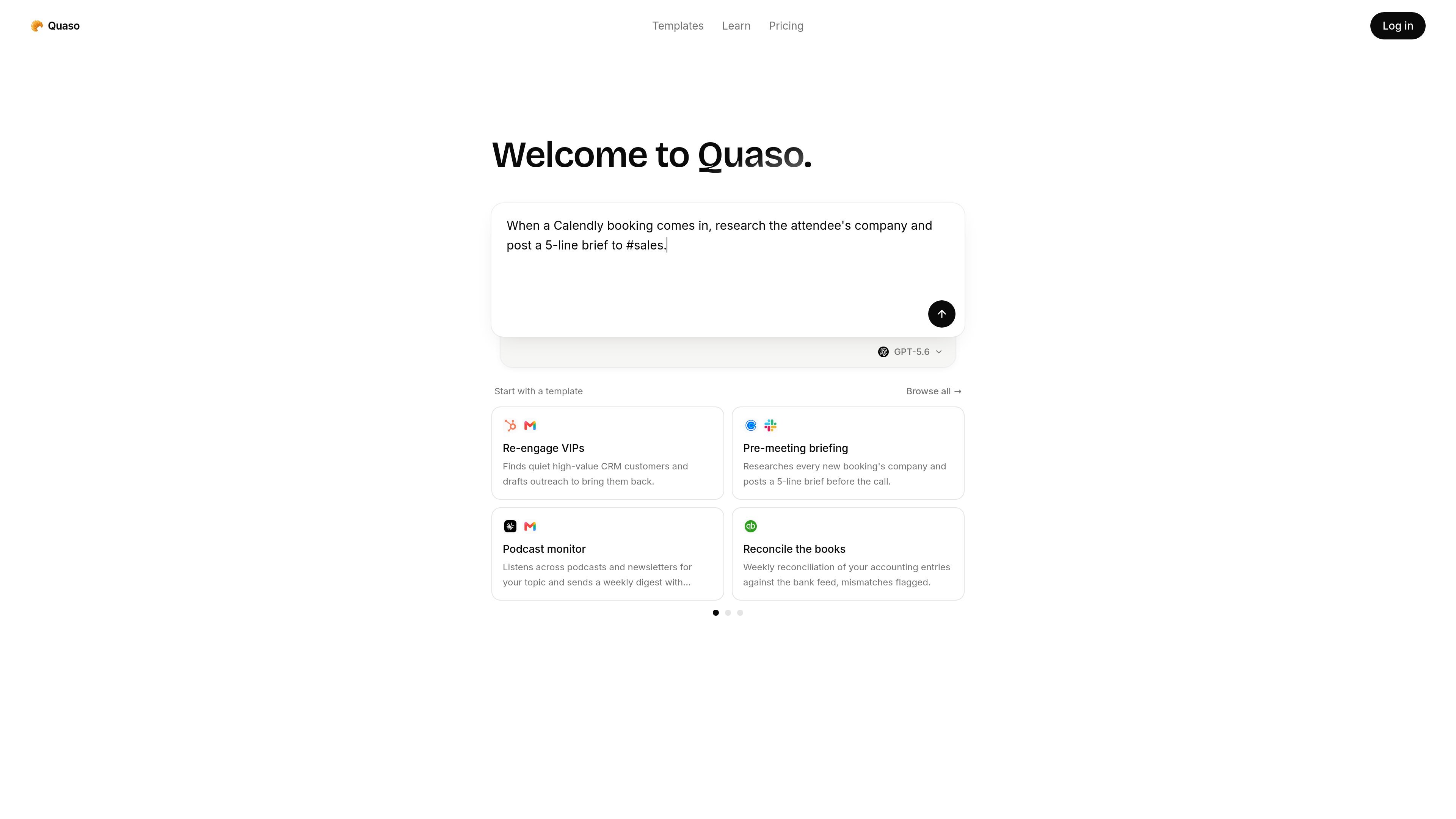
Quaso is an AI automation agent for running web-based workflows from natural-language instructions. The site describes it as a product that turns plain English into automations, with support for live browsing, scheduled Functions, and app connections built on Notte's browser platform.
The product is aimed at people who want to automate recurring operational work without building everything as custom software. The homepage and template gallery show workflows such as bug triage, changelog generation, research briefs, inbox handling, receipts collection, customer health monitoring, and other team or personal admin tasks.
Quaso turns plain-English instructions into web automations, so users can describe a job instead of wiring up every step manually.
Agents can browse live websites, click through flows, fill forms, and interact with software that does not expose an API.
The pricing page says agents can be deployed as scheduled Functions, which supports recurring workflows like reports, monitoring, and inbox tasks.
The product includes a template gallery with preconfigured agents for common workflows such as support triage, reporting, monitoring, and admin tasks.
Quaso connects to over 3,000 apps out of the box, with the full catalog available on every plan.
The pricing page describes credit-based usage and mentions API access on Pro and Custom plans for programmatic use.
Teams can set up agents that open key pages in a real browser each week, then flag load regressions and broken links for follow-up.
Support, product, or engineering teams can turn bug reports into routed tickets, prioritized issues, or enriched records with context from past work.
Operational workflows such as daily changelogs, weekly exec digests, and release notes can be generated from merged PRs or repo activity and posted where the team reads them.
Quaso templates cover inbox triage, meeting recaps, customer health monitoring, and deep research briefs, which suits people who need recurring information processed and summarized.
The product also includes admin-oriented templates such as receipts collection, pay stub archiving, subscription auditing, and office search, showing use beyond engineering teams.
Quaso is built to turn plain-English instructions into web automations. The source describes agents that can browse live sites, run scheduled functions, and connect to apps.
Yes. The pricing page says the Free plan includes 3,000 credits granted once, with no card required and no expiry.
Quaso says it connects to over 3,000 apps out of the box, and the full catalog is available on every plan. The pricing page also notes that agents can usually reach missing services through the browser.
Yes. The pricing page says agents can control a real browser through Quaso's partnership with Notte, which lets them navigate sites, fill forms, and click through software that does not have an API.
Quaso's pricing page says you can create as many agents as you want on every plan. Billing is based on what agents actually run, not on the number of agents in your workspace.

AI Magicx is a unified AI workspace for chat, image, video, voice, music, email and developer tasks, helping teams and creators manage multiple models in one place.

CREAO is an AI agent platform for turning recurring business work into reusable workflows, with schedules, approvals, and tool integrations.
Twine AI Launcher is an Android launcher with AI assistant access, bringing ChatGPT-style help to your homescreen for quick answers, notes, tasks, reminders, and people memory.

Orca is an Agent Development Environment for shipping with coding agents, running multiple CLI agents in parallel across isolated worktrees, with desktop and mobile workflows.

Paper is a design tool that connects canvas, code, and AI agents so teams can create, share, and ship work in one workflow. Includes desktop app and MCP access.

阶跃AI is a personal efficiency assistant from 阶跃星辰 for knowledge search, writing, coding, and daily automation. Download on desktop and mobile, and trigger web, files, and reminders by voice.