

Online background removal
Remove backgrounds from uploaded images through a browser-based workflow on the home and upload pages.

Removebg is a free browser-based tool for removing image backgrounds and downloading cutouts for product images, design work, and personal use.
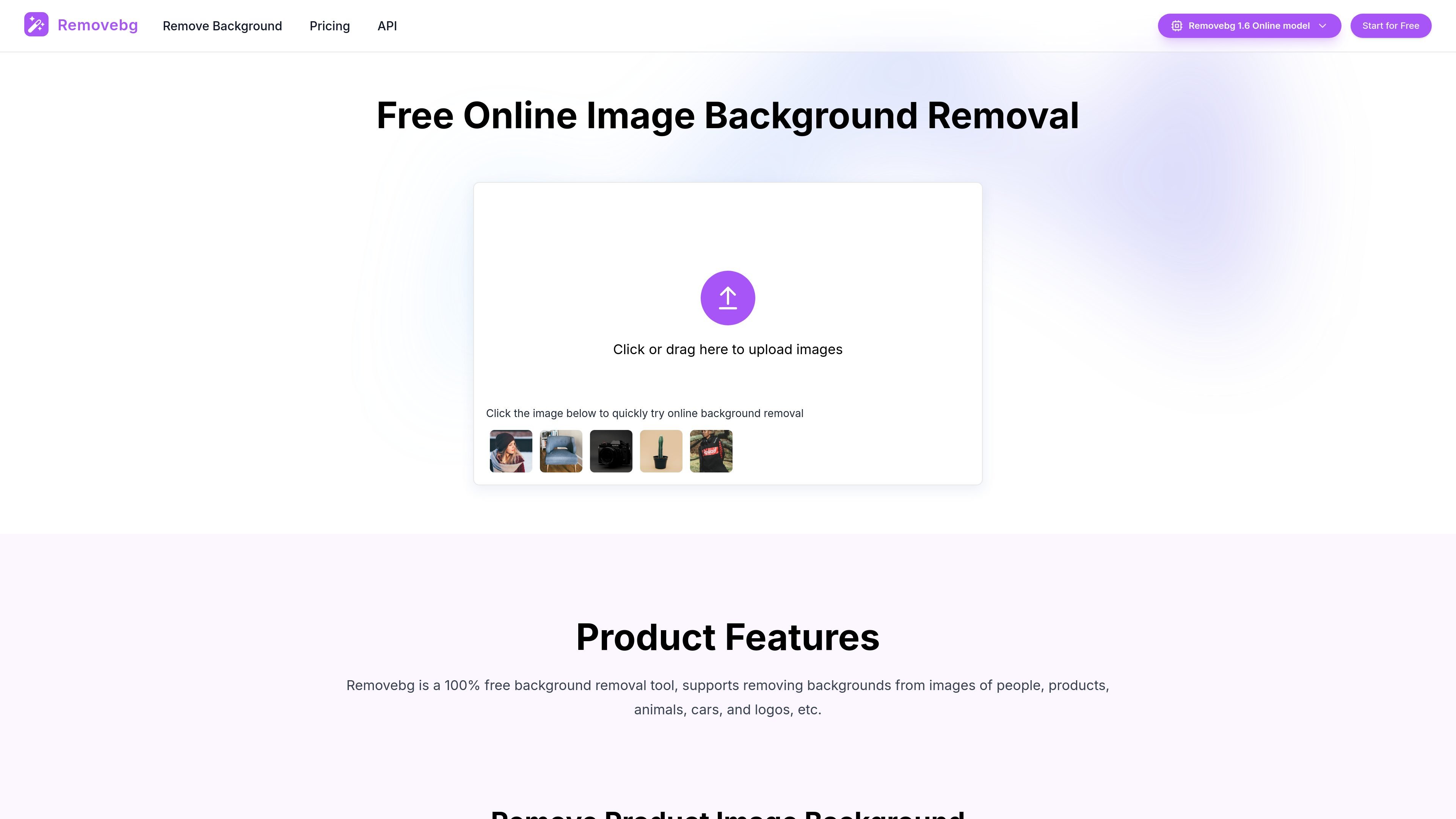
Removebg is a browser-based background removal tool for images. It lets users upload a photo, automatically remove the background, and download the cutout for use in product listings, design assets, social posts, and other image workflows.
The site positions the tool as free to use on the web platform, with API credit purchases reserved for API calls. It supports common image types such as people, products, animals, cars, and logos, and includes optional secondary editing for cleanup after the background is removed.
Remove backgrounds from uploaded images through a browser-based workflow on the home and upload pages.
The site says the tool supports images of people, products, animals, cars, and logos, covering several common image types.
A simple upload flow lets users click or drag files into the page and then download the cutout after processing.
Users can optionally refine the cutout result by removing blemished pixels before downloading.
The site says the background can be changed to another color after the initial cutout is created.
Supported file formats listed on the site include PNG, JPG, JPEG, and WEBP, with a maximum size of 10 MB and dimensions up to 6400px.
Create background-free product photos for online stores and marketplace listings, especially when you need consistent presentation across a catalog.
Isolate subjects for banners, social graphics, ads, and other layout work where transparent cutouts are easier to place into a composition.
Prepare polished images for social posts, profile images, and personal projects without needing advanced editing skills.
Remove backgrounds from car images, animal photos, or logo assets when you want a cleaner subject-focused image for publishing or presentation.
Yes. The source states that Removebg can be used online for free without registration, and that newly registered users receive 5 credits as a gift.
Removebg supports PNG, JPG, JPEG, and WEBP files.
For images with a width or height of 1200px or less, background removal and download are free. Larger images may require credits for high-definition background removal, and a single job can require up to 3 credits depending on image dimensions.
The site says image processing typically takes around 8 seconds, and can take up to about 28 seconds during peak times.
No. The source says batch processing is currently not supported.

Photoroom is an AI visual editing platform for e-commerce that removes backgrounds, creates product images, and prepares listings from phone, web app, or API workflows.

AI Watermark Remover is a free online tool to remove watermarks from photos and videos with manual brush selection and no added output watermark.

Photoeraser is a web-based AI photo editor for removing backgrounds, erasing unwanted objects, and enhancing image quality with simple upload workflows.

Lummi is a free AI stock media platform for browsing royalty-free photos, illustrations, 3D assets, and short video generations. It also includes tools for reframing, restyling, background removal, and 3D customization.

简单AI is Sohu’s online AI tool for AI image generation, AI writing, and online image editing—ideal for quickly creating images, copy, or basic retouching.

豆绘AI is an online AI image generation and editing platform for ecommerce and design, supporting white background, scene, interior rendering and post-processing.