

Four-function training workflow
Tinker exposes four core operations — `forward_backward`, `optim_step`, `sample`, and `save_state` — so users can run training loops directly through the API.

Tinker is a training API from Thinking Machines Lab for researchers and developers to fine-tune open-source models with LoRA without managing infrastructure.
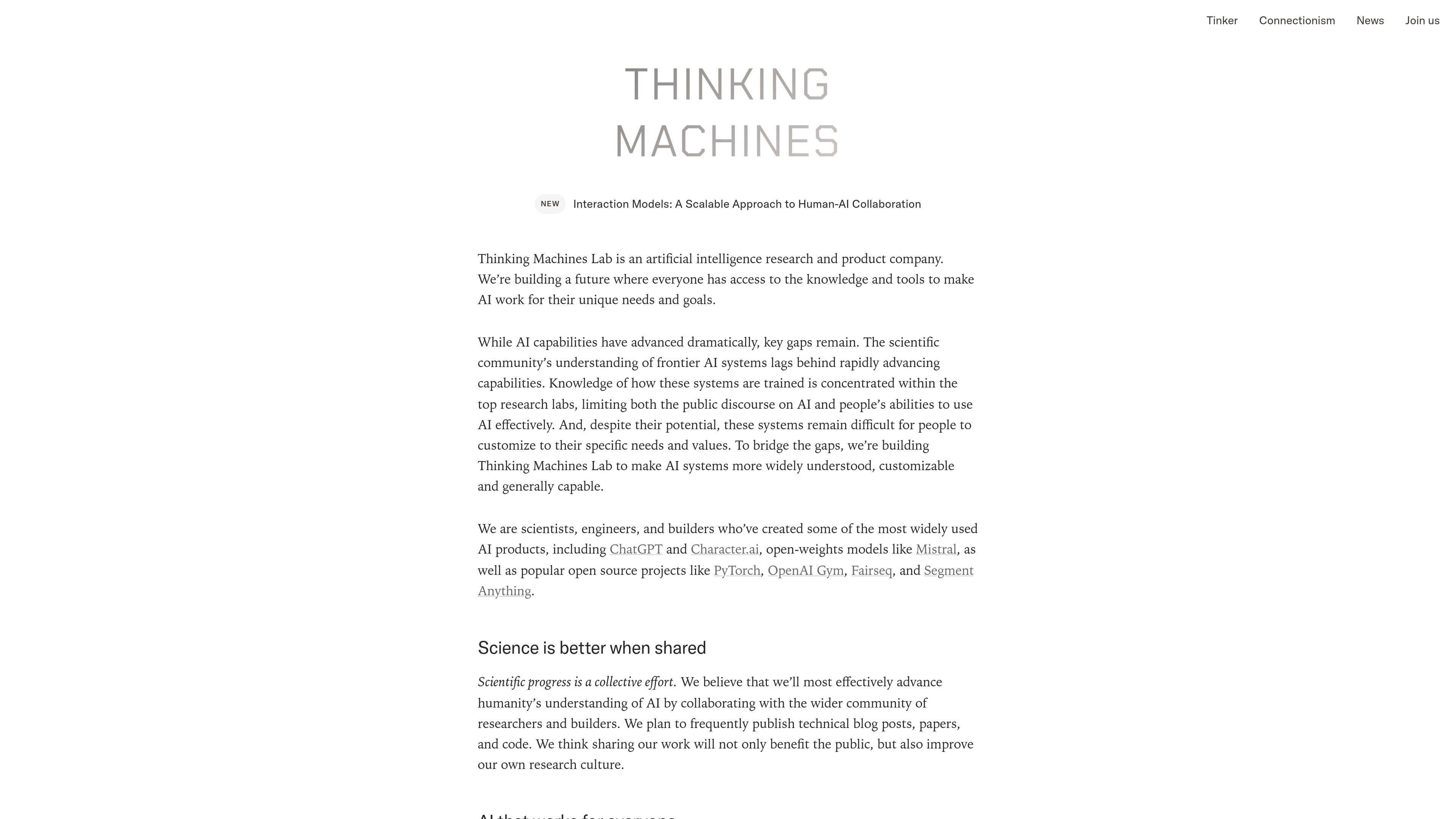
Tinker is a training API from Thinking Machines Lab for researchers and developers who want to fine-tune open-source models with LoRA while keeping control over data and algorithms. The product abstracts away scheduling, tuning, resource management, and infrastructure reliability so users can focus on model behavior, datasets, and training logic.
The interface centers on four training functions: `forward_backward` to compute gradients, `optim_step` to update weights, `sample` to generate outputs, and `save_state` to preserve progress. The site positions Tinker as a practical way to run supervised fine-tuning or reinforcement learning workflows on supported open-source models without managing the underlying training stack.
Tinker exposes four core operations — `forward_backward`, `optim_step`, `sample`, and `save_state` — so users can run training loops directly through the API.
The service handles scheduling, tuning, resource management, and reliability, which lets researchers focus on datasets and algorithms instead of infrastructure operations.
Tinker uses LoRA fine-tuning, training a smaller adapter rather than updating every base-model weight. The page says its research shows LoRA can match full fine-tuning performance with less compute when set up appropriately.
The product supports a listed set of open-source models, including Qwen, GPT-OSS, DeepSeek-V3.1, Kimi K2.5/K2.6, and NVIDIA Nemotron models.
A cookbook and example workflows are available to show realistic fine-tuning patterns and common abstractions for the API.
Users can save checkpoints and download saved model weights through an API endpoint, supporting resumption and model export.
Fine-tune open-source language models when you want control over the training data and algorithm but do not want to run your own cluster management or scheduler.
Run iterative experiments on supervised datasets by calling the API functions to compute gradients, update weights, sample outputs, and save state between runs.
Work on reinforcement learning style projects where the model samples actions or tokens and training state needs to persist across iterations.
Prototype with supported model families such as Qwen, GPT-OSS, DeepSeek-V3.1, Kimi K2.5/K2.6, or NVIDIA Nemotron models.
Share saved checkpoints or resume training later using the checkpoint and save-state workflow built into the API.
Tinker is a flexible API for efficiently fine-tuning open-source models with LoRA. It is aimed at researchers and developers who want control over data and algorithms without managing training infrastructure.
You can access Tinker by joining the waitlist or access flow on the site. The page also says universities or organizations seeking wide-scale access should contact `[email protected]`.
Tinker handles scheduling, tuning, resource management, and infrastructure reliability, while you work through the API on your datasets, algorithms, and environments.
The source says you need a dataset of supervised learning examples or reinforcement learning environments. The API then provides simple functions to compute gradients, update weights, sample outputs, and save state.
Tinker includes an API endpoint for downloading any checkpoint you have saved. The source also states that your data is used solely to fine-tune your models and is not used to train Thinking Machines Lab models.
Los datos de tráfico son solo como referencia.

RLAMA is a local AI platform for building RAG systems and intelligent agents on macOS, Linux, and Windows, with HTTP API support.
OpenAI offers ChatGPT, API, Platform tools, and Codex for conversational AI, model building, and research and product updates.

AakarDev AI helps teams manage AI provider access, project setups, logs, and analytics in one dashboard with BYOK support.

书生 is a general-purpose large model suite for language, multimodal, weather, ocean, industrial design, 3D, finance, and scientific discovery tasks.

Orca is an Agent Development Environment for shipping with coding agents, running multiple CLI agents in parallel across isolated worktrees, with desktop and mobile workflows.

Firebase Studio is a web-based workspace for full-stack app development with Gemini-assisted coding, app previews, cloud emulators, collaboration, and browser deployment.