

Text to Lottie generation
Generate production-ready Lottie JSON from a single plain-language prompt, then refine timing, color, and choreography through follow-up messages.

vizGPT is an AI graphics and motion studio that turns plain-language prompts into Lottie animations, animated SVG, GIF exports, and data graphics. It is aimed at product, design, marketing, and frontend workflows that need editable motion assets and lightweight visual output.
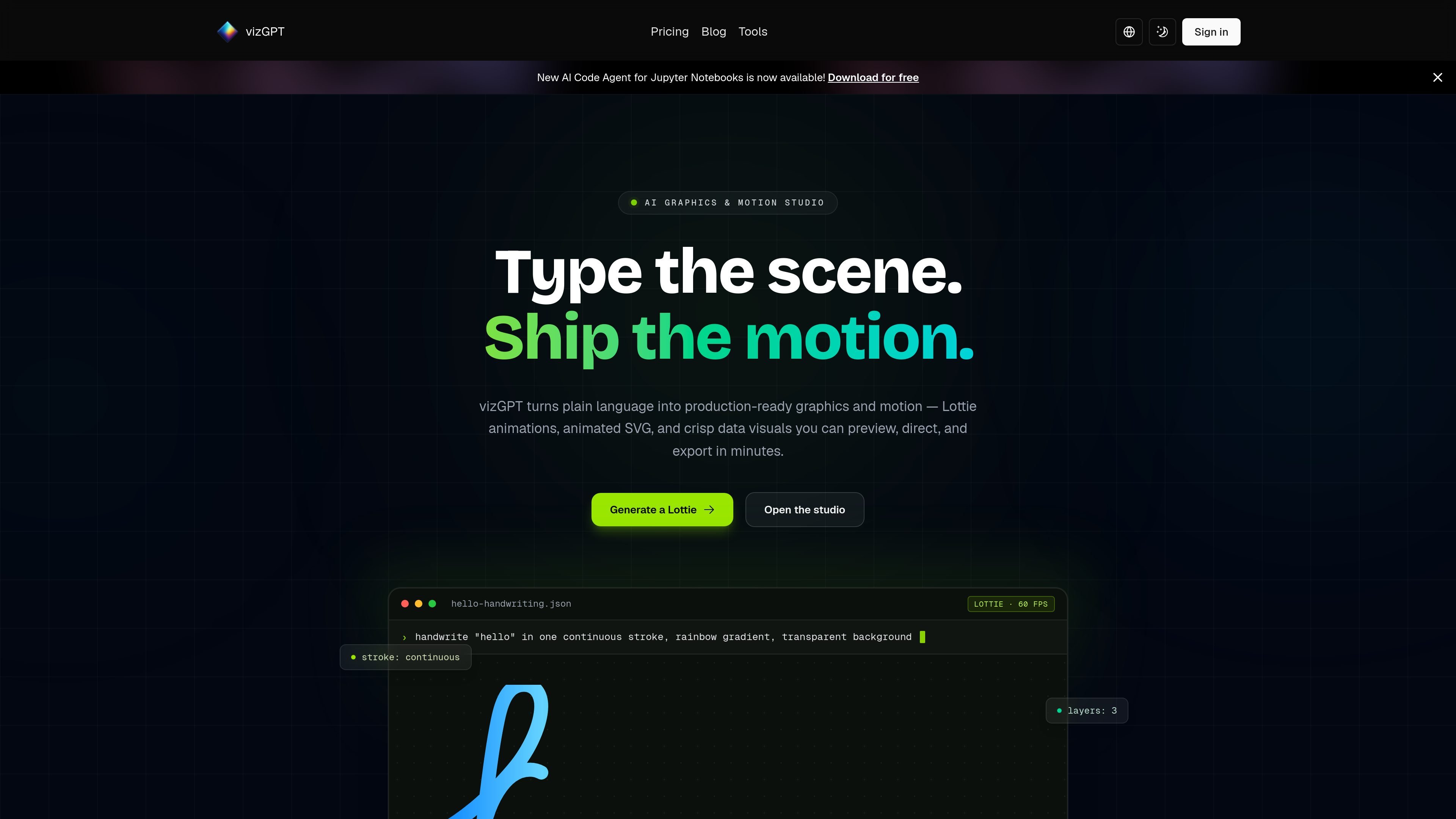
vizGPT is an AI graphics and motion studio for turning plain-language prompts into production-ready motion assets and data visuals. Its core outputs include Lottie animations, animated SVG, GIF exports, and chart or dashboard graphics.
The site positions the product as a prompt-first workflow for motion design: describe the scene, generate a first cut, refine it in chat, and export files that can be used in web, iOS, Android, and related app workflows. The homepage and use-case page emphasize editable Lottie JSON, live preview, and lightweight vector output over video-based production.
Generate production-ready Lottie JSON from a single plain-language prompt, then refine timing, color, and choreography through follow-up messages.
Preview animations as they are created and work through changes in conversation instead of re-keyframing a timeline manually.
Export motion assets as Lottie JSON, animated SVG, or GIF so the output can be used in web and mobile workflows.
Create lightweight animated SVG from prompts for scalable hero graphics, icon loops, and micro-interactions.
Generate charts, infographics, and dashboards from natural-language prompts, with support for drag-and-drop exploration and team sharing.
Use the free toolchain around the generators, including Lottie Editor, Lottie Preview, Lottie to GIF, Lottie to SVG, SVG to Lottie, Video to Lottie, and Chart Maker.
Create onboarding cards, success checks, and other interface motion from a short description, then export standard Lottie JSON for product surfaces.
Build landing-page motion, campaign loops, and other lightweight marketing graphics that can be exported as animated SVG or GIF.
Generate editable micro-interactions and motion prototypes without hand-writing keyframes, then fine-tune timing and easing in the editor or chat.
Produce charts, infographics, and dashboard visuals from natural-language prompts, with optional drag-and-drop exploration for refinement.
Reuse the free utility stack to convert between formats, preview files, and prepare motion assets for handoff or reuse across projects.
vizGPT generates Lottie animation JSON from plain-language prompts. The workflow shown on the site is to describe the motion, generate a first version, refine it in conversation, and then export the result.
Yes. The site says generated files can be opened in the free Lottie Editor to adjust timing, colors, and layer behavior before shipping.
vizGPT’s Lottie output is described as standard Lottie JSON, and the use case page says it can be used with lottie-web, dotLottie, iOS, Android, and React Native. The homepage also says exports can include Lottie JSON, animated SVG, or GIF.
The pricing page shows a Free plan with 100 credits per month and paid Basic, Pro, and Ultra tiers. It also indicates that AI Generative Lottie is included on the paid tiers, while the free tier does not include it.
The product is presented as useful for product teams, marketing teams, frontend engineers, and agencies that need lightweight animation or data graphics in web and app workflows.

Paper is a design tool that connects canvas, code, and AI agents so teams can create, share, and ship work in one workflow. Includes desktop app and MCP access.

Superside is an AI-powered creative service for enterprise and in-house teams, with global talent, AI-first workflows, and subscription-based support.

简单AI is Sohu’s online AI tool for AI image generation, AI writing, and online image editing—ideal for quickly creating images, copy, or basic retouching.

Recraft is an AI image generation and design platform for designers, creatives, sellers, and teams. It supports raster and vector generation, custom styles, mockups, editing, and API-based workflows.

GraphicInfo is a web-based AI infographic maker that turns text or ideas into visuals in one click for faster, shareable infographics.

CubeOne is an AI slide editor that turns prompts or PowerPoint files into designed, fully editable slides for easier PowerPoint and Canva workflows.