

AI template creation from Word files
Turn existing Word documents into reusable templates with built-in AI, so firms can start from their own drafting materials instead of building every template manually.

Clio Draft is AI legal drafting software for law firms, with document automation, court forms, questionnaires, e-signatures and cloud access.
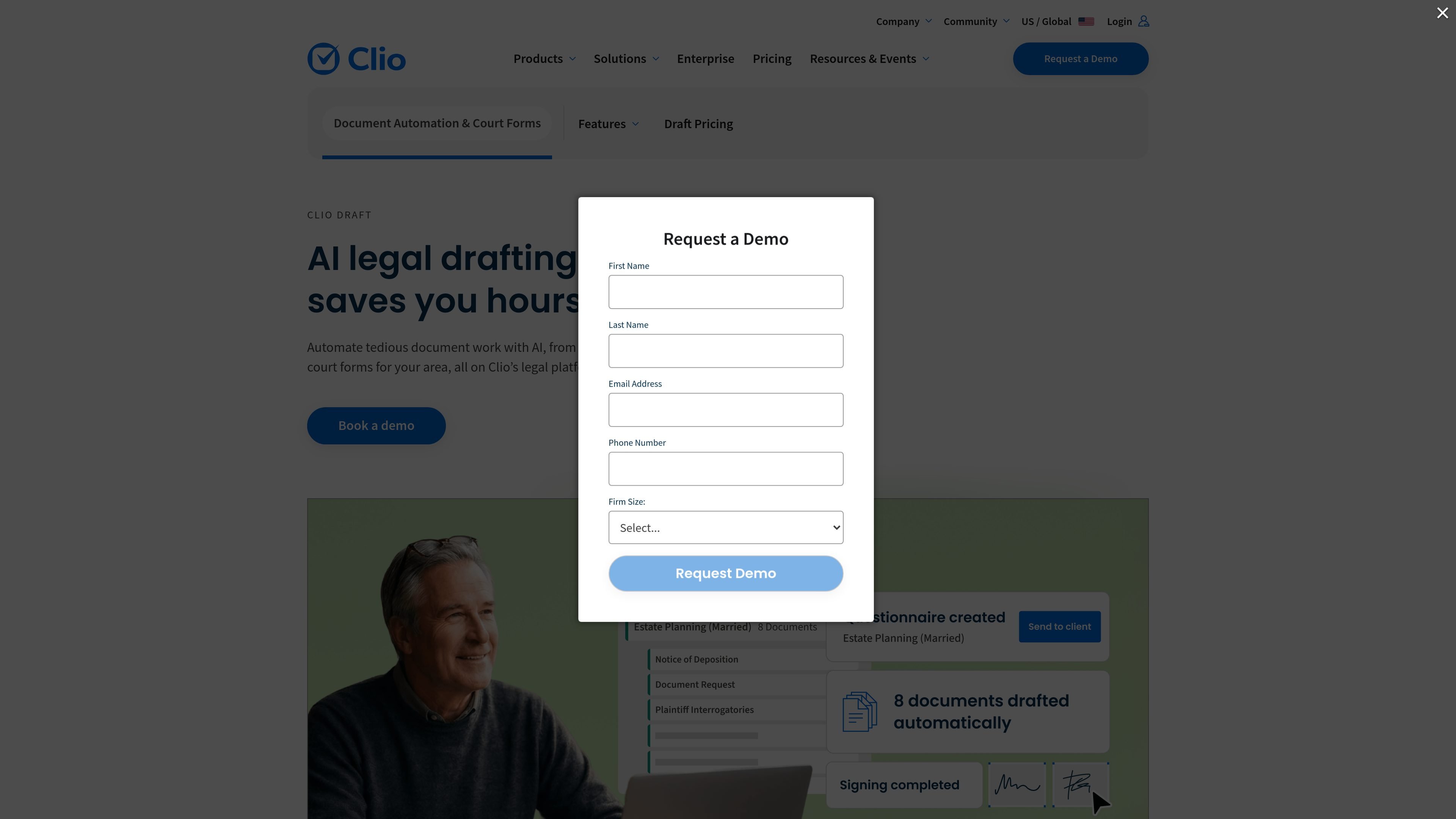
Clio Draft is AI legal drafting software for law firms. It combines document automation, online templates, court forms, questionnaires, e-signatures, and cloud document access in one product built for legal drafting workflows.
The product is designed to reduce repetitive drafting work from client intake through final document delivery. The site emphasizes turning Word files into reusable templates, populating multiple documents for a case, and keeping documents accessible in the cloud, including alongside Clio Manage for firms that use both products.
Turn existing Word documents into reusable templates with built-in AI, so firms can start from their own drafting materials instead of building every template manually.
Use online questionnaires that map to document templates and adapt to client responses, reducing back-and-forth and manual data entry.
Populate whole sets of documents at once for a matter, which helps handle related forms together and reduces repetitive typing.
Access ready-to-fill court forms for all 50 states, including official state, county, and federal immigration forms that autofill with case information.
Create, review, and send document packages for e-signature with a federally compliant signing tool that works on any file.
Store, view, edit, and export documents from any browser or device, with cloud storage, secure access, and PDF or Word exports.
A firm can convert frequently used Word documents into templates so attorneys and staff reuse approved language instead of starting over each time.
A team can collect matter details through dynamic questionnaires and map answers into templates, which helps reduce intake follow-up and retyping.
For matters that require multiple related forms, staff can populate whole sets of documents at once and review the results before sending them out.
Firms that work with court forms can use the product to access ready-to-fill forms and autofill them with case information for faster preparation.
Teams that need remote review can store, edit, export, and share documents from the browser, while using e-signatures to send packages for signing.
Clio Draft is positioned as AI legal drafting software for law firms. It helps turn Word documents into reusable templates, gather client information with questionnaires, populate multiple documents for a case, and produce signed files and court forms.
The site shows Clio Draft working with Clio Manage. Client and matter details flow from Clio Manage into Clio Draft templates so documents can be created, updated, and finalized without retyping.
Clio Draft can export documents in PDF or Word, and the site also highlights built-in e-signatures for sending document packages to clients.
The pricing page presents annual and monthly billing options and a contact-sales flow rather than public dollar amounts, so firms need to get in touch to confirm the right plan.
The source describes onboarding, live training, support by phone, email, and chat, and 24/5 assistance. That suggests it is set up for firm teams rather than a self-serve consumer tool.

LexWorkplace is a cloud-based document and email management system for law firms, helping teams organize matters, search documents and email, and manage legal workflows from Outlook.

Go Legal AI is an AI legal documents and contracts platform for templates, document review, expert access and signing workflows across 150+ jurisdictions.

Legalese Decoder translates legal documents into plain English with AI, NLP, and machine learning, helping you understand contracts and agreements before you sign.

Predictice is a legal research and analysis platform for legal professionals, with jurisprudence search, litigation analysis, assistant tools and document audit workflows.

小艺 is Huawei’s AI smart assistant for Q&A, writing, document reading, code help, image recognition, and file drag-and-drop.

clickworker provides human-generated and human-validated data services for surveys, store checks, tagging, list building, crowdtesting, and AI training data.