

Unified content view
Dokkio brings files, email attachments, browsed pages, screenshots, and local desktop files into one searchable view so you can work across silos without switching tools.

Dokkio is a cloud content organization and search platform for teams and individuals working across services like Google Drive, Dropbox, Gmail, Box, Slack, and OneDrive. It helps users search, tag, organize, and understand files, attachments, pages, and screenshots from one place.
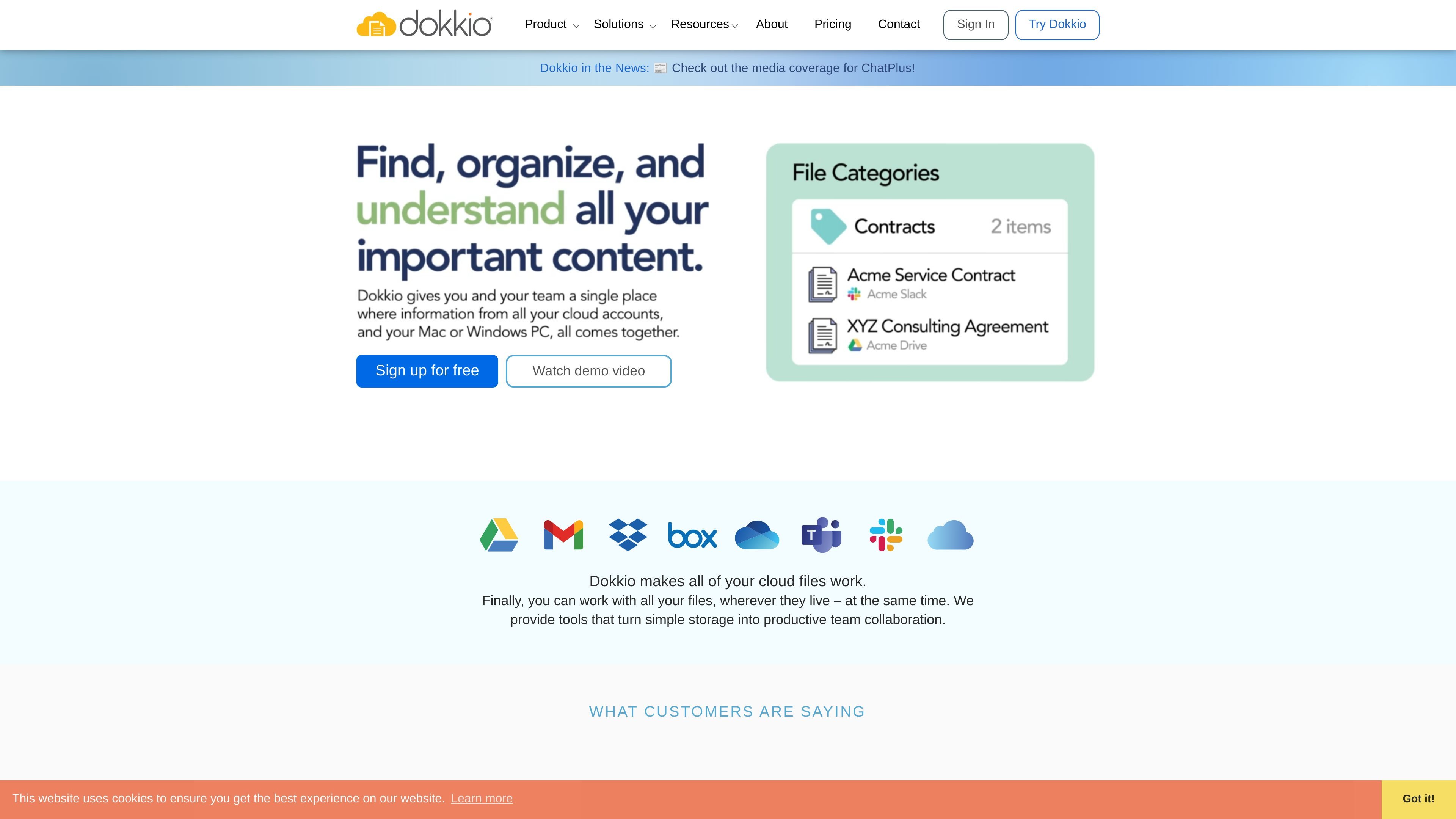
Dokkio is a cloud content organization and search platform that brings together files, email attachments, browsed pages, screenshots, and even local desktop folders in one place. Its core purpose is to help people find, understand, and organize content that is spread across different services and devices.
The product is built for individual work and team collaboration. It supports cloud sources such as Google Drive, Dropbox, Gmail, Box, Slack, OneDrive, and Microsoft Teams, and it adds AI-based tagging, categorization, summaries, and related-content discovery to make mixed content easier to manage.
Dokkio brings files, email attachments, browsed pages, screenshots, and local desktop files into one searchable view so you can work across silos without switching tools.
The platform automatically categorizes content and tags files based on document type, project, customer, topic, or other relationships it detects from your data.
Dokkio uses AI to generate document and page summaries, caption images, extract screenshot text, and surface related pages you have already viewed.
The integrations page shows support for Google Drive, Gmail, Dropbox, Box, Slack, OneDrive, Microsoft Teams, iCloud via Dokkio for Mac, and local Mac or Windows files.
Dokkio Sidebar, a Chrome extension, can save, tag, bookmark, clip, and summarize pages as you browse, making web research and reference collection easier to revisit.
Users can edit live documents in Google Docs, Sheets, Slides, and Microsoft Office editors, and move files within a connected service or to another cloud provider.
Centralize files from multiple client or project systems so a team can see related documents together instead of searching across disconnected accounts and services.
Organize proposals, contracts, RFPs, and related materials into meaningful groupings so sales and business development teams can retrieve the right document quickly.
Collect web pages, screenshots, and notes while researching, then rely on automatic tagging and summaries to revisit the most relevant material later.
Keep campaign assets, collateral, and supporting files linked to products or campaigns so marketing teams can locate reusable materials without depending on folder names alone.
Group files by project, customer, topic, or other work-specific dimensions to give project managers a consolidated view of the materials needed to stay on track.
Dokkio combines files from services such as Google Drive, Dropbox, Gmail, Box, Slack, and OneDrive into a single place where you can search, organize, and understand them.
Yes. The pricing page shows a free plan, a Pro plan billed per user per month with an annual subscription, and an Enterprise plan that uses contact sales pricing.
Dokkio is designed for teams and individuals who work across multiple cloud file systems, email, and browser content and need a unified way to search and organize that material.
Dokkio’s content is available through its web app, mobile web app, Windows app, Mac app, and Chrome-based Sidebar extension.
The source material does not describe export formats or report outputs in detail, but it does show that users can search, tag, view, edit, and move supported files within Dokkio.

Read AI is an AI meeting assistant and enterprise search product that captures meetings, emails, and messages into summaries, transcripts, and searchable answers. It is built for individuals, teams, and organizations that want meeting recaps, cross-workspace search, and workflow integrations.

GetESP analyzes CSV email lists to identify recipient ESPs and spam protection tools, helping segment lists and choose the right provider for better deliverability.

My QR Code is a web-based QR code generator for links, vCards, files and more, with design customization, export formats and scan tracking.

Anara is an AI research workspace that searches your library and the web, then helps you write with cited claims and source-backed answers.

Quenti is an online learning platform for flashcards, practice tests, matching games, and AI-assisted grading for students, teachers, schools, and organizations.

Prompt Genie is a prompt management and optimization tool for AI workflows, plus Claude Code memory to reduce repeat reads and token spend.