

Multiple content types
Select a QR code type for common sharing scenarios such as website URLs, vCards, PDFs, images, social media, videos, text, business pages, Facebook pages, Wi‑Fi, apps, and menus.

My QR Code is a web-based QR code generator for links, vCards, files and more, with design customization, export formats and scan tracking.
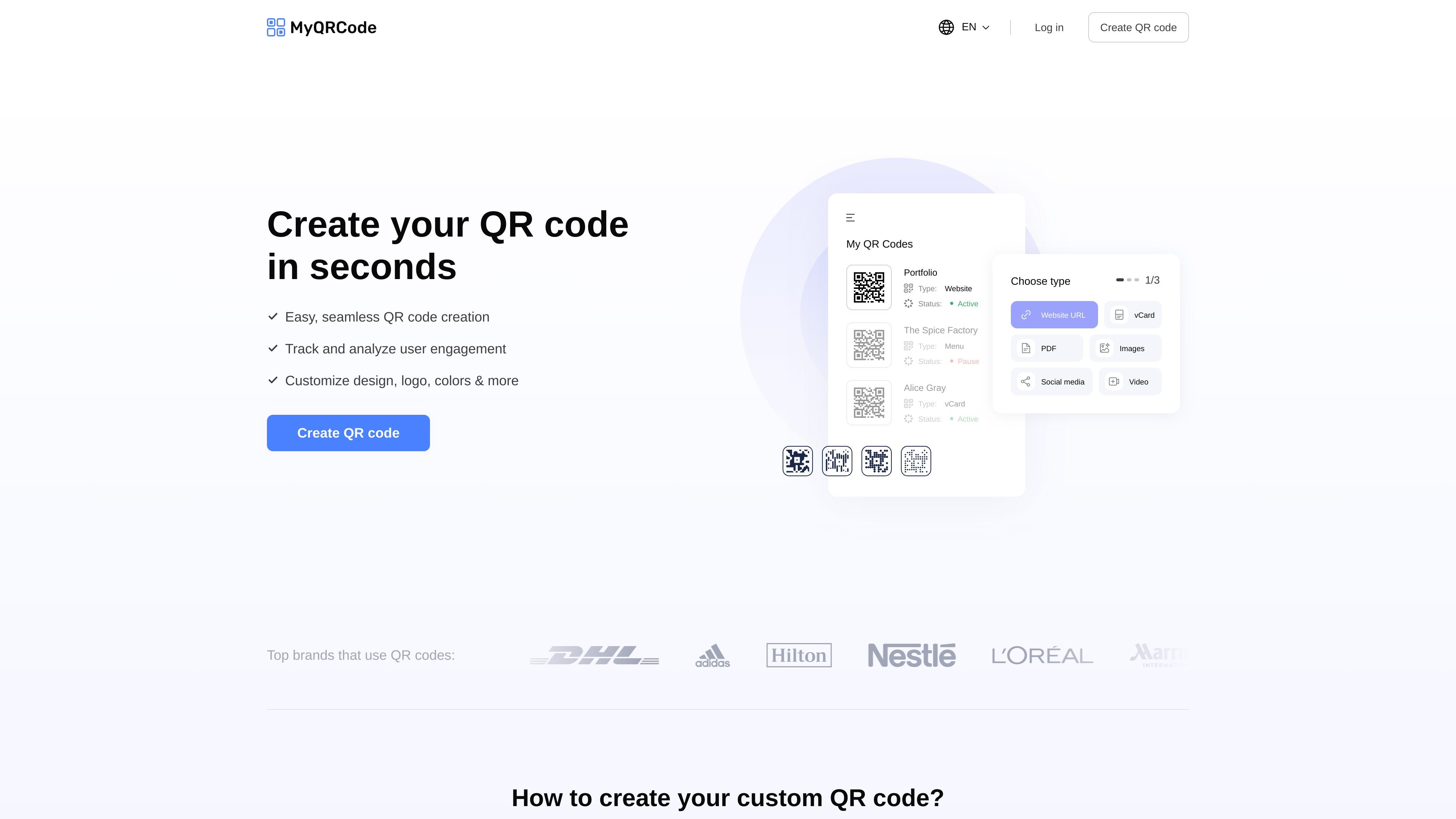
My QR Code is an online QR code generator for turning links, vCards, files, and other content into scannable codes. The homepage presents it as a tool for creating QR codes in a few steps: choose the content, customize the design, and download the finished code.
The site highlights customization options such as logos, colors, frames, patterns, and styles, along with output formats for digital sharing or printing. It also points to account features for managing QR codes, viewing scan analytics, and editing dynamic links.
Select a QR code type for common sharing scenarios such as website URLs, vCards, PDFs, images, social media, videos, text, business pages, Facebook pages, Wi‑Fi, apps, and menus.
Customize QR codes with logos, colors, frames, patterns, and styles to match a brand or campaign.
Download QR codes in PNG, SVG, or JPG format for use online or in print.
Create QR codes for different content and edit dynamic links from an account, according to the login and account-management page.
View scan analytics from an account, which the pricing/login page identifies as part of the service.
Generate QR codes for marketing and customer-facing use cases with a workflow focused on selecting content, customizing design, and downloading the result.
Create a QR code that sends visitors to a website, landing page, or online resource you want to share in print or digitally.
Turn a vCard or business page into a scannable contact or business profile entry for events, meetings, and handouts.
Generate QR codes for PDFs, menus, images, or videos when you need to direct people to a specific piece of content.
Build a restaurant menu QR code or a Wi‑Fi QR code for customer-facing environments where quick scanning is more convenient than manual entry.
Use the account tools to manage QR codes, review scan analytics, and update dynamic links after a code has been distributed.
My QR Code provides a QR code generator that lets you choose the content type, customize the design, and download the code for digital or print use.
The source shows output formats including PNG, SVG, and JPG.
The generator supports content types such as website URLs, vCards, PDFs, images, social media links, videos, simple text, business pages, Facebook pages, Wi‑Fi, apps, and restaurant menus.
The pricing page requires log in to manage QR codes, view scan analytics, and edit dynamic links from an account.

GetESP analyzes CSV email lists to identify recipient ESPs and spam protection tools, helping segment lists and choose the right provider for better deliverability.

Paper is a design tool that connects canvas, code, and AI agents so teams can create, share, and ship work in one workflow. Includes desktop app and MCP access.

Superside is an AI-powered creative service for enterprise and in-house teams, with global talent, AI-first workflows, and subscription-based support.

Dropmagic is an AI Shopify store builder that creates branded storefronts from source products with AI copy, images and design. Launch faster without coding.

SlideSpeak is an AI presentation maker that turns prompts and source files into editable PowerPoint decks. It also redesigns slides, translates, summarizes, and supports branding and video presentations.

Dokkio is a cloud content organization and search platform for teams and individuals working across services like Google Drive, Dropbox, Gmail, Box, Slack, and OneDrive. It helps users search, tag, organize, and understand files, attachments, pages, and screenshots from one place.