

Photo-to-style transformation
Turn uploaded photos into Studio Ghibli-style artwork using the site’s Ghibli filter workflow.

Ghibli AI is a web-based image generator that turns photos into Studio Ghibli-style artwork. Free to start, with no sign-up or credit card required.
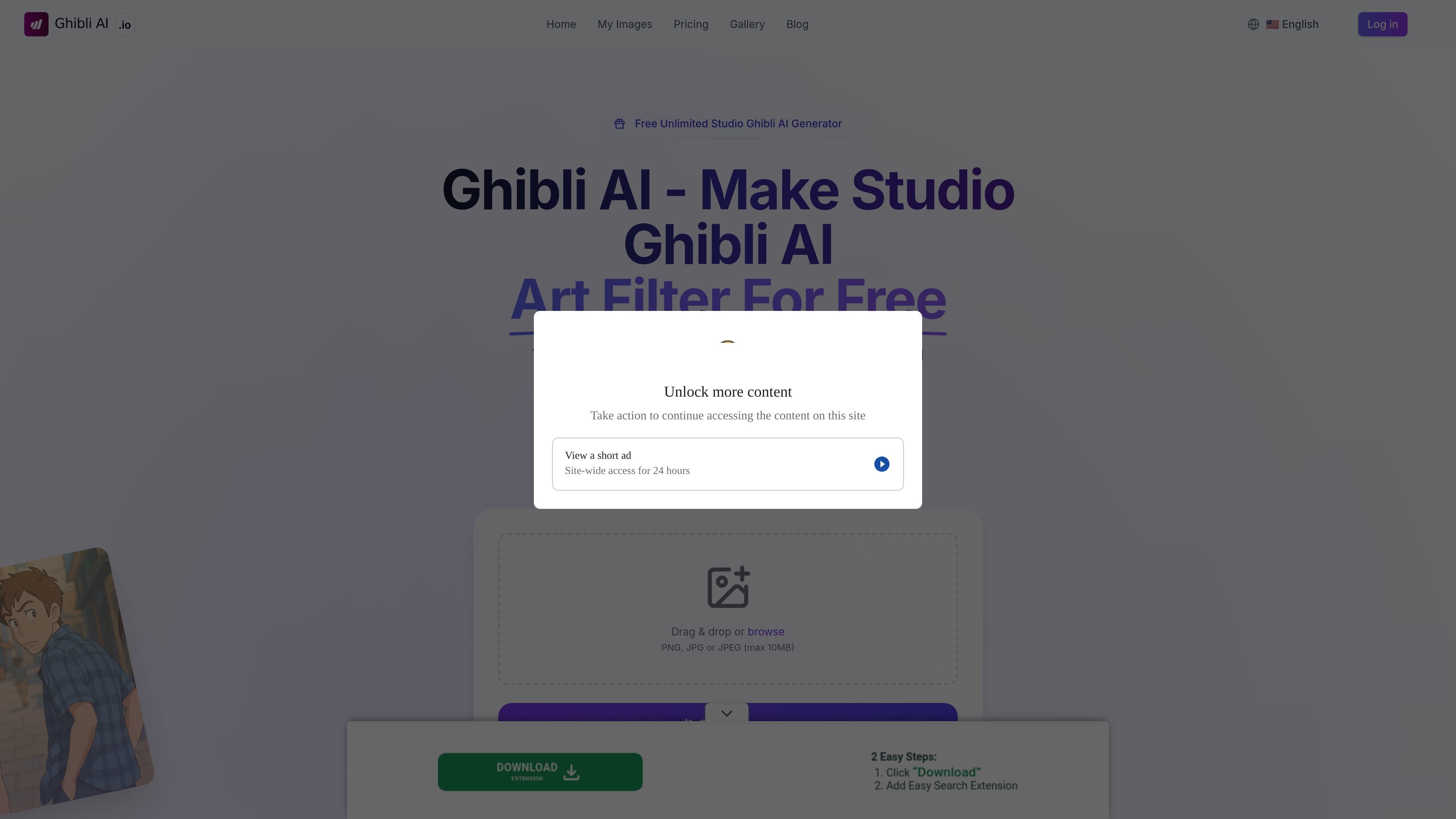
Ghibli AI is a web-based AI image generator that turns uploaded photos into Studio Ghibli-style artwork. The homepage positions it as a free tool for creating Ghibli-filtered images without sign-up or a credit card.
The site describes a simple workflow: upload or describe an image, let the model generate the result in roughly 30–60 seconds, then download or share the output. The create and my-images pages also suggest a lightweight image management flow for generated artwork.
Turn uploaded photos into Studio Ghibli-style artwork using the site’s Ghibli filter workflow.
The homepage says the generator produces high-quality output and supports high-resolution images for sharing or printing.
The site says no account creation, sign-up, or credit card is required to begin using the generator.
The homepage states that generated images include a digital watermark to indicate AI generation.
The create page shows prompt-based image generation, and the site describes a simple upload-and-generate process.
The my-images page provides a place to manage generated images in a personal collection.
Useful for people who want to turn a portrait, landscape, or nature photo into a Ghibli-inspired version without learning editing software.
Fits creators who need fast concept visuals in a recognizable animation-inspired aesthetic and can work from an uploaded image or prompt.
Helps educators or workshops demonstrate how AI can reinterpret existing images into a different art style for discussion or classroom activities.
Supports users who want to keep a small library of generated images and revisit, download, or share them later from the site’s image area.
Works for people who want to try the tool before paying, since the homepage presents it as free to use with no sign-in required.
Yes. The site states that Ghibli AI is free to use, and the homepage says no sign-up or credit card is required to start.
The homepage says the first generation typically takes 30–60 seconds. The FAQ repeats that processing time is needed for higher-quality results.
The site says Ghibli AI works well with most photos, especially landscapes, portraits, and nature scenes.
The pricing page says commercial use is allowed, but the homepage FAQ also recommends personal use only because of Studio Ghibli style copyright concerns. That makes the practical permission story unclear from the site, so users should verify their intended use before publishing commercially.
The pricing page states that unused credits do not expire and are valid until used.

a1.art is an AI image and video generator for browsing and running reusable filters to create stylized results from existing images or prompts.

Nim Video is a web-based AI video and image creation platform for turning prompts, images, and source footage into editable visuals. It offers a free tier and paid subscriptions with added credits, higher output options, and commercial-use features.

Creativio AI turns basic images into polished product visuals for ecommerce, marketing, and social campaigns—fast, with less manual editing.

Image to Cartoon is a free AI cartoonizer that turns photos into cartoon, anime, comic, or 3D-style images in the browser, no sign up required.

Recraft is an AI image generation and design platform for designers, creatives, sellers, and teams. It supports raster and vector generation, custom styles, mockups, editing, and API-based workflows.

BabyFaceGenerator uses AI to create a future-baby image from two partners’ photos. An entertainment tool for couples, newlyweds, and parents.