

Low-Latency Real-Time Voice Changing
Uses real-time AI voice-changing technology, with official claims of under 100ms latency, suitable for gaming and voice chat scenarios that require synchronized conversation.

大饼AI变声 is a real-time AI voice changer for Windows and Mac, with 500+ voices, under 100ms latency, and easy desktop use for gaming, live streaming, and chat.
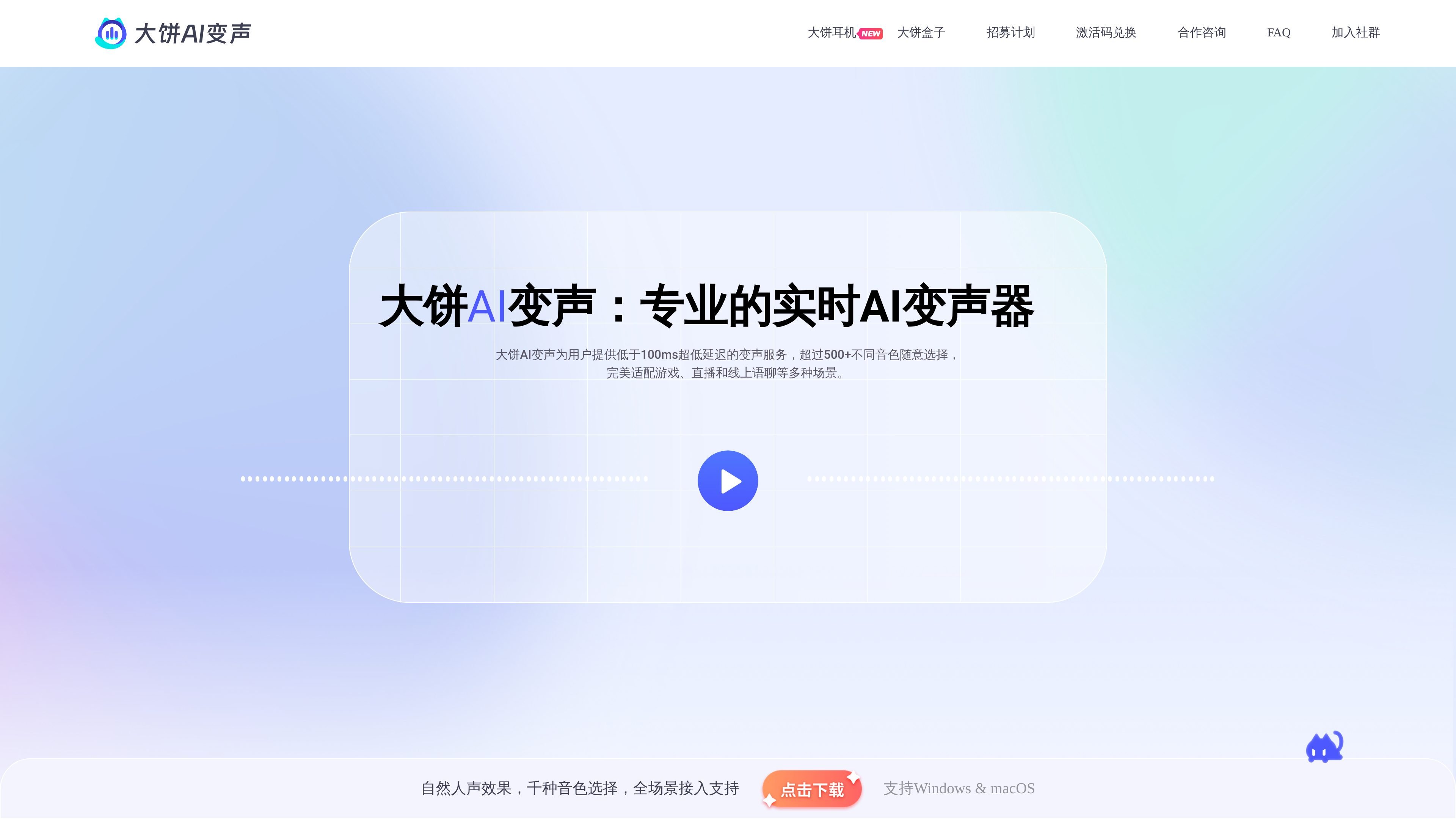
大饼AI变声 is a real-time AI voice-changing software that focuses on converting the user's voice into preset voices in scenarios such as gaming, live streaming, and voice chat. The official site highlights under-100ms latency, 500+ voice options, and an installation and usage flow designed for quick getting started.
Based on the page information, the product's core goal is to lower the barrier to voice changing: users can install it directly on their computers and use it without complex tuning or relying on GPU computation. The official site also mentions Pro mode, weekly free voice refreshes, and supporting hardware options such as headsets and a mobile voice-changing device, covering both desktop and mobile scenarios.
Uses real-time AI voice-changing technology, with official claims of under 100ms latency, suitable for gaming and voice chat scenarios that require synchronized conversation.
Offers 500+ selectable voices, covering cartoon characters, movie dubbing, and different male and female voice types, with ongoing updates.
Supports Pro mode, allowing free adjustment of pitch, tone, and other parameters for more detailed voice personalization.
The official description says no GPU computation is required, and average CPU usage is about 5%, making it suitable for running on typical computers.
After installation, you can switch the input device to 大饼麦克风 in a game or app, then choose a voice to start using it.
The page mentions that, in addition to software, there are also headset and mobile AI voice-changing hardware solutions for different use cases.
Suitable for real-time voice changing during gaming; the official site emphasizes low latency to help keep chat synchronized without noticeably slowing down the conversation.
Suitable for quickly creating characters or switching voice types during live streams while keeping resource usage low and reducing pressure when streaming and gaming at the same time.
Suitable for online voice chat and everyday social use, enabling communication with different voice types while balancing privacy protection and expression style.
Suitable for users who want more detailed sound adjustments, using Pro mode to modify pitch, tone, and other parameters to customize the voice.
Suitable for regular computer users who want a lower-barrier setup; after installation, they can start using it by following the steps to switch the input device.
大饼AI变声 is a real-time AI voice changer that can convert input voice into a variety of preset voices for gaming, live streaming, and voice chat scenarios. The page also mentions under-100ms latency, 500+ voices, and Pro mode adjustments.
The basic workflow described on the official site is: install it on your computer, switch the input device to 大饼麦克风 in the game or app where you want voice changing, then choose a voice from the voice library and start using it.
The page says it is suitable for online scenarios such as gaming, live streaming, and social voice chat, and also mentions compatibility with mainstream audio software such as Kook and YY.
The official site clearly states that it does not use GPU computation and uses about 5% CPU on average, so it does not require high-end hardware and can run on a regular laptop.
The FAQ on the official site says free voices are refreshed every week, and users can also purchase voice skins they like and keep them permanently.

Altered is an AI voice changer and voice content creation platform for media production and live voice use. It combines voice morphing, text-to-speech, transcription, translation, cloning, and editing in one application.

Vocs AI is an AI voice-to-voice generator that turns recorded vocals into the sound of a selected AI artist for singers, podcasters and creators.

MakeBestMusic is a web-based AI music generator for royalty-free songs, instrumentals, and voice covers from text. Quick creation and custom workflows available.

Voice-Swap is an AI voice transformation tool for musicians, creators, artists, and creative teams with voiceover, singing, custom voice models, and credit-based plans.

Voicemod is a real-time AI voice changer and soundboard for PC and Mac. Change your voice live, play sounds, and create custom effects.

HitPaw offers AI multimedia tools to enhance video, photo, and audio, restore quality, convert formats, and support desktop and online workflows.