


Photo-based meal analysis
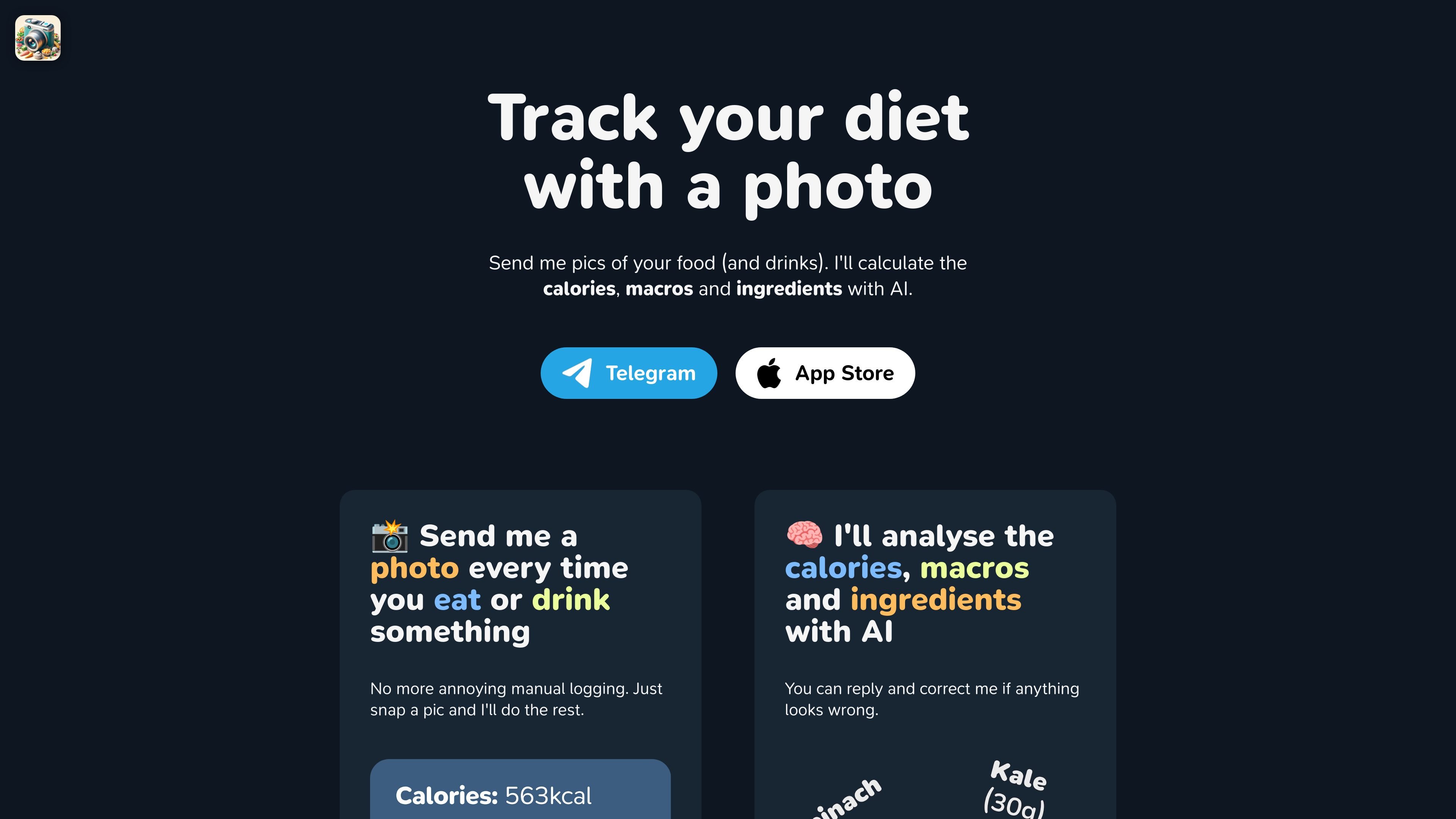
Send a photo of food or drinks and the product will estimate calories, macros, and ingredients using AI.
Meals.chat is an AI-assisted food tracking product that helps people log meals by sending photos or text descriptions in chat. It calculates calories, macros, and ingredients from what you eat or drink, then helps you compare those entries against a daily target.
The experience is built around reducing manual logging. The page says you can send a photo every time you eat or drink something, or simply describe the meal if you forgot to take a picture. It also includes caffeine estimation for drinks such as coffee, tea, and matcha.
Send a photo of food or drinks and the product will estimate calories, macros, and ingredients using AI.
If you miss a photo, you can type what you ate, such as a burger and fries or a latte, and it will make a best-effort estimate from the description.
Track calories, macros in grams or percentages, or both, and set a target such as a daily calorie number or a body-based goal description.
Reply to the analysis and correct anything that looks wrong, so the log can reflect your actual meal more closely.
Estimate caffeine from photos of coffee, tea, or matcha so users can monitor intake alongside food tracking.
For people who want to track meals without opening a spreadsheet or entering ingredients manually, Meals.chat accepts a photo and returns an AI estimate of the meal’s nutrition.
For users focused on a calorie target or macro split, the product supports daily goals in calories, grams, or percentages and helps compare intake against that target.
For days when a meal was eaten before it was photographed, the text entry flow lets users type a food description and still capture an estimate.
For coffee, tea, or matcha drinkers, the product can estimate caffeine content so intake can be tracked alongside calories.
For users who want to verify the AI’s guess, the correction flow provides a way to respond and refine the logged meal.
The site describes the product as a meal-tracking bot that can analyze photos of food and drinks, and it also supports text-based logging when you do not have a photo. The source does not confirm a separate setup flow beyond starting to track from Telegram or the App Store.
The source says it can estimate calories, macros, ingredients, and caffeine content. It does not show a formal output format beyond those results and goal progress guidance.
Yes. The page says you can reply and correct the AI if something looks wrong, which suggests the system is designed to accept manual adjustments after analysis.
The source mentions Telegram and the App Store as ways to start tracking, but it does not provide enough evidence to confirm the full platform list or any third-party integrations.
The pricing page returns a not found response in the provided evidence, so there is no confirmed pricing information to summarize from the source.

小艺 is Huawei’s AI smart assistant for Q&A, writing, document reading, code help, image recognition, and file drag-and-drop.

SupPixel AI is a web-based image enhancement and upscaling tool to improve resolution, clarity, and detail in photos and visuals, with background processing, credits, and plans.

LeadJarvis AI event lead capture scans business cards, enriches contacts, and sends personalized follow-up via WhatsApp and email for booth teams.

Manga Translator is an AI browser extension for Chrome and Edge that translates manga, manhwa, manhua, comics and webtoons into 100+ languages as you read online.

Block Blast Cheat is a free online solver for Block Blast puzzles that analyzes a screenshot of the current board and suggests the best moves. It works in the browser and supports screenshots from iPhone, iPad, Android, and tablets.

DishGen is a web-based AI recipe generator and meal-planning tool for home cooks, meal planners, food brands, and websites. It offers free basic accounts, paid Premium and Pro plans, and an embeddable widget for recipe generation on third-party sites.