


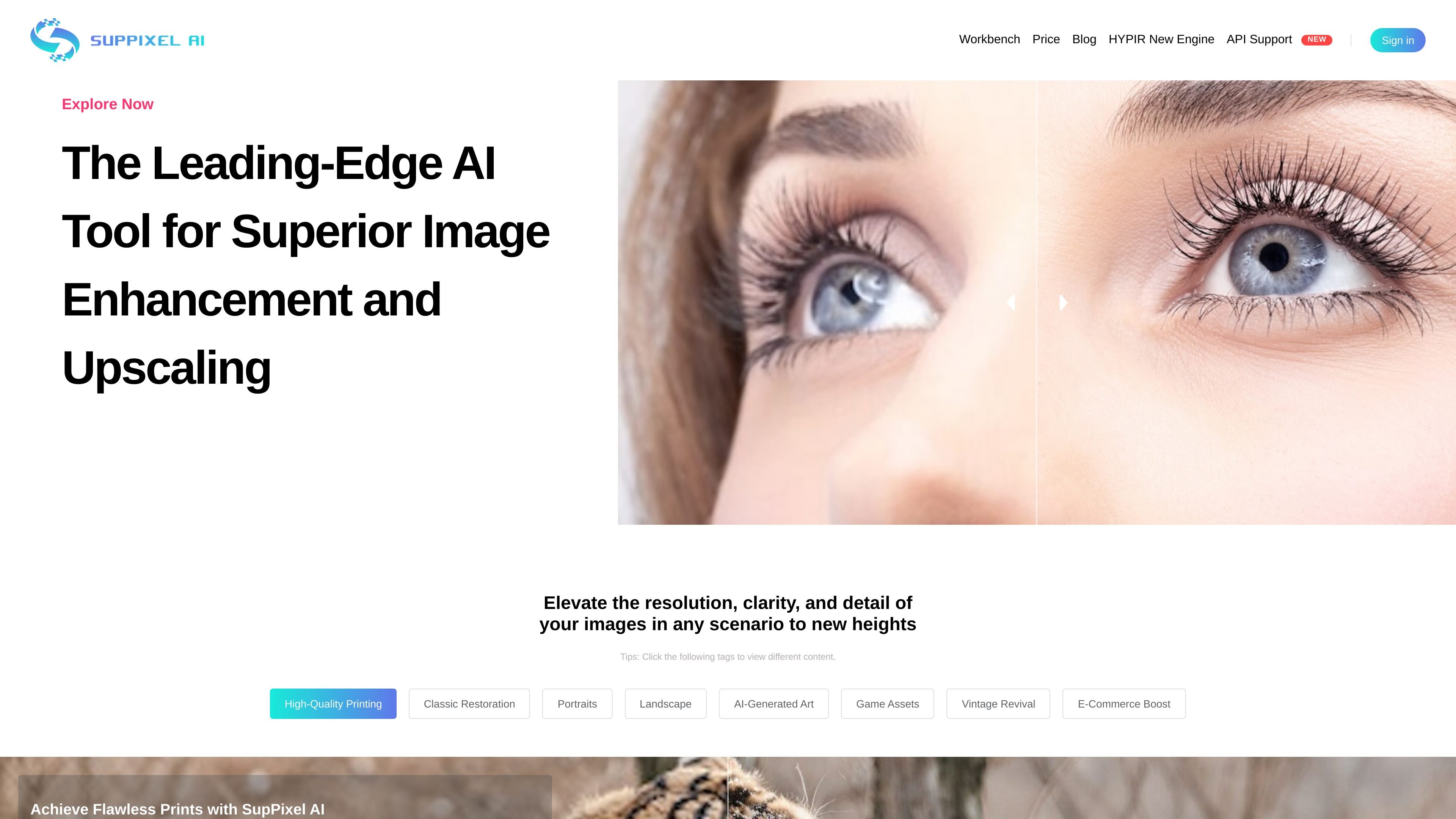
Image enhancement and upscaling
Enhances and upscales images in one step, with the goal of improving clarity, resolution, and detail for the final output.
SupPixel AI is an image enhancement and upscaling tool focused on improving resolution, clarity, and detail. The site presents it as an all-in-one model for enlarging images while keeping them clear enough for practical use.
It is built for images that are compressed, noisy, or blurry, and the product messaging emphasizes outputs suited to printing, restoration, creative assets, and business visuals. Users submit a job, let it process in the background, and later review results from their account history.
Enhances and upscales images in one step, with the goal of improving clarity, resolution, and detail for the final output.
Supports compressed, noisy, or blurry images, positioning the model as a general cleanup tool rather than a single-purpose enlarger.
Processes jobs after submission so users can close the browser and return later to retrieve results from the history page.
Uses credits rather than flat per-image pricing, with usage tied to image size and upscale factor.
Lists use tags such as high-quality printing, classic restoration, portraits, landscape, AI-generated art, game assets, vintage revival, and e-commerce boost to indicate the kinds of images it can handle.
Improve photos that need to be enlarged for posters, handouts, or other print output while preserving clarity.
Restore older or damaged-looking images where the goal is to recover detail and reduce the roughness of degraded files.
Create clearer portraits, landscape images, or AI-generated art assets for sharing or further editing.
Prepare sharper visuals for e-commerce listings, websites, presentations, and social media posts.
Upscale or clean up game assets and other digital artwork that needs more resolution without starting from scratch.
Processing time varies with output image size and typically ranges from a few seconds to two minutes. The site says results continue processing after submission, and you can review them later from the history page if you are logged in.
No. The site says you can close the browser after submitting a task as long as you are already logged in. The job continues processing, and you can return later to see the result in your history.
SupPixel AI says it is suitable for business use, including work for bloggers, website owners, designers, photographers, and other users who need clearer images for presentations, ads, websites, and social posts.
SupPixel AI offers Starter, Basic, and Pro subscriptions. The site says there is no free trial because of computational costs, and billing is managed through Stripe.
Credits are the usage unit in SupPixel AI. The site says credit consumption depends on the original image pixel count and the upscale factor; for example, a 1080p image typically costs 2 to 4 credits and a 4K image around 15 to 20 credits.

简单AI is Sohu’s online AI tool for AI image generation, AI writing, and online image editing—ideal for quickly creating images, copy, or basic retouching.

Image UpScaler is a web-based AI tool to enlarge images with general upscaling, face restoration, and transparent-image support on selected modes.

iFoto is a web-based AI photo editor for background removal, image enhancement, cleanup, restoration, e-commerce product photography, and free PDF tools.

Image Upscaler is a web-based AI photo editing tool for enlarging images, removing blur, and cleaning up backgrounds. It supports free credits to start, with paid plans and business API options available on the pricing page.

小艺 is Huawei’s AI smart assistant for Q&A, writing, document reading, code help, image recognition, and file drag-and-drop.

Upsampler is an AI platform for creating, editing and upscaling images and videos in one workspace. Pay per credit, full API access, commercial use included.