


RAW conversion and batch processing
Automatically converts RAW files and supports batch handling so photographers can move from import to output with less manual processing.
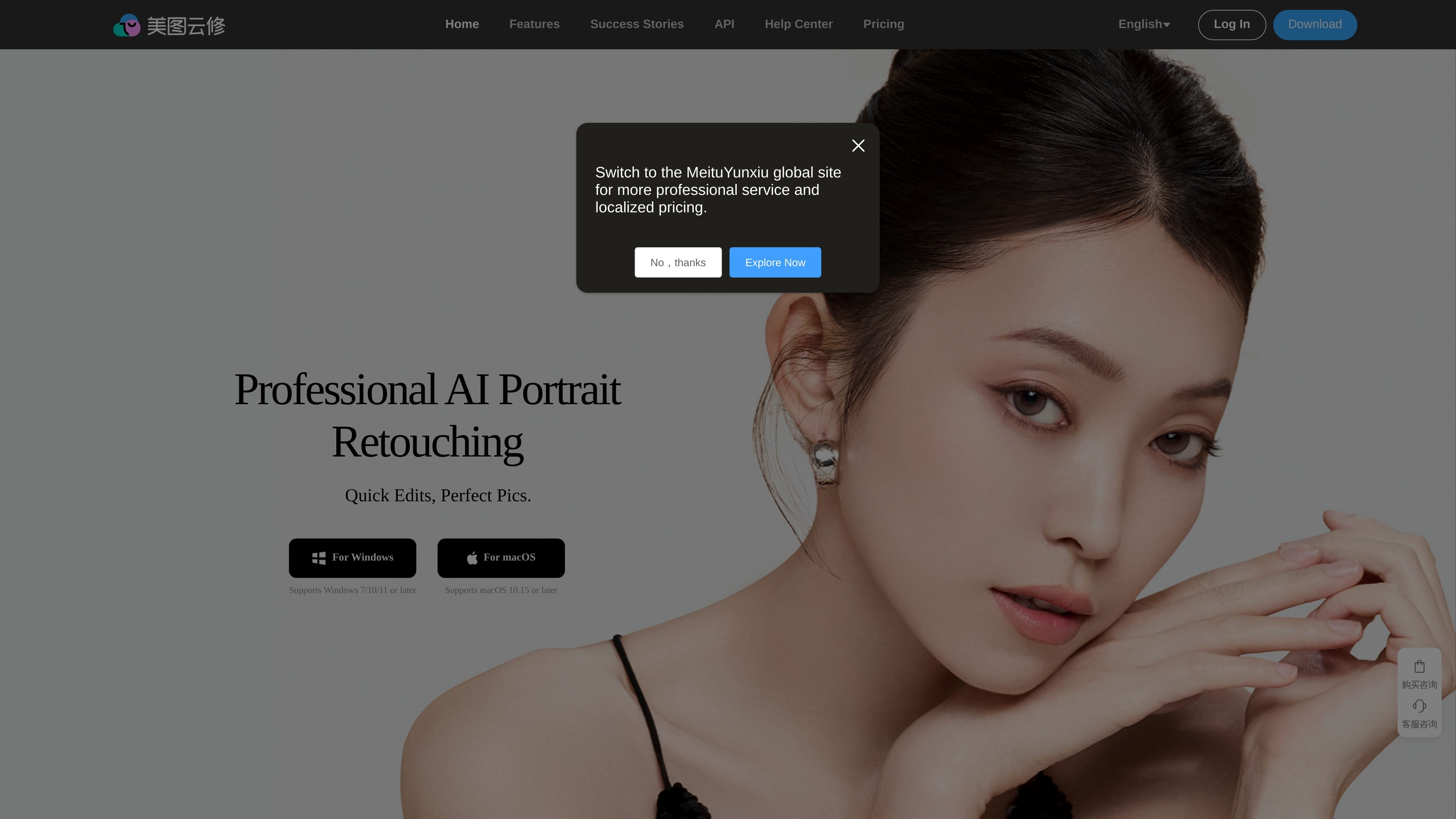
美图云修 is a professional AI portrait retouching tool from Meitu, aimed at commercial photography post-production. It combines portrait beautification, image segmentation, color processing, batch editing, and preset-based workflows to help studios process large volumes of photos more efficiently.
The site positions the product around fast, natural-looking retouching rather than heavy stylization. It is presented as suitable for commercial studios and enterprise teams that need consistent portrait output, shared usage, and a repeatable editing workflow across portrait, wedding, child, family, and ID-photo scenarios.
Automatically converts RAW files and supports batch handling so photographers can move from import to output with less manual processing.
Applies AI-based portrait adjustments such as skin detail enhancement, face reshape, body shape refinement, double-chin removal, wrinkle removal, and teeth beautification.
Includes AI repair for blurred faces, plus clean-background and background-replacement tools for faster cleanup of difficult images.
Offers multiple toning options, including RAW format conversion, AI color transfer, curve toning, and AI exposure adjustments.
Provides ready-made presets for different scenarios, including wedding, child, family, maternity, couple, ID photo, and fashion-style outputs.
Supports enterprise shared accounts, sub-account management, quota settings, IP controls, and usage dashboards for team workflows.
A portrait studio can use RAW conversion, AI toning, skin retouching, and batch processing to move a large shoot through post-production with fewer repetitive steps.
A team managing multiple editors can use shared accounts, sub-account permissions, quota settings, and data dashboards to coordinate access and track usage.
A photographer working with wedding, child, family, maternity, couple, or ID-photo projects can start from scenario-specific presets instead of building each look manually.
When images contain blur, uneven complexion, or unwanted background distractions, the AI repair, clean-background, and replacement tools can handle cleanup in a single editing pass.
From the source, 美图云修 provides guides, tutorials, FAQ content, and update logs to help new users learn the workflow quickly. The site also highlights one-minute video demos for key tools such as skin retouching, AI repair, double-chin removal, and body shaping.
The product page and guide pages indicate that 美图云修 supports automatic RAW conversion, AI toning, batch processing, skin retouching, clean-background editing, and preset-based retouching. The shared-account feature is described for enterprise users who need team access and quota management.
The source shows Windows support for Windows 7/10/11 or later and macOS support for macOS 10.15 or later. The site also offers English and Tiếng Việt alongside Simplified Chinese in its language selector.
The pricing page is not accessible in the collected source, so exact plan names, limits, and prices are not available. The homepage does show a 'download and try for free' call to action, but no detailed pricing structure is visible in the provided evidence.

Upsampler is an AI platform for creating, editing and upscaling images and videos in one workspace. Pay per credit, full API access, commercial use included.

AI HomeDesign is a web-based photo editing toolbox for real estate listings, with AI staging, item removal, day-to-dusk rendering, enhancement, and renovation tools. It is built for agents and other listing workflows that need editable, listing-ready images quickly.

AI Watermark Remover is a free online tool to remove watermarks from photos and videos with manual brush selection and no added output watermark.

Photoeraser is a web-based AI photo editor for removing backgrounds, erasing unwanted objects, and enhancing image quality with simple upload workflows.

Hurree is an AI-powered reporting and analytics platform that centralizes company data, shared dashboards, and Riva summaries, recommendations, and forecasts.

Photoroom is an AI visual editing platform for e-commerce that removes backgrounds, creates product images, and prepares listings from phone, web app, or API workflows.