

Browser-based creation workspace
Generate images and videos directly in a browser-based studio, without installing desktop software.

Vheer is a browser-based AI image and video generator with free no-signup creation, watermark-free exports, and paid plans for higher usage.
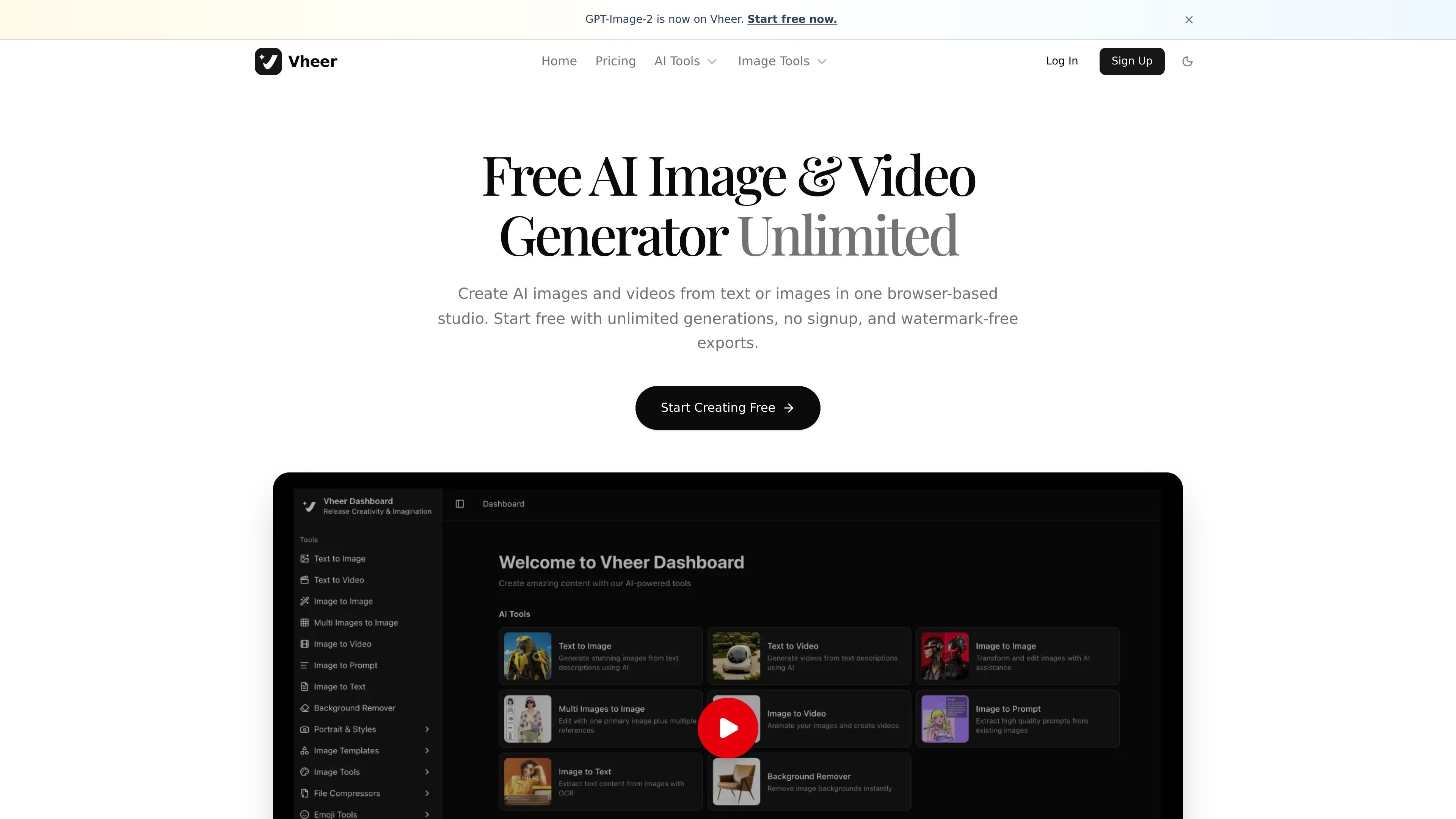
Vheer is a browser-based AI image and video generator that lets users create visuals from text or images in one workspace. The home page describes unlimited free generation with no signup, watermark-free exports, and a workflow that combines image generation, video generation, and creative editing.
The product also offers paid plans and credit packages for heavier usage. Its pricing page lists a free tier, Premium, Business, and Ultra subscriptions, plus one-time credit top-ups, while the text-to-video and text-to-image pages show separate generation tools with configurable output settings.
Generate images and videos directly in a browser-based studio, without installing desktop software.
Create outputs from text prompts or from images, covering both generation and editing-oriented workflows.
Use several named models for image and video tasks, including options listed on the home page and text-to-video page.
Adjust aspect ratio, duration, and resolution for video generation so the output fits different publishing formats.
Use Think Mode in text-to-video to expand a short prompt into a more structured instruction before generation.
Export watermark-free results, with the pricing page also calling out no watermarks on paid plans.
Draft social posts, thumbnails, or ad visuals by entering a text prompt and choosing an image style or model.
Turn short ideas into videos by selecting an aspect ratio, duration, resolution, and a suitable model for the final format.
Use Think Mode when a prompt needs more structure, especially if you want the system to expand a rough idea into a clearer scene description.
Generate no-signup visuals for quick personal experiments, concept testing, or one-off creative tasks without installing software.
Use paid plans or extra credits when higher usage, commercial use, or additional generation volume is needed.
Yes. The home page says Vheer offers unlimited AI image and video generation for free with no signup, and the pricing page lists a free plan with 50 credits per month.
The text-to-video page says you enter a prompt, choose a model, set options such as aspect ratio, duration, and resolution, then generate the video. It also offers an optional Think Mode to expand prompts.
The text-to-image page says you type a description and can adjust keywords such as color, style, and features. It is positioned as a browser-based generator with no sign-up required.
The pricing page shows subscription plans for Premium, Business, and Ultra, plus one-time credit packages. It also says checkout is secure via PayPro and activation is instant.
The source does not provide a detailed device or team-management setup flow, but the pricing page indicates one Ultra plan is designed for power users and teams.

PixelPrompt is a browser-based AI image and video workspace for prompt optimization, text-to-image, and text-to-video generation. It supports ecommerce visuals, ad creatives, and short-form UGC-style content without requiring a local GPU.

Nim Video is a web-based AI video and image creation platform for turning prompts, images, and source footage into editable visuals. It offers a free tier and paid subscriptions with added credits, higher output options, and commercial-use features.

HiDream.ai is a free, browser-based AI image and video creation platform for prompts, images, audio, lip-sync, and 4K editing.

Rizzle turns articles into editorial-grade video and distributes it across major channels with AI-assisted, human-reviewed workflows for publishers.

Image Fx is a web-based AI image generator that turns text prompts into images, with free basic access, no sign-up, and paid credit-based premium models.

Upsampler is an AI platform for creating, editing and upscaling images and videos in one workspace. Pay per credit, full API access, commercial use included.