

Campaign sending tools
Create campaigns with segmentation, split testing, useful analytics, optional tracking, and support for Markdown, HTML, or a visual editor.

Mailcoach is an email marketing platform for newsletters, automations, and transactional email. Manage campaigns, workflows, and app messages in one place.
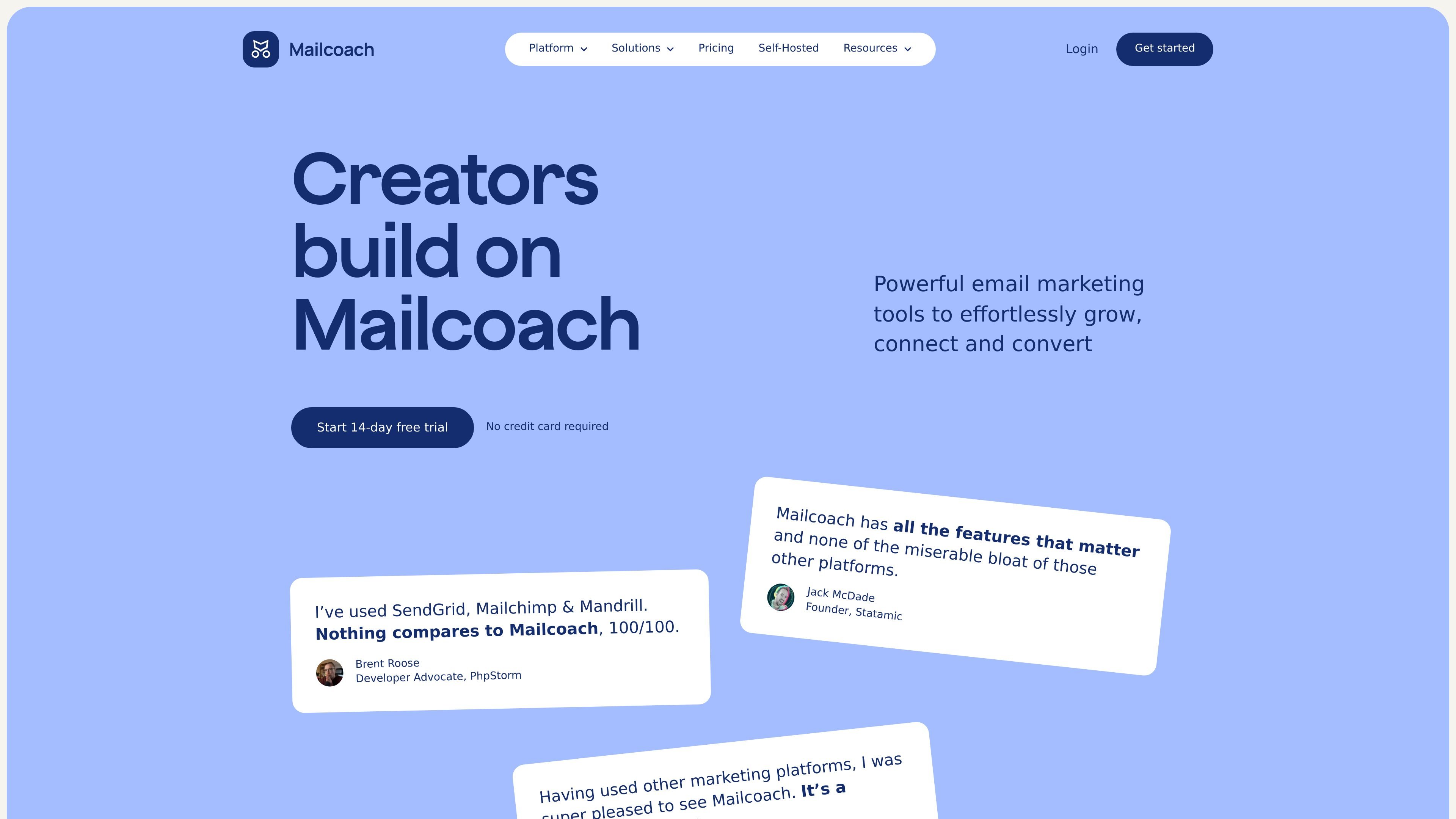
Mailcoach is an email marketing platform for newsletters, drip campaigns, and transactional email. It brings campaign sending, automations, and transactional messaging into one product so creators, developers, and businesses can manage several email workflows in one place.
The product focuses on practical sending workflows rather than broad marketing-suite breadth. Users can segment audiences, run split tests, build no-code automations, manage transactional templates and delivery, and choose between Mailcoach’s hosted service or a self-hosted deployment.
Create campaigns with segmentation, split testing, useful analytics, optional tracking, and support for Markdown, HTML, or a visual editor.
Build multi-step automations for onboarding, lead generation, and other workflows without coding. Automations can trigger for an audience or a segment.
Send, edit, and track transactional emails inside Mailcoach through a single API endpoint or the Laravel driver.
Organize contacts with tags, custom fields, and conditions, and manage unlimited contacts and lists without paying per contact.
Review performance with open and click rates for campaigns, plus progress tracking inside automations and detailed sent-email records for transactional messages.
Help prevent mistakes before sending with pre-send checklists, newsletter archives, RSS support, UTM tags, and double opt-in for campaign signups.
Plan and send newsletters with segmentation, split testing, scheduling, pre-send checklists, and a searchable archive for past issues.
Create onboarding or lead-nurture sequences that react to audience membership, waits, website actions, or webhook triggers without coding.
Manage order confirmations, account messages, or other application emails from Mailcoach using templates, placeholders, analytics, and the API or Laravel driver.
Organize growing mailing lists with tags, custom fields, conditions, and unlimited contacts while keeping billing tied to email volume instead of contact count.
Mailcoach supports monthly billing based on email usage rather than contact count. The pricing page says there is no annual prepayment option at this time, and you can cancel at any time.
Yes. The pricing page says you can use your own email delivery provider, including Postmark, Mailgun, Brevo, Amazon SES, or SMTP.
Yes. Mailcoach offers a self-hosted version, and the pricing page says it is a good choice for developers who want to run the platform on their own infrastructure, especially for Laravel applications.
Mailcoach provides a 14-day free trial, and the pricing page says no credit card is required.
No. The pricing page says teams need to choose between Mailcoach or an integrated provider because they cannot use both at the same time.

MailerLite is an email marketing platform for sending campaigns, building automations, and creating landing pages, forms, and websites. It also supports digital products, paid newsletters, and recurring subscriptions.

AI Magicx is a unified AI workspace for chat, image, video, voice, music, email and developer tasks, helping teams and creators manage multiple models in one place.

Distribute is an AI sales follow-up tool that turns calls into shareable deal pages with recordings, pricing, next steps, and follow-up emails.

LexWorkplace is a cloud-based document and email management system for law firms, helping teams organize matters, search documents and email, and manage legal workflows from Outlook.

Spike is an AI-powered email and workspace platform that combines email, chat, calls, notes, tasks, and calendar tools in one inbox-centered workflow.

Nily AI is a browser-based AI assistant platform with 20+ models and tools for chat, writing, PDFs, email, images, and web page analysis. 7-day free trial.