

Virtual staging
Create staged listing photos from empty rooms using AI-generated furniture and decor.

AI HomeDesign is a web-based photo editing toolbox for real estate listings, with AI staging, item removal, day-to-dusk rendering, enhancement, and renovation tools. It is built for agents and other listing workflows that need editable, listing-ready images quickly.
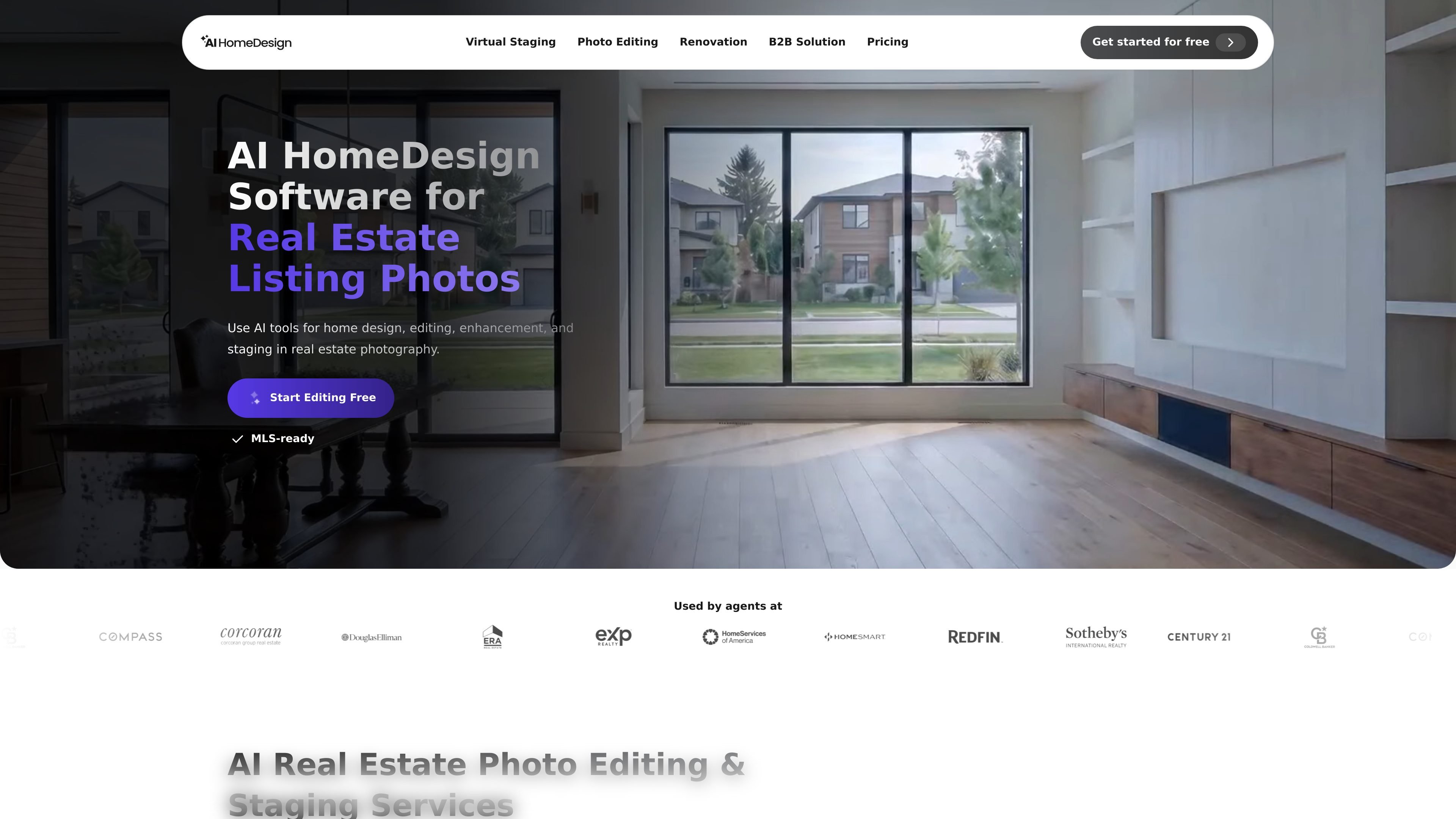
AI HomeDesign is a web-based editing toolbox for real estate listing photos. It combines virtual staging, object removal, day-to-dusk rendering, image enhancement, and room renovation tools in one workflow.
The product is built for agents and other real-estate workflows that need listing-ready images quickly. The site shows users uploading photos, letting the AI analyze the scene, choosing an editing service, refining results with chat prompts, and downloading the finished images.
Create staged listing photos from empty rooms using AI-generated furniture and decor.
Remove furniture, clutter, signs, reflections, cords, and other distractions from occupied photos.
Transform daytime exteriors into twilight-style marketing images.
Improve lighting, clarity, and color across listing photo sets.
Restyle rooms and surfaces with tools for interior design, furniture restyling, wall changes, floor changes, ceiling changes, backsplash changes, and construction completion.
Describe edits in plain language, regenerate variations, and refine results without restarting the whole scene.
Stage empty living rooms, bedrooms, and other vacant spaces with realistic furniture and decor before publishing a listing.
Remove clutter or unwanted objects from occupied photos so the property itself is the focus of the image.
Render exterior photos with a dusk look for more polished marketing images.
Preview design changes such as flooring, wall color, ceiling treatment, backsplash, or full-room remodeling before starting work.
Standardize high-volume listing visuals across teams or offices while using the same photo workflow.
Yes. The site says new users can start free with no credit card required, and the product pages describe free credits at signup. The pricing page itself redirects to the app pricing area, so the public site does not spell out the full plan structure.
The workflow shown on the site is upload photos, let the AI analyze them, choose an editing service, generate or refine the result, and then download the final images. The site also shows chat-based editing for iteration.
The public pages show PNG and JPG support on the home page, and JPG, PNG, or HEIC support on the renovation page. They also show upload limits such as up to 25 photos on the home and item-removal pages, and up to 50MB per file on the renovation page.
The site positions the product for real estate listing photos, and it shows services and examples for virtual staging, item removal, day-to-dusk rendering, image enhancement, and renovation-style edits. It is also shown as useful for brokerage teams, MLSs, and service partners on the home page.
The rendered pages show final photos can be downloaded after editing. The product copy also emphasizes MLS-ready results, but the public site does not list every export format or downstream integration in detail.

豆绘AI is an online AI image generation and editing platform for ecommerce and design, supporting white background, scene, interior rendering and post-processing.

简单AI is Sohu’s online AI tool for AI image generation, AI writing, and online image editing—ideal for quickly creating images, copy, or basic retouching.

Photoroom is an AI visual editing platform for e-commerce that removes backgrounds, creates product images, and prepares listings from phone, web app, or API workflows.

Upsampler is an AI platform for creating, editing and upscaling images and videos in one workspace. Pay per credit, full API access, commercial use included.

Photoeraser is a web-based AI photo editor for removing backgrounds, erasing unwanted objects, and enhancing image quality with simple upload workflows.

Creativio AI turns basic images into polished product visuals for ecommerce, marketing, and social campaigns—fast, with less manual editing.