Product Overview

简单AI is Sohu’s online AI tool website, bringing together AI image generation, AI writing, online image editing, and image processing functions. Both the homepage and tool pages show that it is not a single-function app, but rather a single entry point that combines generation, retouching, and reference materials, making it convenient for users to complete one-stop content creation workflows.

From the publicly available pages, it offers a variety of templates and tools for practical use, such as e-commerce images, logo design, ID photos, smart cutout, image enhancement, one-click watermark removal, one-click background replacement, AI upscaling, AI erasing, old photo colorization, and AI product images. The pages also display creative inspiration, popular tools, and “create similar” content, showing that it is better suited to direct, scenario-based use rather than requiring users to first learn complex workflows.

Key Features

AI image generation, writing, and retouching in one

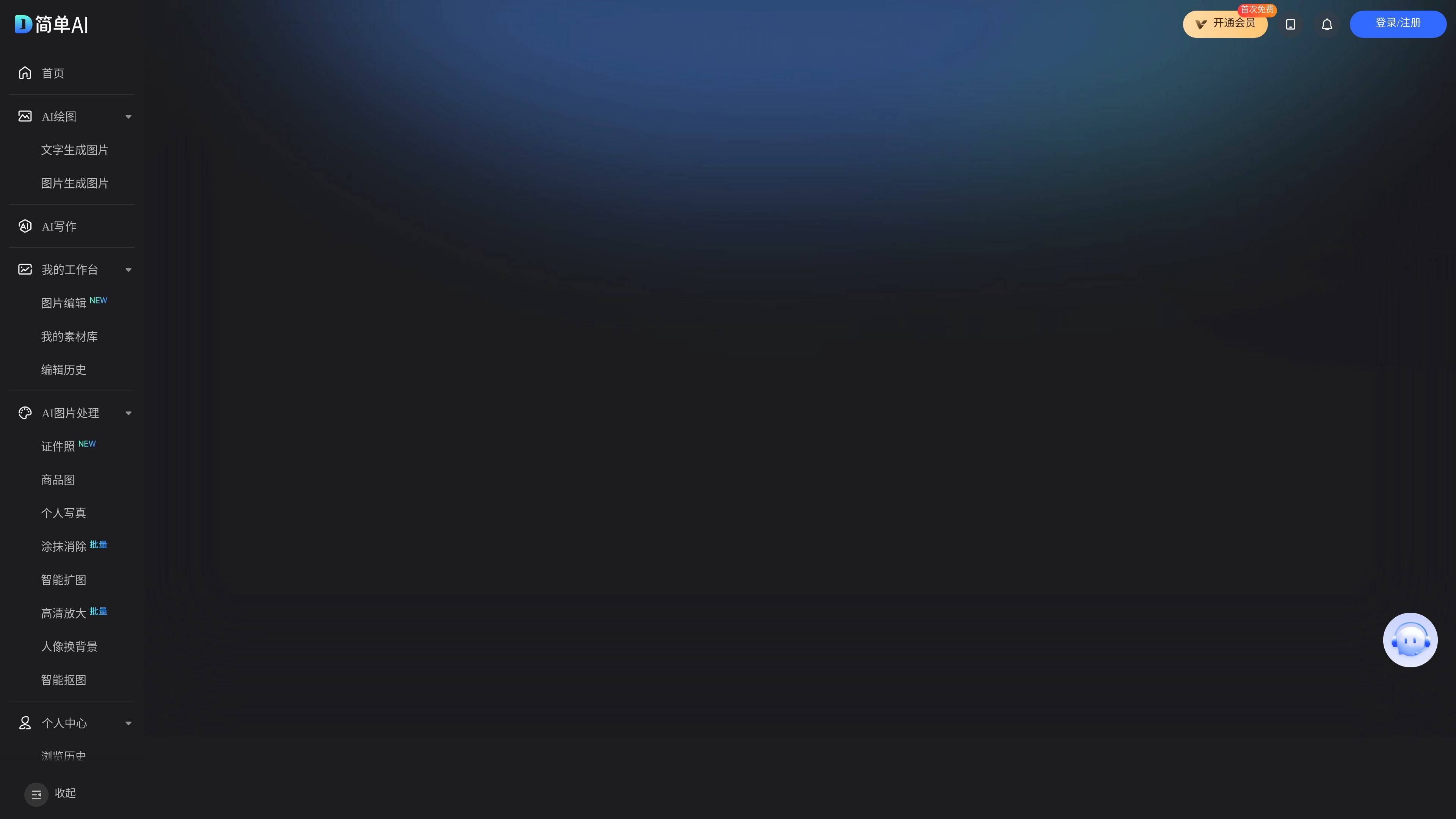
The main navigation and homepage simultaneously feature AI image generation, AI writing, image editing, and image processing, showing that it is an all-in-one tool that combines generation and editing in a single workspace.

A template library for common image scenarios

The homepage lists templates and applications such as e-commerce images, logo design, ID photos, smart cutout, image enhancement, one-click watermark removal, and one-click background replacement, covering common image creation tasks.

A wide range of image processing tools

Popular tools include AI upscaling, AI erasing, line-art extraction, old photo colorization, AI ID photos, and AI image expansion, indicating a broad set of clearly named image processing capabilities.

Community-style inspiration and remixing

The page includes sections like “Create Similar,” “Creative Inspiration,” “Popular,” and “Latest,” allowing users to reference other generated content and quickly reuse prompts or styles.

A text-driven generation workflow

The tool page provides a text input box and a “Generate Now” button, making it suitable for generating images directly from descriptions such as realistic female wallpapers, portrait photos, or other visual content.

Use Cases

  • Text-to-image generation

    When you need to quickly generate posters, avatars, wallpapers, or realistic character images, you can enter a description directly and use the generation entry to create the result.

  • E-commerce and product image creation

    When creating e-commerce content or product showcases, you can use AI product images, AI cutout, background replacement, and product texture enhancement tools to process product assets.

  • Image restoration and portrait editing

    When working with old photos, blurry images, or portrait photos, you can use AI upscaling, old photo colorization, AI erasing, and portrait background replacement for basic retouching.

  • Content creation and copy drafting

    When writing promotional copy, short video scripts, viral titles, or Xiaohongshu content, you can use the AI writing entry to generate a first draft.

  • Inspiration reference and remixing

    When you do not have a clear creative direction, you can browse popular tools, creative inspiration, and “create similar” content to find prompt and style references from existing examples.

Pros and Cons

Pros

  • Covers AI image generation, AI writing, and image processing, making the functional scope fairly complete.
  • Provides clearly named common tools, making it easy to choose based on the task at hand.
  • Includes templates, popular tools, and create-similar entry points, lowering the learning curve for beginners.
  • Offers companion entry points such as a WeChat Mini Program and an official WeChat account, making it convenient to use within the WeChat ecosystem and stay updated.

Cons

  • The source page does not disclose clear pricing, plans, or quota information.
  • Confirmed details about deep integrations and export methods are limited, and the page does not provide specific platform compatibility information.
  • Some capabilities appear only in tool names and examples, while detailed parameters, limits, and output specifications are not fully explained.

FAQ

What can 简单AI mainly do?

From the page content, it offers three core functions: AI image generation, AI writing, and online image processing, making it suitable for people who need to quickly create images, copy, or process pictures.

How does it work?

The page shows entry points such as “Upload Image” and “Generate Now,” and also provides popular tools and creative inspiration, indicating that it supports both text-to-content generation and image editing and processing workflows.

What use cases is it suitable for?

The page clearly shows tools such as AI image generation, AI writing, AI image processing, AI upscaling, AI cutout, AI product images, and AI ID photos, making it suitable for users with design, marketing, content creation, and basic retouching needs.

How much does it cost?

The source page does not provide clear package, pricing, or quota information; it only confirms that there is a separate pricing page.

What official entry points or companion channels are available?

The page mentions an official WeChat account, an official assistant, and a WeChat Mini Program, indicating that users can follow or use the service through WeChat-related entry points.

Quick Facts

Product Name
简单AI
Brand/Site
Sohu AI
Main Category
AI image generation and image processing
Related Capabilities
AI writing, online image editing, design asset library
Official Website
ai.sohu.com
Pricing Information
A separate pricing page exists, but no specific plans are shown in public content