

Photo face swap
Swap faces in uploaded photos using the web tool, with AI handling the face replacement and blending.

Faceswap.tech is a browser-based AI face swap tool for photos, videos, and GIFs. Try free credits or upgrade to paid credit packs for faster processing.
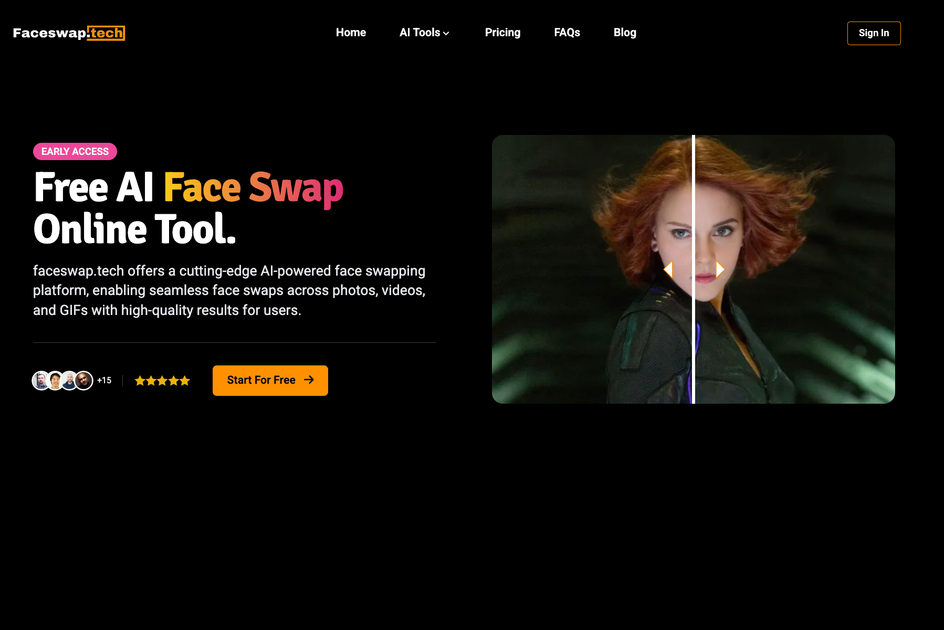
Faceswap.tech is a browser-based AI face swap tool for photos, videos, and GIFs. It lets users upload source media and a target face photo, then automatically generates a swapped result through a simple online workflow.
The product is positioned for quick personal edits and creative content work, with separate pages for photo, video, and GIF face swapping. The pricing page shows a free entry tier, paid credit packs, and an enterprise contact option for custom onboarding.
Swap faces in uploaded photos using the web tool, with AI handling the face replacement and blending.
Process video clips with face swapping and optional face enhancement for higher-detail output.
Swap faces in GIFs, with frame-based processing and enhancement included by default on GIF face swaps.
Use a simple upload-and-start workflow: add the source media, upload the target face photo, then launch processing.
Choose between free credits and paid credit packs, with one-time payment pricing and no subscription stated on the pricing page.
Run multiple paid tasks at the same time; the pricing page says unlimited concurrent tasks are available on paid plans.
Create edited portraits or profile images by swapping a face into a still image without installing desktop software.
Turn short clips into social-ready or playful video edits using the video face swap workflow and optional enhancement.
Customize looping animations and memes by swapping faces in GIFs, with frame-based processing built in.
Use the free credits to test the workflow before choosing a paid pack for larger projects or faster processing.
Request a custom quote if you need higher-volume usage or an onboarding process for enterprise work.
Faceswap.tech provides a simple 3-step workflow: upload the original photo, video, or GIF, upload the target face photo, then start the face swap. The tool handles the processing automatically.
Yes. The site says each user gets free credits to try face swapping, and the free plan lets new users start with 120 credits. Paid plans are available for faster processing, higher quality, and more swaps.
Photos, videos, and GIFs are supported. The site also notes that common mainstream file formats are supported for free face swap, with video uploads up to 500MB and GIF uploads up to 3MB.
Videos can be downloaded after processing, and the site says face-swapped creations can be downloaded. It also notes that generated files are only stored for a limited time, so downloads should be saved promptly.
The site says uploaded files and generated results are encrypted, visible only to the user, and periodically deleted. It also says upload history is stored locally and can be deleted by the user.

Upsampler is an AI platform for creating, editing and upscaling images and videos in one workspace. Pay per credit, full API access, commercial use included.

Rizzle turns articles into editorial-grade video and distributes it across major channels with AI-assisted, human-reviewed workflows for publishers.

Photoroom is an AI visual editing platform for e-commerce that removes backgrounds, creates product images, and prepares listings from phone, web app, or API workflows.

豆绘AI is an online AI image generation and editing platform for ecommerce and design, supporting white background, scene, interior rendering and post-processing.

AnyClip is a visual intelligence platform for video that automates enrichment, improves discovery, and supports engagement and monetization.

AI HomeDesign is a web-based photo editing toolbox for real estate listings, with AI staging, item removal, day-to-dusk rendering, enhancement, and renovation tools. It is built for agents and other listing workflows that need editable, listing-ready images quickly.