

Text-to-SVG and image-to-SVG generation
Generate SVGs from text prompts, and optionally use example images to guide the result.

SVGStud.io is a web-based AI SVG generator and editor for creating, searching, and refining scalable vector graphics. It supports text-to-SVG, image-to-SVG, semantic search, browser editing, and free SVG bundles.
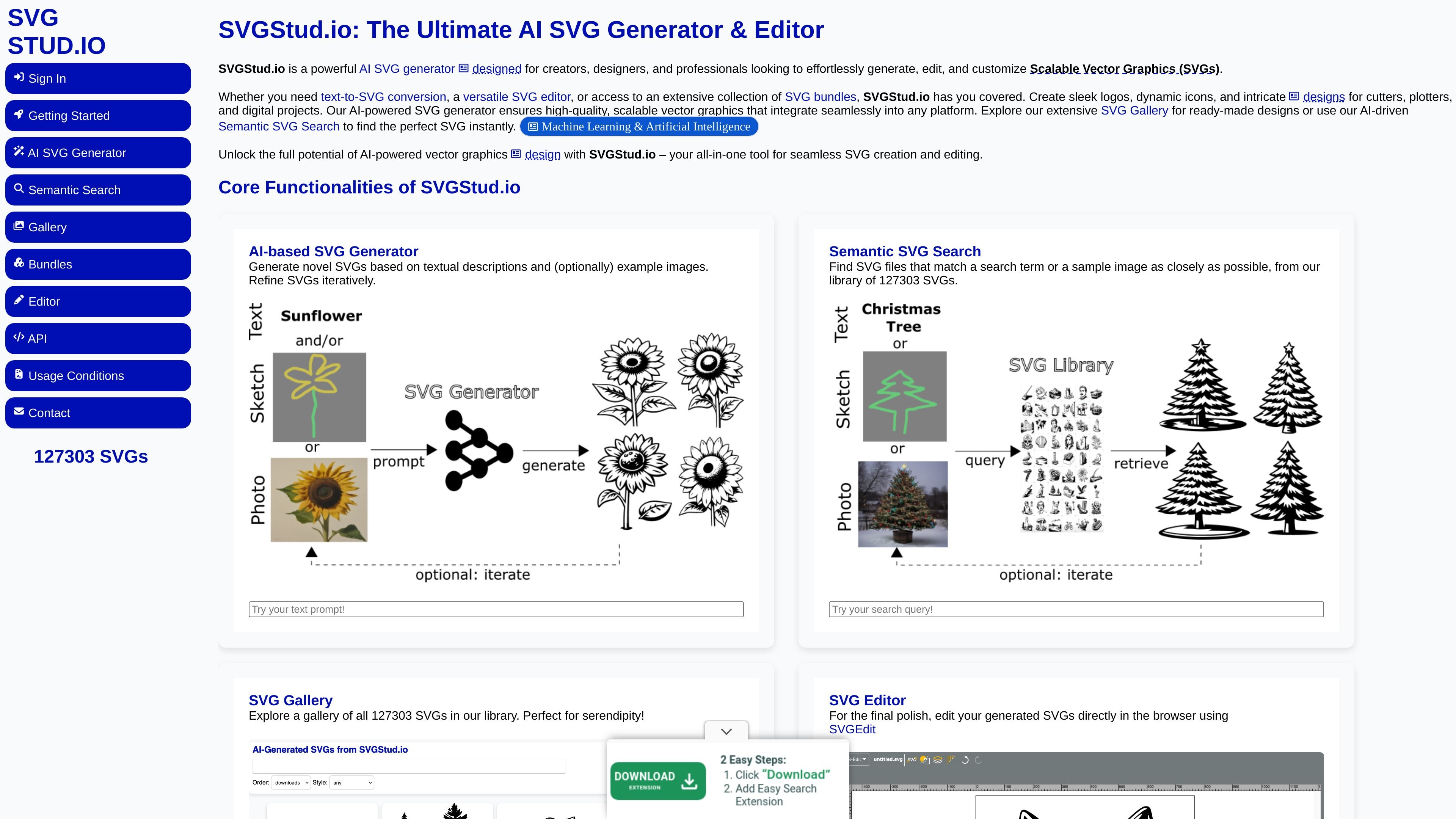
SVGStud.io is an AI-powered SVG generation and editing platform for creating scalable vector graphics from text prompts, example images, or existing SVG files. It combines generation, search, browsing, editing, and bundle downloads in one site.
The product is aimed at creators, designers, and professionals who need SVGs for logos, icons, illustrations, web design, print, or cutter and plotter workflows. The site says SVGs remain resolution-independent and can be edited in-browser, making the platform useful for both creation and follow-up refinement.
Generate SVGs from text prompts, and optionally use example images to guide the result.
Refine existing SVGs through SVG inpainting for iterative changes to a design.
Search the library by a search term or sample image to find SVGs that match a target more closely.
Browse the full SVG gallery for ready-made designs and exploratory discovery.
Edit generated or uploaded SVGs directly in the browser with the SVG editor.
Access themed SVG bundles such as airplane, baby, bird, birthday, car, cat, christmas, dog, fruit, halloween, monkey, princess, robot, school, and wedding bundles.
Generate logo, icon, or illustration concepts from a text prompt, then iterate on the result with repeated refinement.
Upload or start from an SVG and adjust paths, colors, and layers in the browser for final polish.
Search the library by text or sample image to find a closer visual match for a design need or reference asset.
Browse the gallery or themed bundles when you need ready-made vector assets for web, print, or digital projects.
Yes. SVGStud.io includes an AI SVG Generator for text-to-SVG and image-to-SVG workflows, and it also supports SVG inpainting for refining existing graphics.
The site says SVGStud.io is free during its preview phase. Core features, including SVG Bundles and Semantic Search, are freely accessible, while the generator has a daily usage limit per user.
Yes. The editor page says you can edit AI-generated or custom SVG vector files directly in the browser, including files you upload.
The home page says SVGStud.io logs user inputs and adds generated SVGs to its public SVG library, so prompts should not include personal or sensitive information.
The home page says all SVGs created on SVGStud.io are licensed under CC-BY-SA 4.0, and the bundles page describes its SVG bundles as permissively licensed.

简单AI is Sohu’s online AI tool for AI image generation, AI writing, and online image editing—ideal for quickly creating images, copy, or basic retouching.

豆绘AI is an online AI image generation and editing platform for ecommerce and design, supporting white background, scene, interior rendering and post-processing.

Upsampler is an AI platform for creating, editing and upscaling images and videos in one workspace. Pay per credit, full API access, commercial use included.

Creativio AI turns basic images into polished product visuals for ecommerce, marketing, and social campaigns—fast, with less manual editing.

Photoroom is an AI visual editing platform for e-commerce that removes backgrounds, creates product images, and prepares listings from phone, web app, or API workflows.

Paper is a design tool that connects canvas, code, and AI agents so teams can create, share, and ship work in one workflow. Includes desktop app and MCP access.