


Cartoonizer and specialty effects
Turn photos into cartoons, sketches, paintings, digital-style effects, and avatar characters with one-click effects.
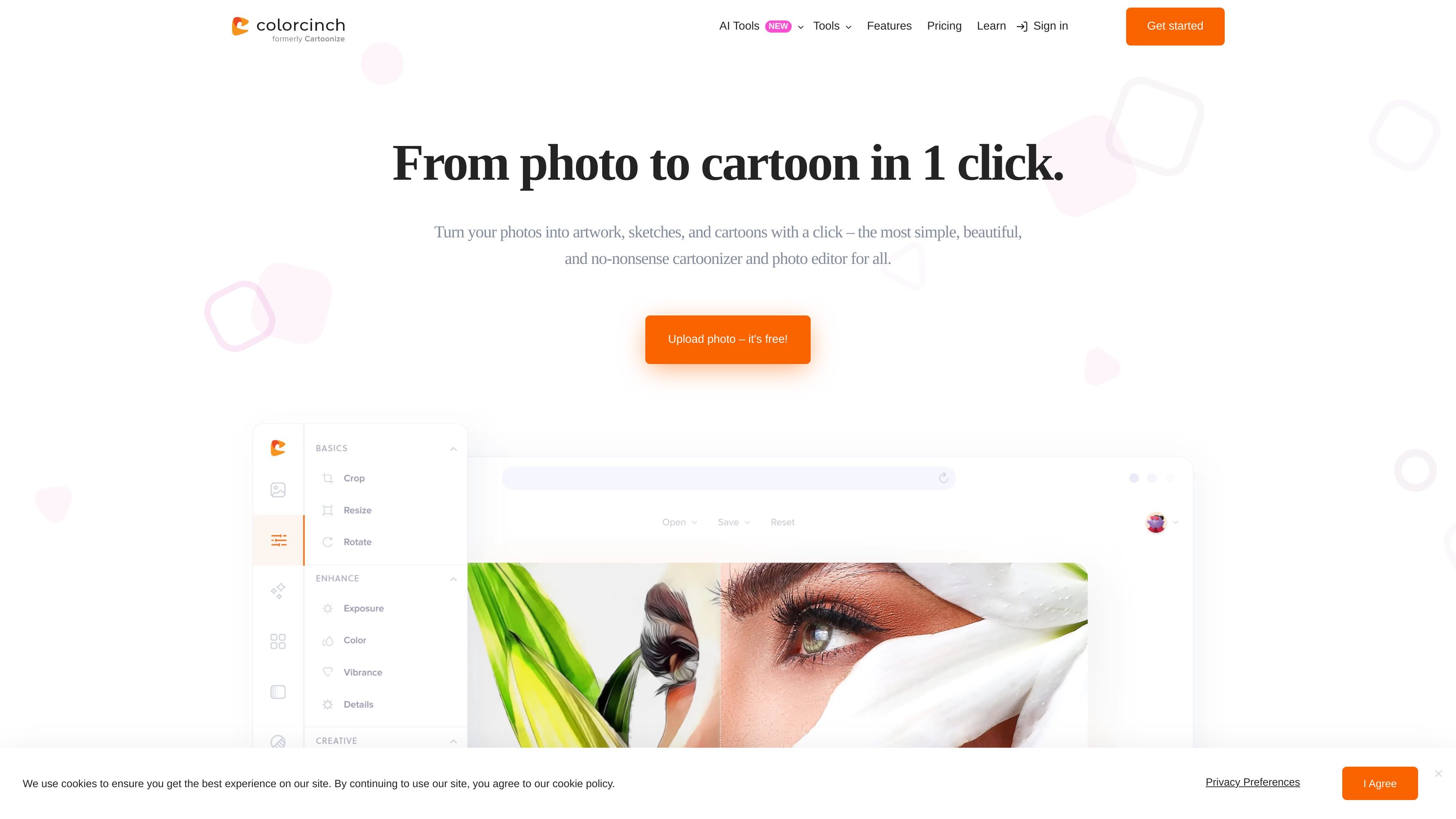
Colorcinch is an online photo editor built around a one-click cartoonizer. It turns uploaded photos into cartoons, sketches, paintings, and other stylized artwork, with separate tools for editing, compositing, and exporting the finished image.
The site positions the product as simple to use: users can start without a sign-up on the Basic plan, apply effects from the editor or cartoonizer workflow, and then download or share the result. Pricing information also shows a paid Plus plan with additional features, graphics, and higher-resolution export options.
Turn photos into cartoons, sketches, paintings, digital-style effects, and avatar characters with one-click effects.
Adjust effect intensity, clarity, and overall look so the result matches the source image and your preferred style.
Remove backgrounds, crop and resize images, adjust exposure and color, sharpen or blur, and straighten, flip, or rotate photos.
Add text, use text masking, draw with brushes, combine layers, and build collages, memes, and overlays.
Export projects as JPG, PNG, or PDF and the site states exports can reach up to 400 DPI for print use.
Use the web platform online or offline through the PWA app, and access the mobile app on iOS and Android.
Upload a portrait or selfie and convert it into a cartoon-style profile image, with the option to adjust the effect before saving it.
Use the editor’s sketch, painting, and other stylized effects to turn a photo into artwork for sharing or personal projects.
Remove a background, add text, or combine multiple images into a collage when the cartoon effect is only one part of the final composition.
Use the web app or PWA to continue editing across devices, including offline mode when internet access is limited.
Start with the free Basic plan for simple cartoon edits, then move to Plus if you need premium effects, graphics, or higher-resolution export options.
Colorcinch Basic is free to use and does not require registration. Colorcinch Plus is a paid plan with monthly and annual billing options.
Yes. The pricing page says you can cancel monthly or annual subscriptions at any time from your account.
Colorcinch is described as a web-based platform that works on Mac, Windows PC, and Linux, and it also offers a mobile app for iOS and Android.
The site says you can upload a photo, choose a cartoon filter or effect, adjust intensity or clarity if needed, and then download the result.
The site says that if you own the rights to the original image, you own the rights to the cartoon version you create. It also says you can download and share the result.

Creativio AI 是一款 AI 商品攝影工具,能將基本圖片快速轉換為精緻行銷視覺,適合電商賣家、行銷人員、創作者與小型企業,提升商品素材製作效率,免手動修圖。

Image to Cartoon 是免費的網頁 AI 卡通化工具,可將照片快速轉成卡通、動漫、漫畫或 3D 風格圖片。免註冊、瀏覽器即用,支援自拍、合照、寵物照與其他上傳。

Recraft is an AI image generation and design platform for designers, creatives, sellers, and teams. It supports raster and vector generation, custom styles, mockups, editing, and API-based workflows.

Photoroom 是專為電商打造的 AI 視覺編輯平台,可快速去背、建立商品圖片,並透過手機、Web 應用程式或 API 工作流程完成商品上架準備。

豆繪AI是面向電商與設計的線上AI出圖與編輯平台,支援白底圖、場景圖、室內效果圖與常見圖片後製處理,快速產出可交付商品圖與行銷圖。

Upsampler 是一站式 AI 圖像與影片平台,可在同一工作區生成、編輯與放大影像。採點數計費,所有方案皆含完整 API 與商業使用授權。