


Video face swapping
Swap faces in uploaded videos using the AI Video tool. The homepage says the system detects faces in a video and swaps them with a chosen face.
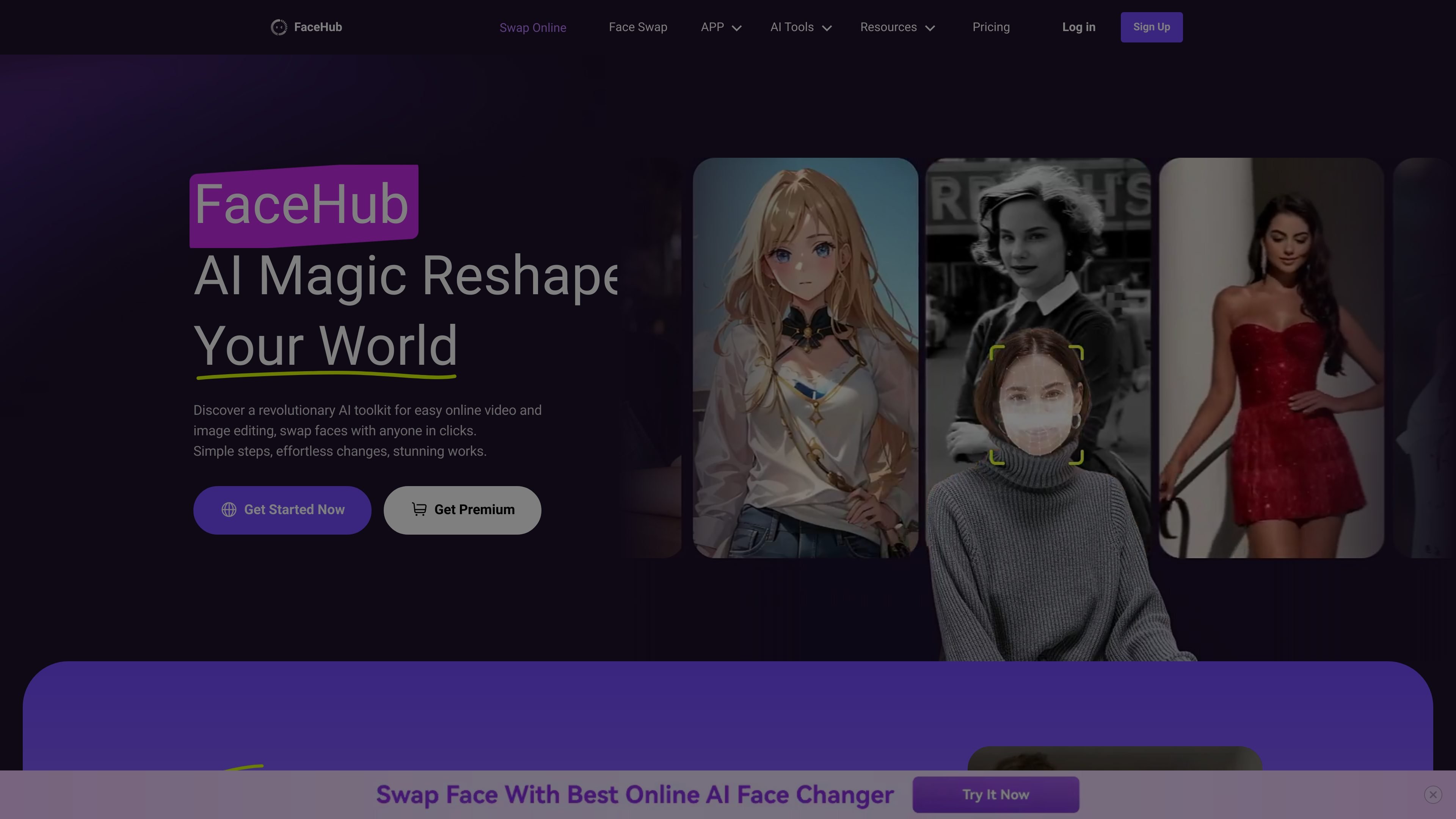
FaceHub is an AI face editing tool for videos and images. It focuses on face swapping, AI portraits, anime-style image generation, and related template-driven workflows that let users create stylized media from uploaded photos or videos.
The site positions the product around quick edits and preset-based creation rather than manual editing. The guide explains that users can sign up with email or with Google, Facebook, Twitter, or Apple, then access tools for face swap videos, face swap images, AI anime, and AI portraits. Premium access adds private media uploads, full feature access for AI Anime and AI Portrait, and more concurrent task handling.
Swap faces in uploaded videos using the AI Video tool. The homepage says the system detects faces in a video and swaps them with a chosen face.
Replace faces in photos and apply preset styles such as sport, film, wedding, yearbook, magazine, and other looks.
Generate AI portrait images from uploaded photos with stylized outputs and preset themes. The site highlights casual, ID, yearbook, magazine, 30's style, 80's style, and animal presets.
Create custom anime-style images, including 2D, 3D, Disney-like, Pixar-like, pixel art, and other illustrated styles.
Process multiple swaps and templates at once. The guide mentions multitasking 10 face-swapping tasks together, and the pricing page notes parallel processing and multi-device login for premium users.
Use large template libraries for faster starting points. The homepage mentions 1,000+ video templates and 500+ photo templates, while the pricing page references more than 2,000 templates.
Swap faces in short-form or longer videos when you want a quick visual change without manual frame-by-frame editing. The site highlights fast processing and template-based video workflows.
Turn selfies or portraits into themed images for sports, film, wedding, magazine, or yearbook-style looks. This fits users who want stylized images from a single uploaded photo.
Create anime versions of photos in 2D, 3D, Disney-like, Pixar-like, or pixel-art styles. This is useful for social profiles, creative concepts, or personalized art experiments.
Generate portrait sets for profile images or concept testing using preset portrait styles such as casual, ID, 30's style, and 80's style. The tool is positioned for fast outputs from uploaded photos.
Use the product for template-led content creation in situations like memes, fan-style edits, greetings, or lightweight promotional visuals. The homepage and guide both emphasize quick creation from uploaded media.
Handle multiple face-swap jobs together when working through several assets at once. The guide says premium users can multitask up to 10 face-swapping tasks together, which suits higher-volume workflows.
FaceHub appears to support face swapping in both videos and images, along with AI portrait and anime tools. The guide describes it as a hub of AI tools for swapping faces on photos and videos or creating unique AI portraits or anime.
The guide says users can create an account with email and password or via Google, Facebook, Twitter, or Apple. After signing up, they can enter the homepage workspace and access the available tools.
The guide states that free users get partial access to AI Anime and AI Portrait features. Premium users can upload private media, use all video templates, access the complete AI Anime and AI Portrait features, retain free credits each week depending on the subscription package, and multitask up to 10 face-swapping tasks together.
The source shows FaceHub supports face swapping for videos, image-based face swaps, AI anime generation, and AI portrait generation. It also mentions Google, Facebook, Twitter, and Apple as account-creation options.

豆繪AI是面向電商與設計的線上AI出圖與編輯平台,支援白底圖、場景圖、室內效果圖與常見圖片後製處理,快速產出可交付商品圖與行銷圖。

Upsampler 是一站式 AI 圖像與影片平台,可在同一工作區生成、編輯與放大影像。採點數計費,所有方案皆含完整 API 與商業使用授權。

Creativio AI 是一款 AI 商品攝影工具,能將基本圖片快速轉換為精緻行銷視覺,適合電商賣家、行銷人員、創作者與小型企業,提升商品素材製作效率,免手動修圖。

簡單AI是搜狐旗下的線上 AI 工具,提供 AI 繪圖、AI 寫作與線上圖片處理,適合需要快速生成圖片、文案或進行基礎修圖的使用者。

Image to Cartoon 是免費的網頁 AI 卡通化工具,可將照片快速轉成卡通、動漫、漫畫或 3D 風格圖片。免註冊、瀏覽器即用,支援自拍、合照、寵物照與其他上傳。

Recraft is an AI image generation and design platform for designers, creatives, sellers, and teams. It supports raster and vector generation, custom styles, mockups, editing, and API-based workflows.