

In-browser video editing
Create and edit videos online with AI video editing tools, using a browser-based workflow that does not require software installation.

Microsoft Clipchamp is an online video editor for creating, recording, and sharing videos in the browser or on Windows. It adds AI subtitles, voiceovers, audio cleanup, and stock media, with free editing available and premium features included in Microsoft 365 Personal and Family plans.
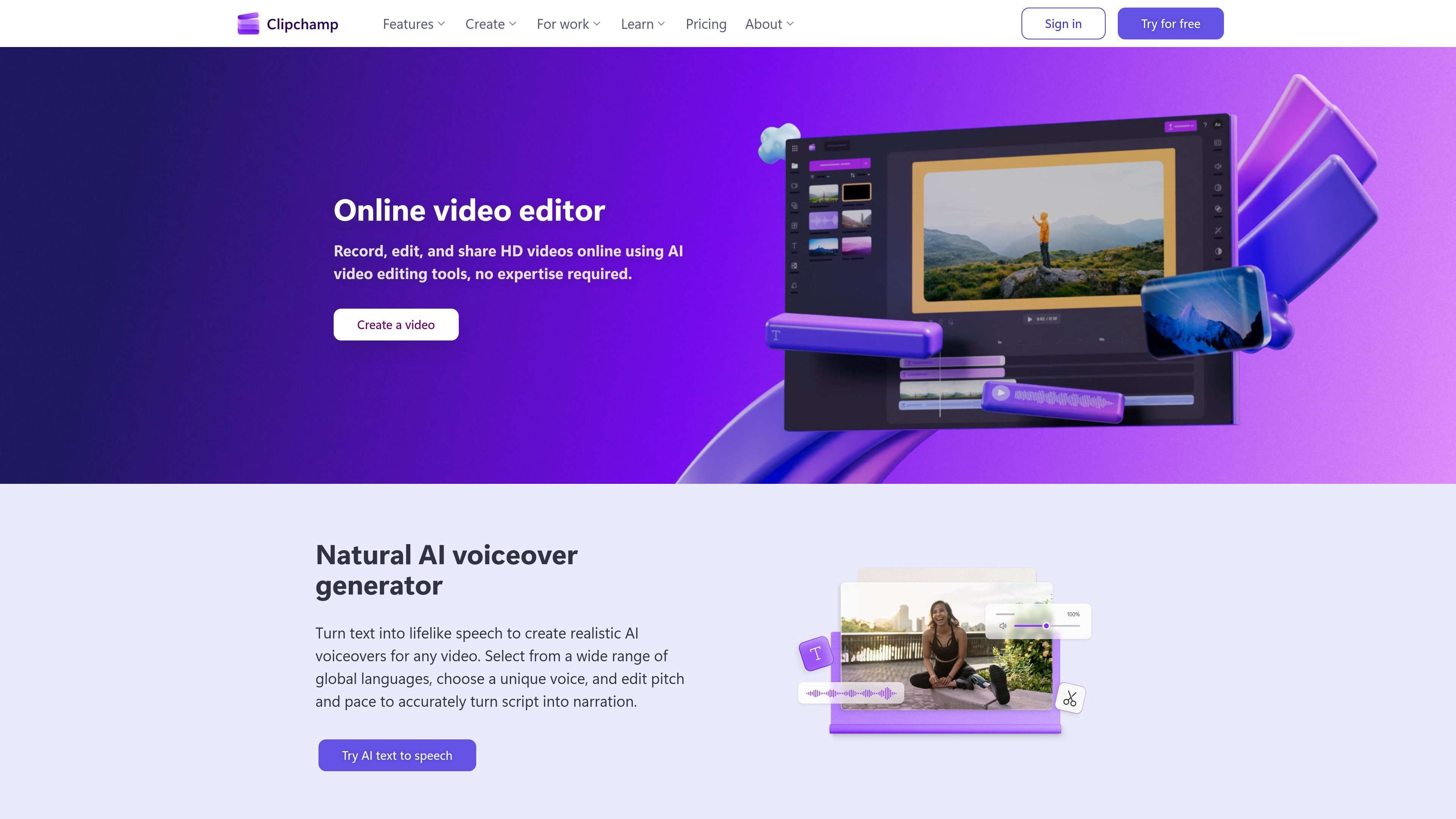
Microsoft Clipchamp is an online video editor that lets people record, edit, and share videos in a browser. The site also offers a Windows app, so users can work either online or from a desktop installation.
Its core workflow combines standard editing tools with AI-assisted features such as subtitles, voiceovers, and audio cleanup. Clipchamp also includes stock media and export options that range from free HD output to premium 4K UHD export with Microsoft 365.
Create and edit videos online with AI video editing tools, using a browser-based workflow that does not require software installation.
Generate lifelike narration from text, with a wide choice of voices, multiple languages, and controls for pitch and pace.
Create subtitles from video audio, edit subtitle style, and download transcript files in .SRT format.
Record webcam, screen, and audio on Windows and Mac devices, with options to preview, save, and send clips to the editing timeline.
Remove pauses, silence, filler words, and background noise with AI audio editing tools designed to clean up spoken content.
Use royalty-free stock videos, images, music, stickers, GIFs, and sound effects, with premium stock assets available on paid plans.
Build social videos, short-form clips, and polished edits in the browser, then add templates, stock media, subtitles, or voiceover without moving to another app.
Record webcam videos, screen captures, or audio for demos, explainers, and presentations, then trim mistakes and export the result for sharing.
Create captions and transcripts for videos, podcasts, training content, and meeting recordings to improve accessibility and make spoken content easier to scan.
Use AI voiceover and audio cleanup tools to turn scripts into narration, remove background noise, and reduce pauses or filler words in spoken tracks.
Prepare webcam reactions, Q&A clips, or internal updates on Windows or Mac devices, with the option to save recordings directly into the editor timeline.
Clipchamp offers a free online video editor that works with a personal Microsoft account. The free plan includes basic editing tools, AI features such as subtitles and voiceovers, and exports up to 1080p HD with no watermarks.
Yes. Clipchamp works in the browser, and the site also offers a Windows app. The home page says you can get started in-browser or download the Windows app.
Clipchamp supports recording, editing, and exporting videos, plus creating subtitles, webcam recordings, and AI voiceovers. The pricing page says free exports go up to 1080p HD, while Microsoft 365 Personal and Family plans include premium features such as 4K UHD export and premium stock assets.
Clipchamp's subtitle generator can create subtitles in over 100 languages, and the voiceover tool supports multiple languages with a large set of voices. The webcam recorder page also says recordings can be made on Windows and Mac devices.
The source pages describe Clipchamp as suitable for personal video creation, social media content, tutorials, meeting recordings, training videos, and webcam presentations. The provided evidence does not detail team collaboration features beyond export and sharing workflows.

Podfy.ai 是一款以瀏覽器為基礎的 AI 影片工具,可將文字、腳本、音訊與音樂快速轉成已剪輯影片,內建旁白、字幕、特效與配樂,適合想更快製作短影音的創作者。

魔音工坊是線上文字轉語音與 AI 配音平台,適合短影音、有聲書與內容創作者,並提供文案提取、自動打軸、一鍵成片與多人協作工具。

Diffusion Studio 是專為創作者與專業人士打造的瀏覽器影片編輯器,整合無限畫布、時間軸編輯、AI 輔助工作流程與 4K 匯出。免費方案含不限專案、無浮水印與可商用。

Rizzle 是以出版商為核心的平台,可將文章轉成編輯級影片,並協助在主要渠道分發與變現;支援 AI 輔助與人工編審的代管流程。

SongCleaner 是一款網頁版 AI 音訊編輯器,可移除歌曲中的不當詞句,打造更乾淨的版本,適合家庭、教室或活動播放。支援常見音訊格式,並提供付費方案、較高上限、高品質匯出與優先處理。

Altered is an AI voice changer and voice content creation platform for media production and live voice use. It combines voice morphing, text-to-speech, transcription, translation, cloning, and editing in one application.