

One-click photo enhancement
Automatically improves blurry, low-quality, or pixelated photos in one click without requiring manual editing skills.

Face26 is an AI photo enhancer for improving, restoring and upscaling blurry, low-resolution or old photos in browser or mobile app.
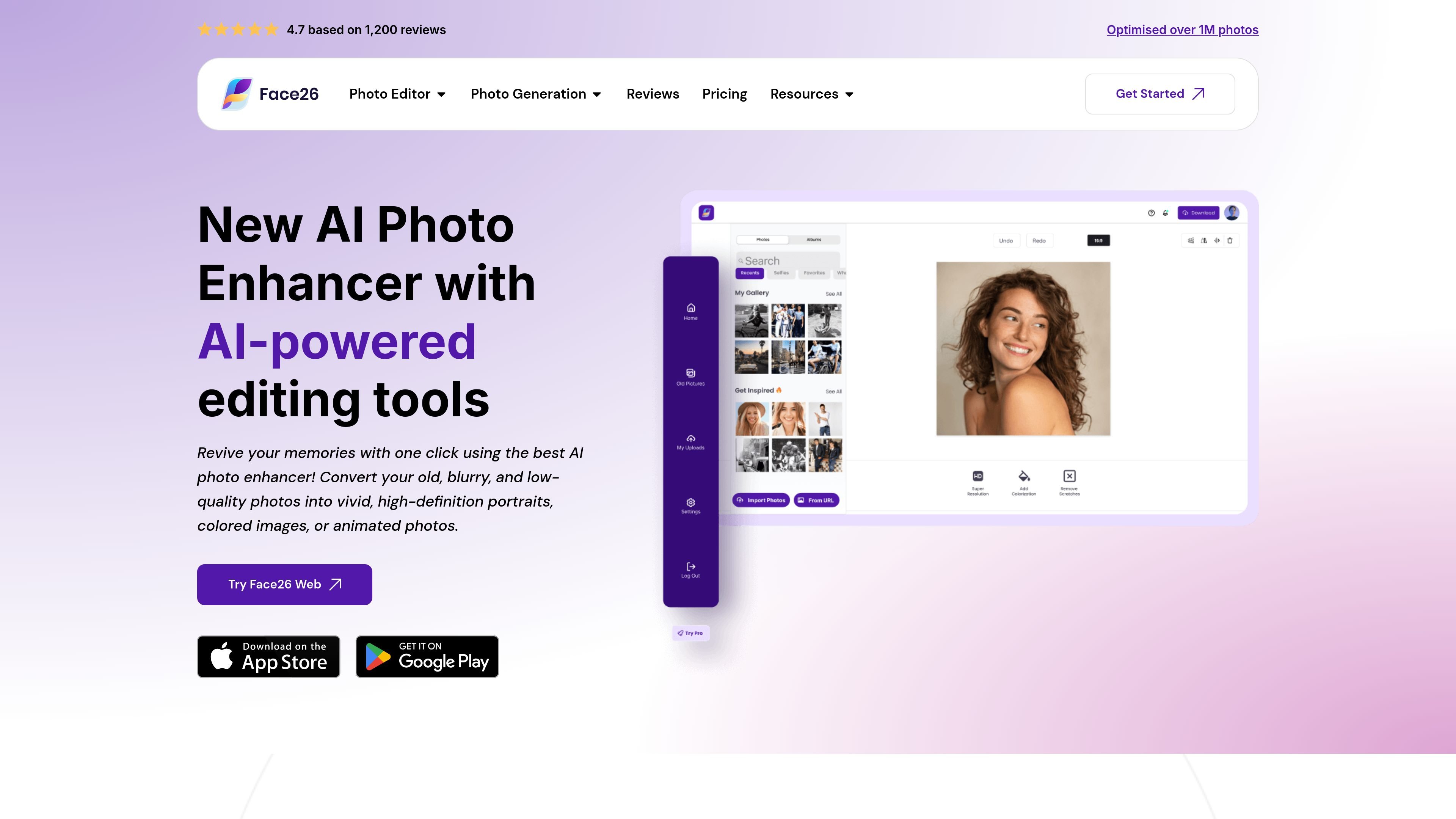
Face26 is an AI photo enhancement service that focuses on improving the quality of photos and related images online. Its main enhancement flow turns blurry, low-resolution, or old images into sharper, higher-definition versions with one click.
Beyond basic enhancement, the site presents a broader set of AI image tools for unblurring, colorizing black-and-white photos, denoising, upscaling to HD, recoloring, restoring old photos, retouching faces, removing backgrounds, and generating or stylizing images for specific use cases.
Automatically improves blurry, low-quality, or pixelated photos in one click without requiring manual editing skills.
Sharpens details, adjusts color balance, and increases resolution to produce a cleaner output from the source image.
Supports a wider set of repair and transformation tools, including unblur, colorize black-and-white photos, denoise, upscale to HD, recolor, restore old photos, retouch faces, and remove backgrounds.
Works in a browser on desktop and smartphone, and the site also points users to a free mobile app for enhancement tasks.
States that uploaded images are encrypted, can be deleted by the user, and are not shared or accessed according to the security page copy.
Allows users to upload JPEG, JPG, or PNG files and download the enhanced image afterward.
Improve old or blurry family photos by sharpening faces, restoring clarity, and bringing back detail with a single upload-and-enhance workflow.
Turn black-and-white photos into color images, or adjust lighting and color in underexposed shots that need a cleaner presentation.
Upscale small or pixelated images to higher resolution for photos, logos, text, objects, or graphics that need a clearer display version.
Remove backgrounds, retouch faces, and refine portraits for headshots, dating photos, or other profile-image use cases.
Process commercial image assets such as product shots or AI-generated images when the goal is cleaner lighting, stronger color, or more polished presentation.
Face26 offers an online AI photo enhancer that improves resolution, sharpens details, adjusts color, and helps restore clarity in blurry or low-quality photos. The site also shows related tools for unblurring, colorizing, denoising, upscaling, face retouching, background removal, and photo restoration.
The site describes a simple three-step flow: upload a photo, let the tool enhance it automatically, then download the improved image. The page also says the web app can be used on desktop or smartphone, and that the mobile app is available for free on Google Play and the Apple Store.
Supported upload formats mentioned on the enhancement page are JPEG, JPG, and PNG. The page also says the system can handle images of any size and complexity.
Face26 says the technology processes images within seconds in general, though the exact time depends on image size and complexity.
The pricing page itself is behind a verification screen, so the source set does not expose specific plans or prices. One enhancement-page FAQ states that commercial use is allowed if you upgrade to Premium.

简单AI is Sohu’s online AI tool for AI image generation, AI writing, and online image editing—ideal for quickly creating images, copy, or basic retouching.

Photoeraser is a web-based AI photo editor for removing backgrounds, erasing unwanted objects, and enhancing image quality with simple upload workflows.

Photoroom is an AI visual editing platform for e-commerce that removes backgrounds, creates product images, and prepares listings from phone, web app, or API workflows.

SupPixel AI is a web-based image enhancement and upscaling tool to improve resolution, clarity, and detail in photos and visuals, with background processing, credits, and plans.

Upsampler is an AI platform for creating, editing and upscaling images and videos in one workspace. Pay per credit, full API access, commercial use included.

AI HomeDesign is a web-based photo editing toolbox for real estate listings, with AI staging, item removal, day-to-dusk rendering, enhancement, and renovation tools. It is built for agents and other listing workflows that need editable, listing-ready images quickly.